

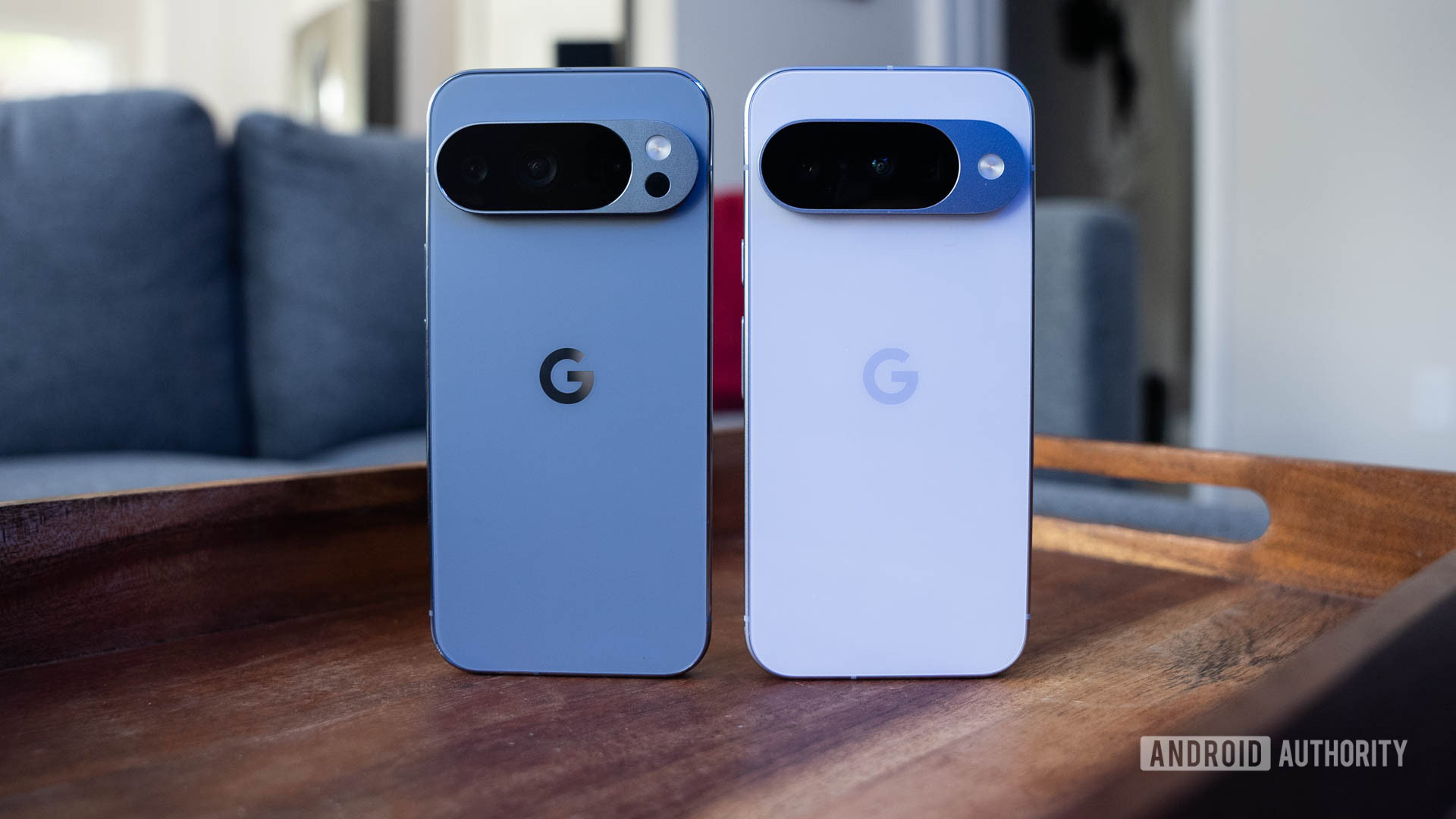
The Google Pixel 10 Pro is an exceptional smartphone, but you’re overlooking some valuable features if you aren’t utilizing them.
The Google Pixel 10 Pro ranks among the top Android smartphones available, but this isn’t solely due to its hardware. The display, camera quality, and superb construction certainly justify the choice of this phone, yet there’s arguably an even more significant aspect.
Google phones, such as the Pixel 10 Pro, excel in terms of software. With seven years of Android OS updates, consistent Pixel Drops, and exclusive functionalities, the software alone is a compelling reason to consider a Google device.
Nonetheless, there are numerous remarkable features of the Pixel 10 Pro that you should actively explore. You could go years without discovering them, but if you miss out, you’ll truly regret it. From Magic Cue to Qi2, these are the features that set the Pixel 10 Pro apart.
Allow your phone to handle the heavy lifting with Magic Cue
Magic Cue may be the most intelligent Pixel feature yet, as it processes information from various Google applications to provide a comprehensive view of your device and service usage. It can draw on data from apps such as Gmail, Pixel Screenshots, Google Calendar, and Google Messages to predict your next actions. This feature saves time by smartly displaying information when you require it. For instance, if you’re messaging a friend about your upcoming flight, Magic Cue might prompt you to share your flight details in Google Messages.
You maintain control over your data when using Magic Cue, and it operates on-device utilizing Gemini Nano models and the Tensor G5 chip for processing. Additionally, you can select or deselect the data sources for Magic Cue. If you prefer not to have the feature examine your emails, you can disable Gmail as a source.
To start using it, open the Settings app, select the Magic Cue section, and ensure that the toggles are enabled for the suggestion types and data sources you want. Then, wait for Magic Cue to recommend an action as your day unfolds.
Receive personal photography guidance with Camera Coach
If you’re concerned about AI excessively modifying or altering photos, you should still consider Camera Coach. This new feature on the Pixel 10 Pro utilizes AI to assist you in becoming a better photographer, rather than relying on generative AI to perform the task for you. The tool leverages a combination of on-device and cloud-based AI powered by custom Gemini models specifically developed for photography skills.
The functionality is straightforward. AI models analyze a scene, and from there, Camera Coach provides instructions on capturing the optimal photo. It may suggest advice related to factors like composition, lighting, or framing. Those without photography experience may lack the innate skills to fully utilize the triple-camera system of the Pixel 10 Pro.
Fortunately, thanks to Camera Coach, you don’t have to. While using the Pixel Camera app, you’ll notice a Camera Coach icon in the upper right corner above the viewfinder. It looks like a camera with an AI sparkle, and tapping it will activate Camera Coach. From there, the AI scans your image, proposes a theme, and guides you toward achieving the perfect shot.
Edit photos effortlessly with Ask Photos
The Google Photos app comes packed with photo editing capabilities, and it’s challenging to keep track of all the features. To address this, Google introduced the Ask Photos feature in the Pixel 10 Pro. It includes a Help me edit option in the Google Photos editor that understands natural language requests and can modify photos for you. For example, you could instruct it to remove reflections in an image or eliminate shadows.
Using it is straightforward — simply tap the Help me edit button in the Google Photos editor. Then, type a request or click a suggestion, choose an edited image option, and save it as a copy. This feature won’t be accessible until you opt into Ask Photos, but doing so is definitely worth it for this tool.
Document your experiences with the Pixel Journal app
It’s not common for Google to launch a completely new app, but that’s exactly what they did for the Pixel 10 Pro. The new device was among the first to feature the Pixel Journal app, an AI-enhanced journaling application. The app is designed with privacy in mind, providing a secure space for your most private reflections. It can integrate data from Google Photos and Health Connect, and offers cloud storage support and a secure PIN to protect your entries.
You may be curious — how does AI play a role here? Within the Pixel Journal app, there’s a dedicated Insights tab that organizes your entries, and the Create a Journal entry feature will suggest AI-generated writing prompts. Moreover, there’s a Deep dive mode that assists users in exploring topics they wish to write about. Another AI functionality worth mentioning is Mood ID, which selects an appropriate emoji for each journal entry.
It’s important to note that no data from the Pixel Journal is utilized for targeted advertising or AI training. The AI-driven features rely on on-device processing to ensure privacy.
While the Pixel Journal app