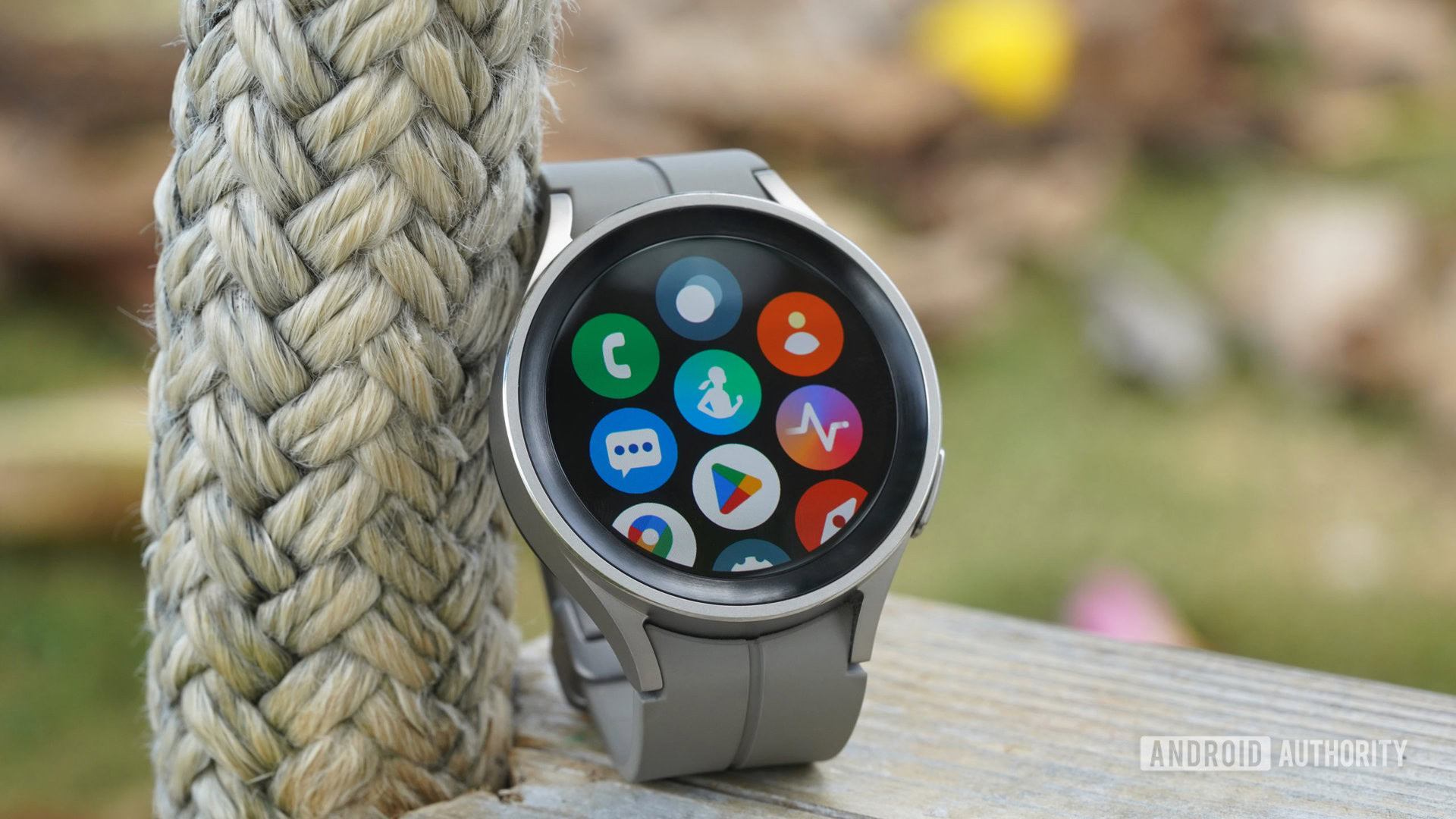
Here’s what you can anticipate from this update.
What you should be aware of:
– One UI 8 Watch was introduced with the Samsung Galaxy Watch 8 series and has since expanded to the Galaxy Watch 6 and Galaxy Watch 7 families.
– The Galaxy Watch 5 series is the next recipient, as the One UI 8 Watch beta initiative concluded on Dec. 1 for those devices.
– The public rollout of One UI 8 Watch for the Samsung Galaxy Watch 5 and Galaxy Watch 5 Pro is expected shortly.
Wear OS 6 introduced numerous new capabilities and enhanced performance to smartwatches this summer, yet some older Samsung watches are still awaiting the upgrade. One UI 8 Watch initially appeared on the Samsung Galaxy Watch 8 series and has since made its way to Galaxy Watch 7 and Galaxy Watch 6. According to a report from SamMobile, it seems that One UI 8 Watch will soon be available for even older Samsung Galaxy Watch models.
A few months back, Samsung initiated a beta program in the U.S. and Korea for testing One UI 8 Watch on the Galaxy Watch 5 and Galaxy Watch 5 Pro. This beta program has just wrapped up as of Dec. 1, based on discussions in Samsung’s community forums. This indicates that the Wear OS 6-based update is very close to being available for the Galaxy Watch 5 and Galaxy Watch 5 Pro.
For instance, owners of Galaxy Watch 6 and Galaxy Watch 6 Classic began receiving the One UI 8 Watch update merely hours after the conclusion of the beta program, as detailed in SamMobile’s report. Typically, the updates are released regionally, with varying schedules for different models. Participants in the One UI 8 Watch beta will automatically be upgraded to the public release version.
If Samsung’s typical release trend remains consistent, users of Galaxy Watch 5 and Galaxy Watch 5 Pro can look forward to the stable One UI 8 Watch update rolling out in the next few days or weeks, following the end of the beta program.
One UI 8 Watch represents a significant upgrade that incorporates all of Google’s Wear OS 6 enhancements alongside Samsung exclusives. Bedtime Guidance, Antioxidant Index, and the Now Bar are among the key new features. Additionally, Samsung’s Running Coach—an AI-driven running analysis tool that was initially introduced on newer watches—will also be available for older models.
When the update becomes available for your watch model, you can install it by going to Watch settings > Watch software update > Download and install.
