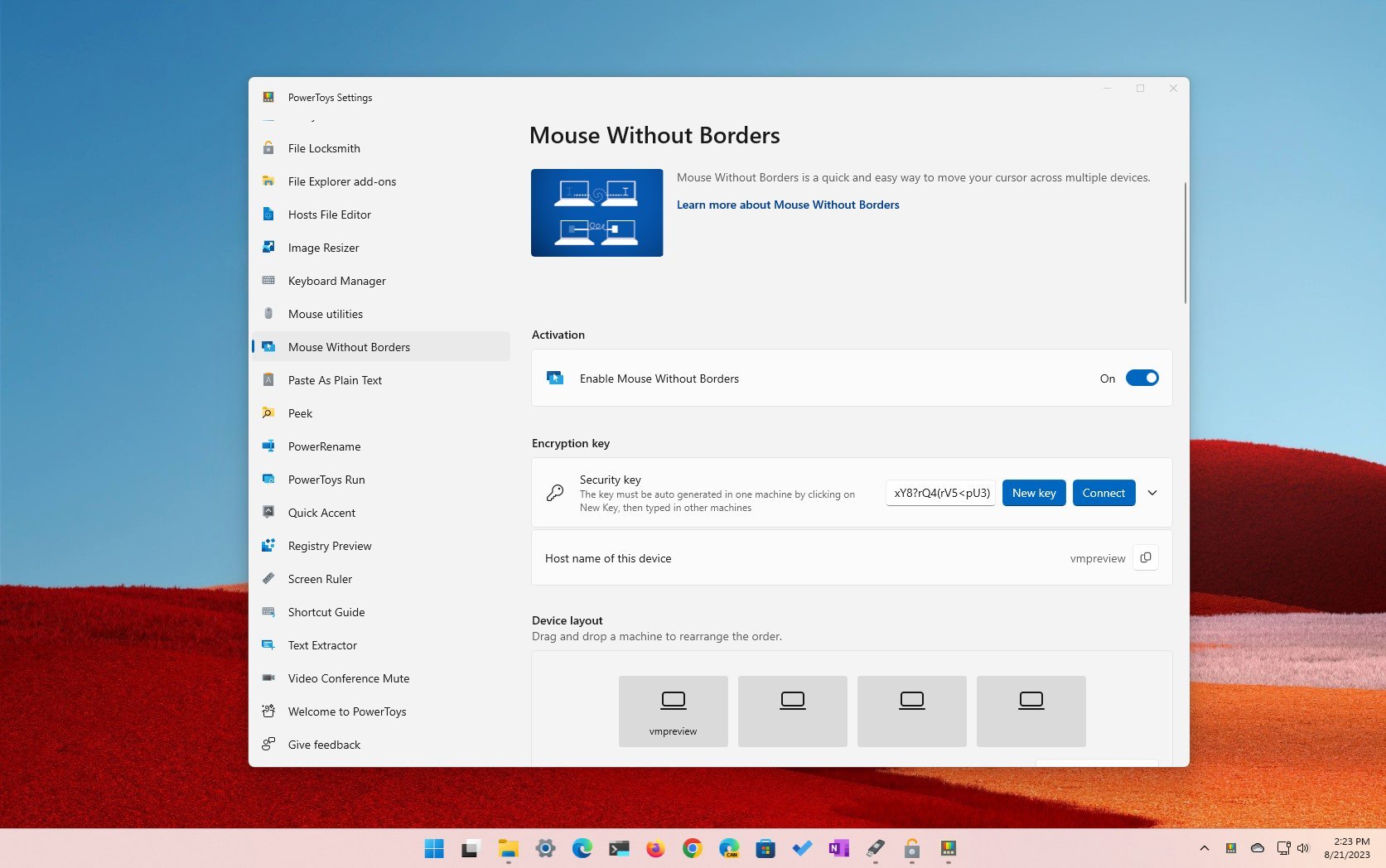
whether you’re using Windows 11 Home or Pro. These functionalities can streamline activities, boost efficiency, and improve your overall experience.
Marinel Sigue/BGR
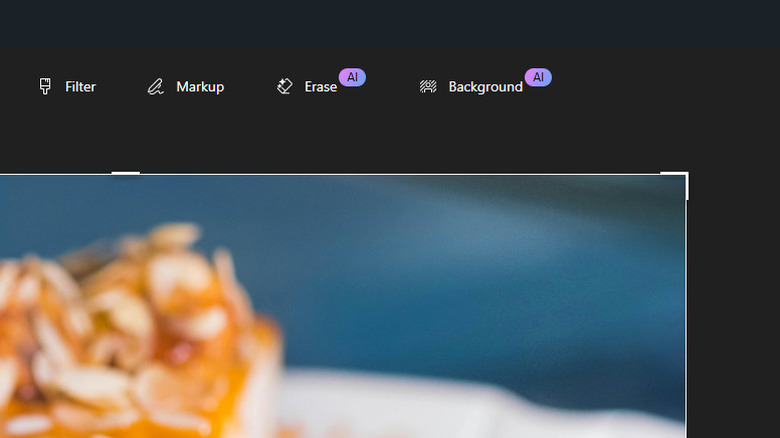
If you find yourself needing to remove an object or the background from a picture, your initial thought might be to use Photoshop. However, you don’t have to buy third-party software to make these adjustments. Windows 11 has a free alternative to Photoshop that you may not be aware of — the Photos app.
Photos is not just an image viewer. It includes a simple editor, equipped with features for removing objects and backgrounds. Both tools are driven by AI, making them fast and user-friendly, with minimal manual effort needed. To delete specific items and the background from your photos on Windows 11, follow these steps:
