From the freshly designed Quick Settings panel to enhanced Galaxy AI capabilities, One UI 8.5 appears to be Samsung’s boldest update to date.
What you should know
– One UI 8.5 introduces significant UI modifications drawn from Apple’s Liquid Glass aesthetic and an overhauled Quick Settings panel.
– The upgrade incorporates new Galaxy AI features, including enhanced Photo Assist and a more intuitive Bixby that comprehends intricate commands.
– One UI 8.5 features enhancements such as quicker Quick Share functionality and automatically adjusting lock screen layouts for photographs.
– The initial beta will be released this month in specific regions, with a subsequent beta extending to India and Poland.
Samsung has been conducting internal tests on the One UI 8.5 software update for its Galaxy smartphones and tablets for some time, and while prior leaks have hinted at what’s coming, a recent leak has disclosed every feature included in the update.
Noted leaker @taruvats33 on X released the complete changelog for the One UI 8.5 update prior to the beta introduction for the Galaxy S25 series. While it’s already known that One UI 8.5 will incorporate new UI modifications inspired by Apple’s Liquid Glass UI in iOS 26, along with a highly adaptable Quick Settings panel, the feature list reveals much beyond mere UI adjustments.
For instance, as part of the new Galaxy AI functionalities, users will be able to create AI images using various Photo Assist tools without the need to save each version. In addition, an upgraded Bixby is set to arrive on Galaxy devices with One UI 8.5, likely driven by Perplexity.
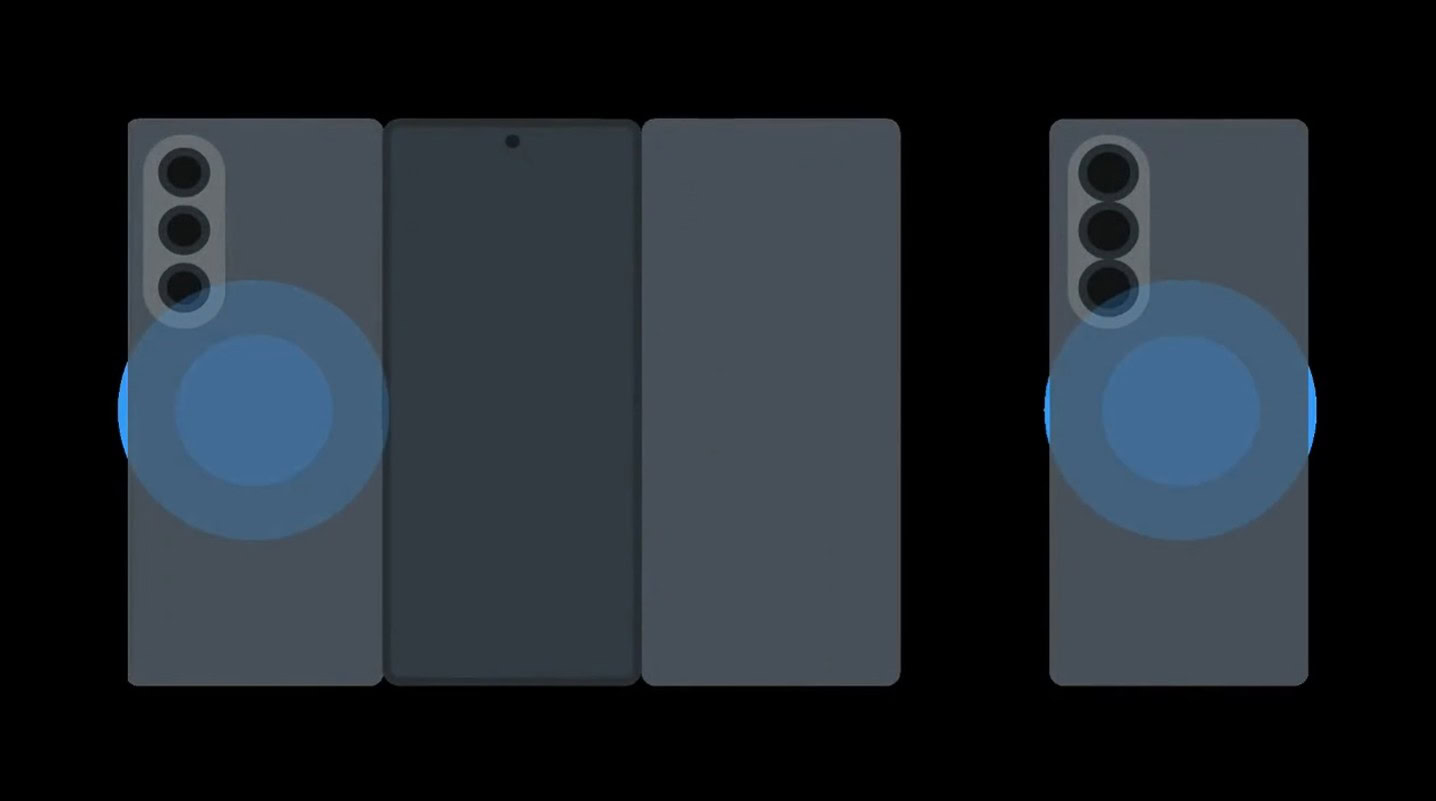
Among other new highlights in One UI 8.5 are expedited sharing capabilities with loved ones through advanced Quick Share, automatic adjustments to lock screen layouts so that the clock and widgets do not obscure key areas of your images, and much more.
The first One UI 8.5 beta is anticipated to be launched this month, with the initial stage confined to regions such as the US, UK, Korea, and Germany. An additional beta is expected to be released prior to the Galaxy S26 reveal and broaden its reach to India and Poland.
For now, you can review the comprehensive changelog for the One UI 8.5 update below:
Here’s the complete Samsung One UI 8.5 changelog
Galaxy AI
Continuous image generation
Continue creating without interruption. Photo Assist now enables you to produce AI images using various Photo assist features without needing to save every version. Once you’re finished, you can browse through your creations in your history and select your favorites.
Bixby
More intelligent device control
Communicate with Bixby in your own terms. Bixby is now improved at locating the settings or features you require, even if you don’t use precise commands or feature titles. Just express your needs and let Bixby handle the details.
Ask anything, anytime
Whether you seek a quick response or in-depth information, simply ask Bixby for immediate answers. No need to waste time on multiple searches or toggling between apps.
Conversation history
Reviewing previous interactions with Bixby is simpler than before. You can now access your conversation history from the side panel in the Bixby app.
Connectivity
Storage share
Access your files from anywhere. Files saved on other Samsung phones, tablets, and PCs are available in the My Files app on your device. You can also access your phone’s files on different Samsung devices, including your TV.
Quickly connect to Smart View devices
Establish connections to your preferred displays more swiftly. You can now place a shortcut on your Home screen for instant mirroring of your phone’s display to a TV or additional display device.
Enhanced Auracast features
Listening to and sharing audio is now simpler with Auracast. Options for both broadcasting and receiving are now consolidated in the Audio broadcast menu under Settings.
Voice broadcasts
Transmit your voice to those nearby with Auracast. In addition to media audio, you can now broadcast your voice using your phone’s built-in microphone.
Battery and power
Revamped battery info
Get clearer insights into your battery usage. The redesigned Battery settings screen simplifies the process of checking remaining time, charging status, and daily consumption over the past week.
Improved Power saving
Utilize Power saving to extend your battery life without needing to recharge. Select Standard for moderate savings with adjustable limits, or opt for Maximum to disable all non-essential features, maximizing battery longevity.
Accessibility
Easily control Bluetooth hearing aids
Directly access settings for your Bluetooth hearing aids from the Accessibility shortcut. A pop-up will allow you to adjust your hearing program, toggle Ambient sound on or off, and more.
Control magnification with mouse or keyboard
Maintain visibility of magnified content with these new options. You can set the magnified area to follow the cursor as you type or shift focus using the keyboard. When using a mouse, you can make the magnified area move as you guide the pointer to the edge of the screen.
