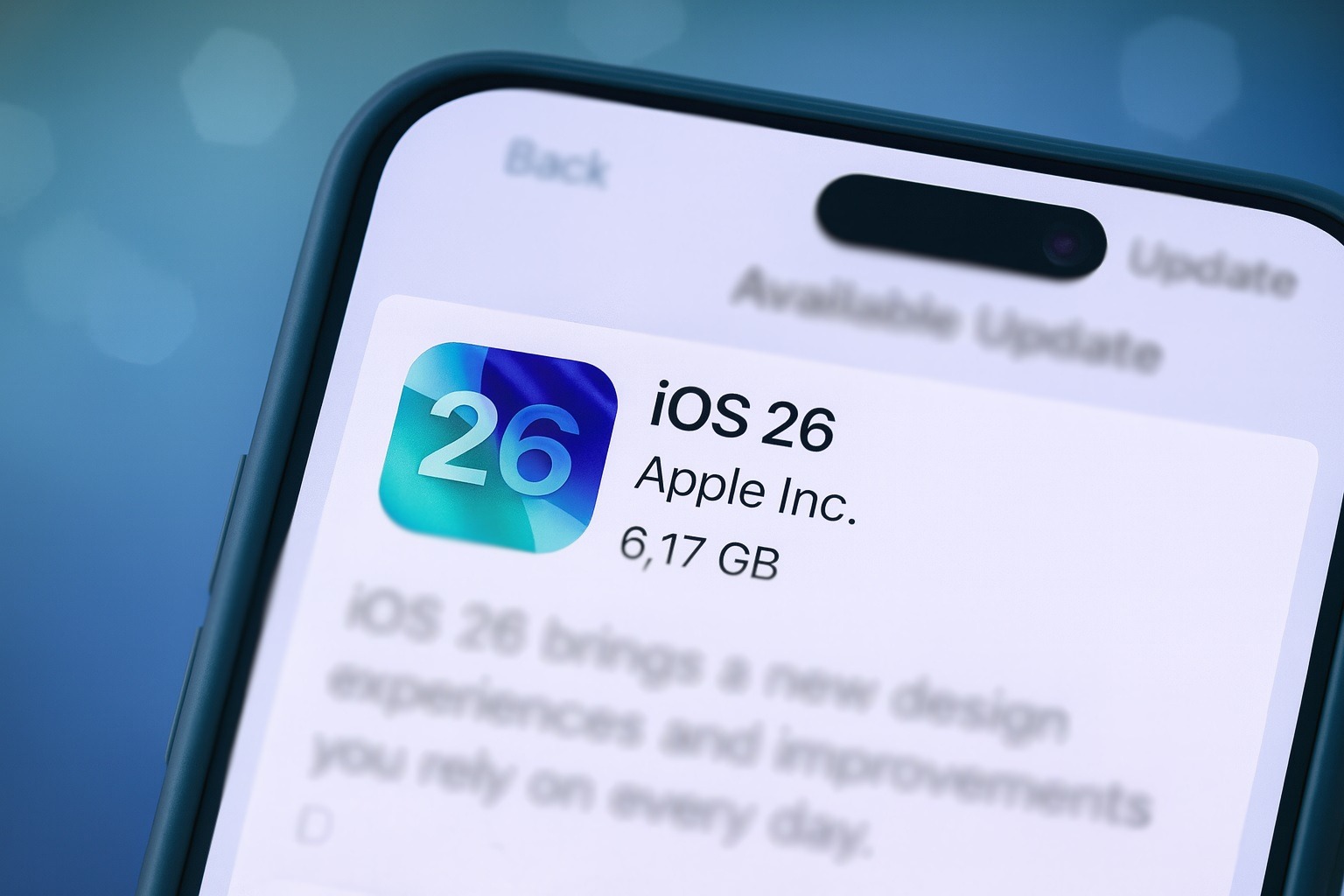
**iOS 26.2: New Features and Notification Improvements**
iOS 26.2 has been launched, bringing a multitude of updates and improvements to Apple’s system applications, along with a significant new feature for notifications designed to enhance the user experience.
### Main Features of iOS 26.2
The update introduces several notable modifications, including:
– **Reminders**: A new ‘Urgent’ alert feature that enables users to prioritize essential tasks.
– **Apple Podcasts**: The arrival of AI-generated chapters, enhancing the listening experience by facilitating navigation through episodes.
– **Apple News**: An updated interface that boosts both usability and design.
– **Apple Music**: The inclusion of offline lyrics, allowing users to sing along even without an internet connection.
### New Notification Feature: Screen Flash
Among the key new features in iOS 26.2 is the capability for the iPhone screen to flash brightly when notifications arrive. This function is especially useful for users who might overlook alerts due to visual or hearing challenges.
#### How to Activate Screen Flash for Notifications
To enable this feature, users can follow these steps:
1. Open the **Settings** application.
2. Go to **Accessibility**.
3. Tap on **Audio & Visual**.
4. Locate the setting labeled **Flash for Alerts**.
In this menu, users will find the option to use an LED flash for notifications, alongside the new ‘Screen’ option. Users can choose to enable only the screen flash, the LED flash, or both for optimal visibility.
When the ‘Screen’ flash is turned on, the iPhone display will light up brightly for a short moment upon receiving a notification, offering a clear alert, particularly when the always-on display is not active.
### Conclusion
The addition of the screen flash feature in iOS 26.2 provides a valuable alternative for users who may not possess an Apple Watch or prefer another notification method. This update, paired with the upgrades to various system applications, highlights Apple’s dedication to enhancing user accessibility and experience.
