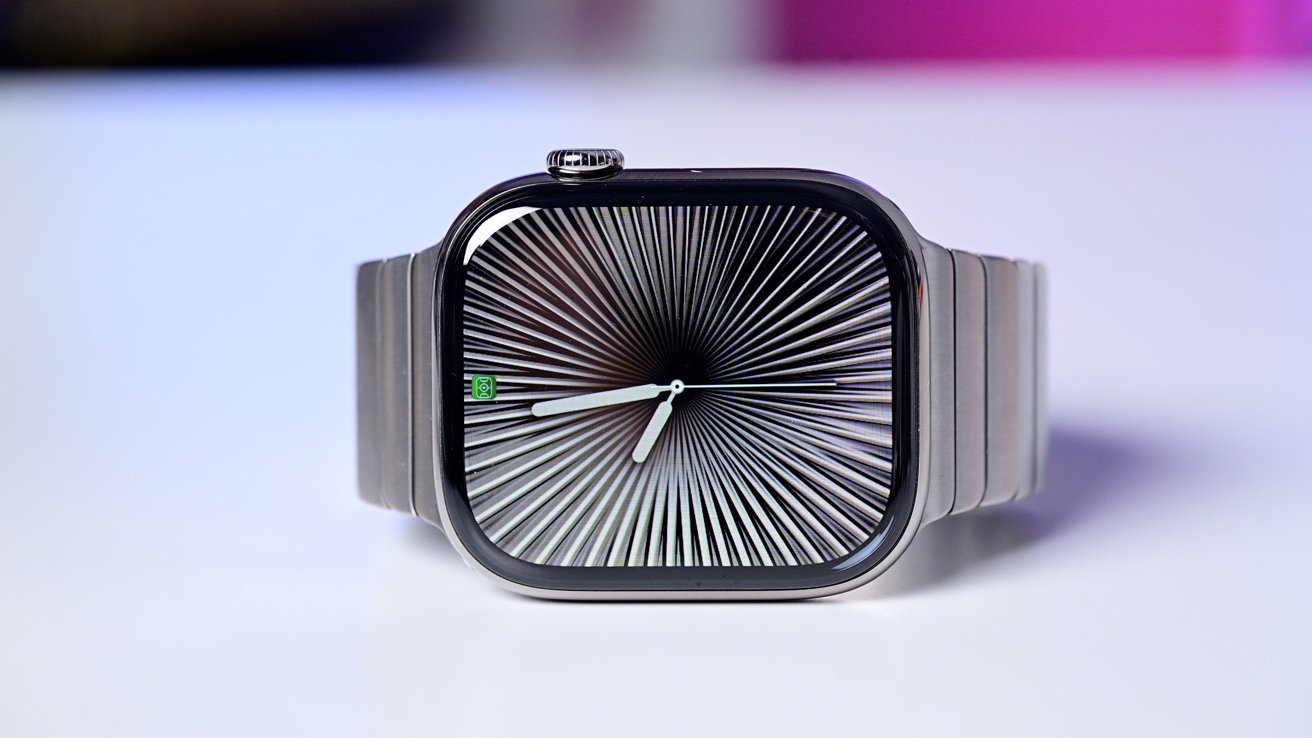
The watch face stands out as one of the most significant features of the Apple Watch, and watchOS 26 introduces substantial enhancements to watch faces in three key areas. Here’s what’s new.
## #1: Completely new watch faces
As is often the case with significant new versions of watchOS, Apple’s latest update brings a selection of entirely new watch faces.
watchOS 26 contributes a total of four new faces. According to Apple’s release notes:
– **Exactograph** reinterprets a classic regulator watch, distinguishing hours, minutes, and seconds for enhanced time accuracy.
– **Flow** features Liquid Glass numerals that refract a flowing orb of color responsive to wrist movement.
– **Waypoint** serves as a dynamic compass that indicates your position relative to saved locations in Maps or points of interest (Available on Apple Watch Ultra).
– **Hermès Faubourg Party** showcases animated shorts that emerge in accordance with the time of day or specific gestures featuring a range of characters (Available on Apple Watch Hermès).
It’s always exciting to have additional watch face choices, and I am particularly fond of the new Flow and Waypoint faces this year.
## #2: Enhancements to existing faces
Several watch faces that you are already familiar with received updates in watchOS 26 as well.
The Photos face, which Apple identifies as its most favored option, saw two enhancements this year:
1. Liquid Glass time
2. Featured photos option
In line with the systemwide Liquid Glass aesthetic, there’s now a ‘Glass’ color option for the clock on the face that allows more of your photo to be visible. Choosing ‘Featured’ for your image source guarantees you’ll view many of the top photos in your library.
In addition to the improvements for the Photos face, Apple has expanded support for ticking seconds with the always-on display to a broader range of faces.
Always-on seconds support was introduced last year with Apple Watch Series 10, but initially, only a handful of watch faces featured the capability. It has now extended to more devices and software.
Apple Watch Ultra 3 and Apple Watch Series 11 now provide ticking seconds in always-on mode, and the roster of supported faces has significantly increased.
## #3: Watch face ‘hints’
Upon installing watchOS 26 on your Apple Watch, you might spot a distinctive UI element on your watch face.
A new feature called ‘hints’ will materialize at the bottom of your display, resembling a Liquid Glass complication.
Hints suggest apps and actions linked to the Smart Stack.
Here’s how it operates, according to Apple:
> In watchOS 26, the Smart Stack enhances its prediction algorithms by utilizing more contextual data, sensor data, and insights from a user’s routine to deliver Smart Stack hints, a proactive prompt for actionable suggestions that are instantly useful. Crafted from Liquid Glass, Smart Stack hints will show on the display as a subtle visual cue. For instance, a hint for Backtrack may pop up when a user finds themselves in a remote area lacking connectivity, or a hint for a Pilates workout might appear when a user arrives at a studio around their typical time.
The Smart Stack has traditionally offered suggested data and actionable prompts, but users previously had to scroll the Digital Crown of their Apple Watch to manually access Smart Stack and locate them.
By bringing these suggestions directly onto the watch face, Apple aims to enhance their visibility and usefulness.
Which features of the new watch face options in watchOS 26 have you been enjoying on your Apple Watch? Share your thoughts in the comments.
