

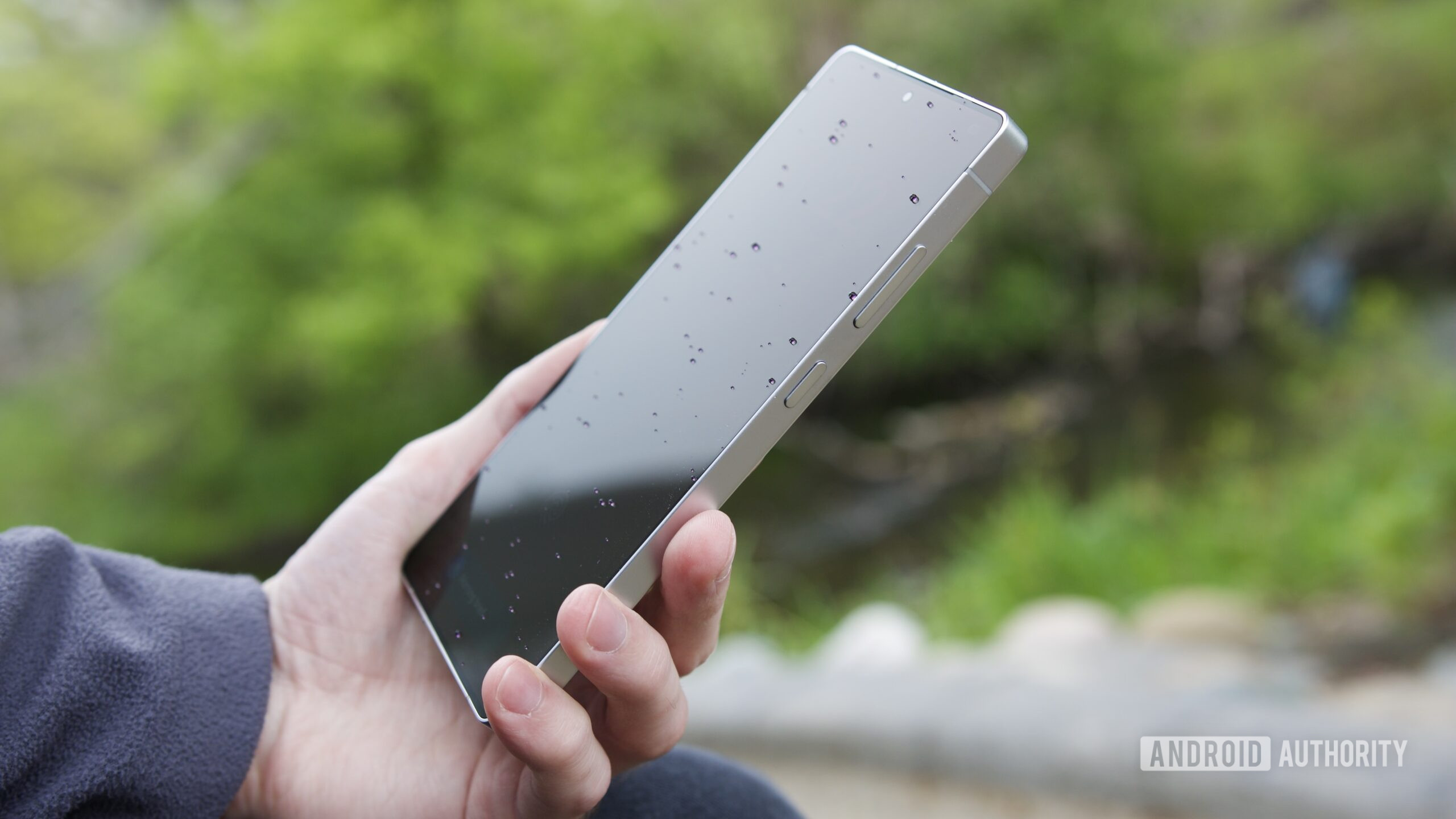
Samsung’s upcoming ‘Privacy Display’ is the feature you truly need.
What you need to know:
– Leaks indicate that the Galaxy S26 Ultra is integrating anti-peeping technology right into the display.
– The anticipated “Privacy Display” combines hardware and software, likely employing Flex Magic Pixel OLED technology and AI to prevent side views.
– Privacy Display is reportedly located in Display settings, can be included in Quick Settings, and isn’t limited to a simple on/off toggle.
Privacy screen protectors aren’t exactly enjoyable to use. While they prevent others from looking at your phone on public transport, your screen often appears dimmer. Most of us just tolerate it. However, Samsung might be on the verge of changing this.
Rumors surrounding the Galaxy S26 Ultra suggest that Samsung is incorporating anti-peeping technology directly into the display. This isn’t merely a software feature that reduces brightness. It appears to be a genuine combination of hardware and software that could render plastic privacy films obsolete.
Now, a report from SammyGuru details how the outlet simulated a device to mimic the Galaxy S26 Ultra. This misled the Samsung Tips app into displaying a new feature termed “Privacy Display.”
No compromise on viewing:
How does it function? Animations from the Tips app reveal that this feature is included in One UI 8.5. When activated, your display appears normal if viewed straight on. However, for anyone attempting to sneak a look at your phone from the side, top, or bottom, the display conceals itself, essentially blacking out the visible content.
You gain the advantage of a physical privacy filter without permanently diminishing your display quality for the vast majority of time when you aren’t on a packed subway.
From a technical standpoint, this is intriguing. Reports suggest Samsung is utilizing something called “Flex Magic Pixel” OLED technology in conjunction with AI for its operation.
This feature isn’t simply an on or off toggle. Leaks indicate that you’ll discover it within Settings under Display, and you can also incorporate a switch into your Quick Settings panel.
It gets even better — it appears you can automate it. Instead of having to activate it every time you board a subway train, the code suggests that you can program Privacy Display to engage automatically based on your location or when you launch specific apps. For instance, your screen could transition to private mode when you access your banking app, then revert to normal once you’re done.
If these leaks prove accurate leading up to the late February launch, the Galaxy S26 Ultra is set to address a problem that many of us didn’t realize could be resolved by the phone itself.