

**Introduction**
In Salesforce, the UI can be customized using the declarative approach and Aura/LWC (Lightning Web Components) components. Additionally, SLDS is used for a sophisticated UI.
**Why SLDS?**
SLDS provides ready-to-use HTML and CSS UI elements for a customized Salesforce experience.
**Design Principles**
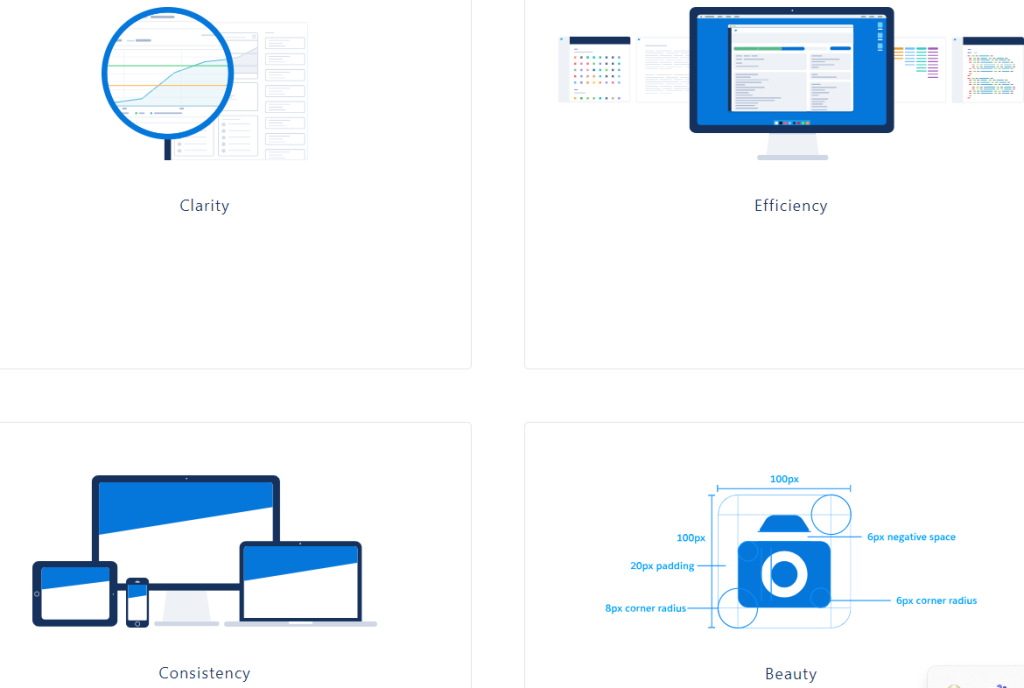
During front-end development, focus on these areas:
– *Clarity* – Enables confident action and understanding.
– *Efficiency* – Anticipates needs to enhance productivity.
– *Consistency* – Applies the same solution to similar problems to build familiarity.
– *Beauty* – Respects users’ time and attention with elegant craftsmanship.
**Customize – Do not Change the Core**
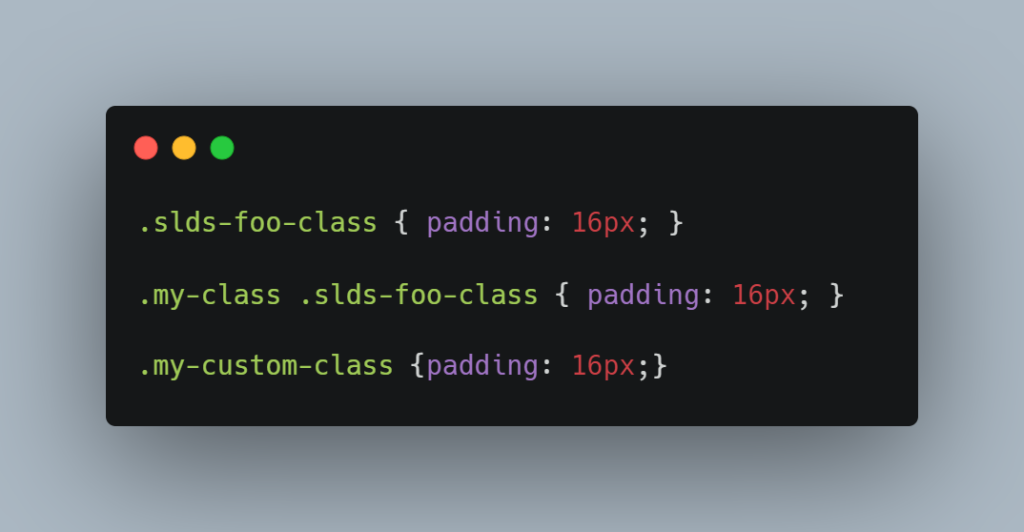
Writing custom CSS that overrides the Lightning Design System style is overriding, not customizing.
*Example:*
*LWC*
*Aura*
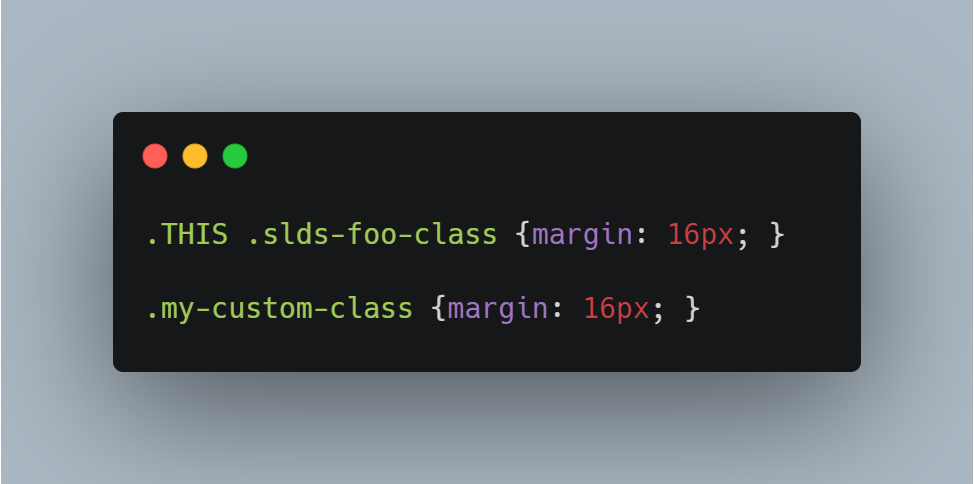
In these examples, LWC shows padding application while Aura shows margin application.
**Design Tokens**
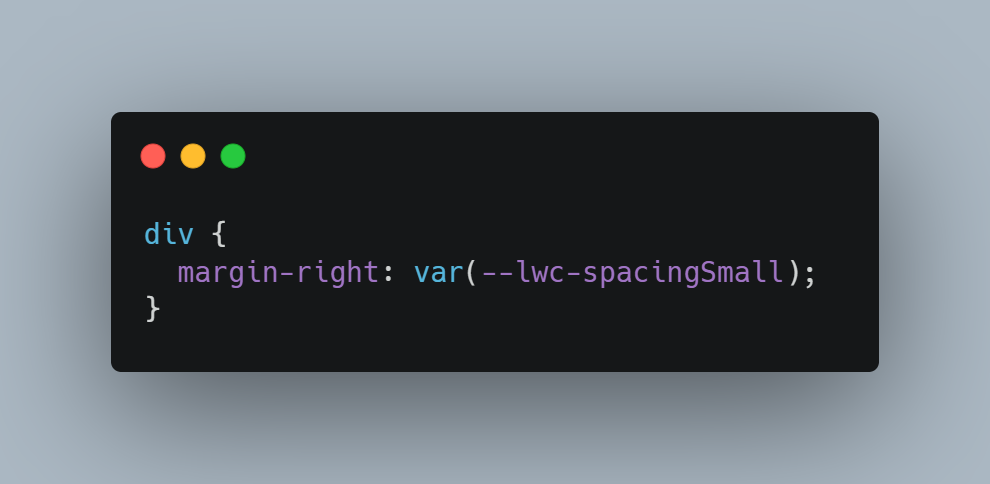
Design tokens store visual design attributes like margins, font sizes, and color hex values. Lightning web components can use any Lightning Design System design token marked Global Access. Use the –lwc- prefix and camelCase for referencing a token.
*Example*
**Why is Design Token Important?**
For a new community portal built in Experience Cloud and based on Figma with sections like Header, Sidebar, Content, and Footer, design tokens maintain common properties such as font color, size, and margin, keeping CSS structured.
**CSS Styling**
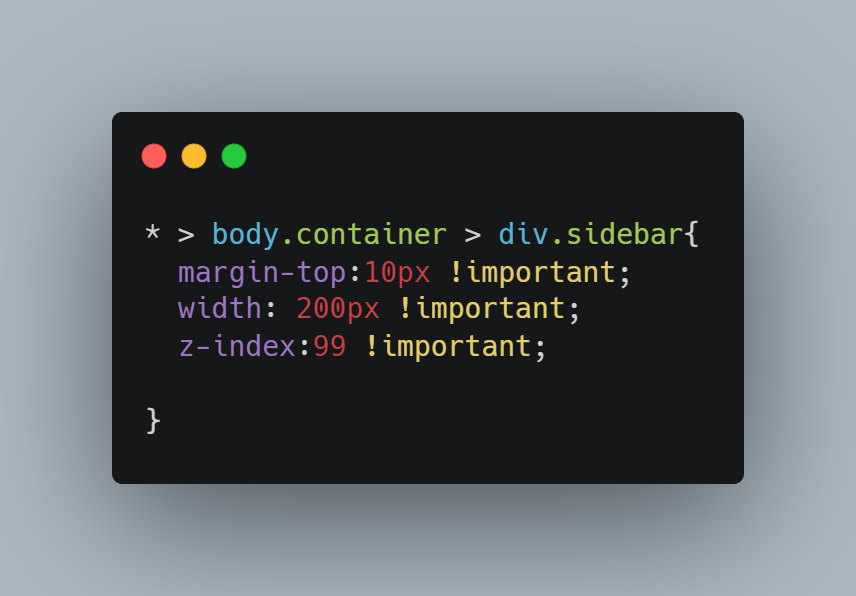
Practice good CSS hygiene:
– Avoid type selectors with classes.
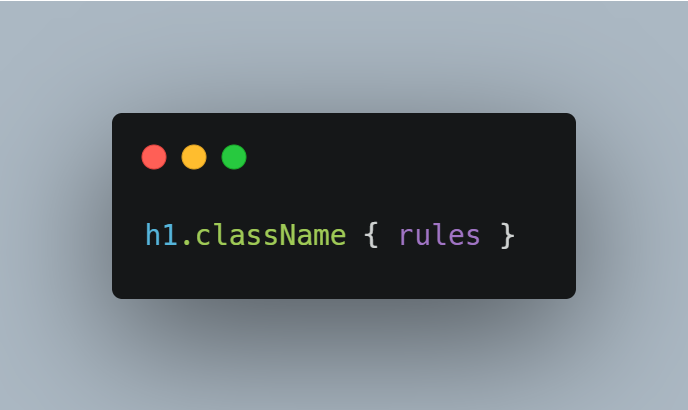
– Avoid long, nested selectors.
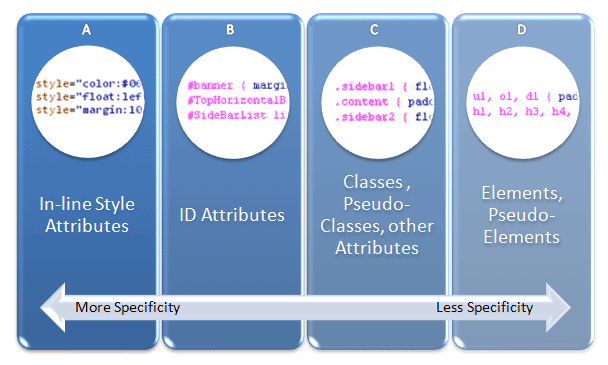
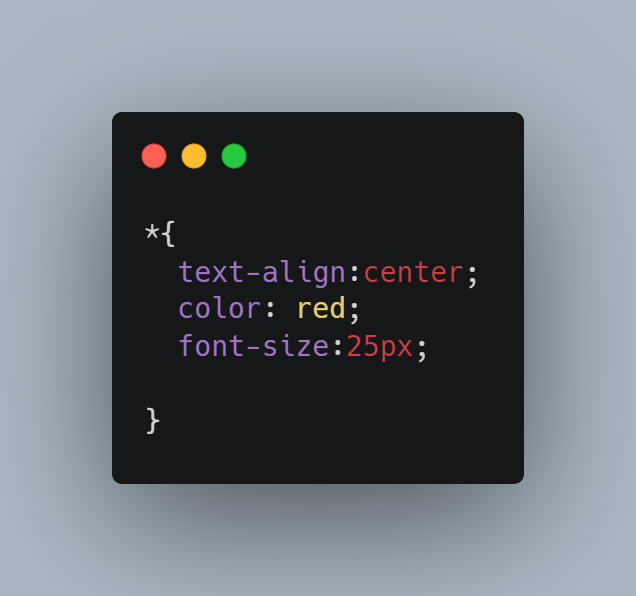
– Avoid the universal selector.
– Refrain from using !important unnecessarily.
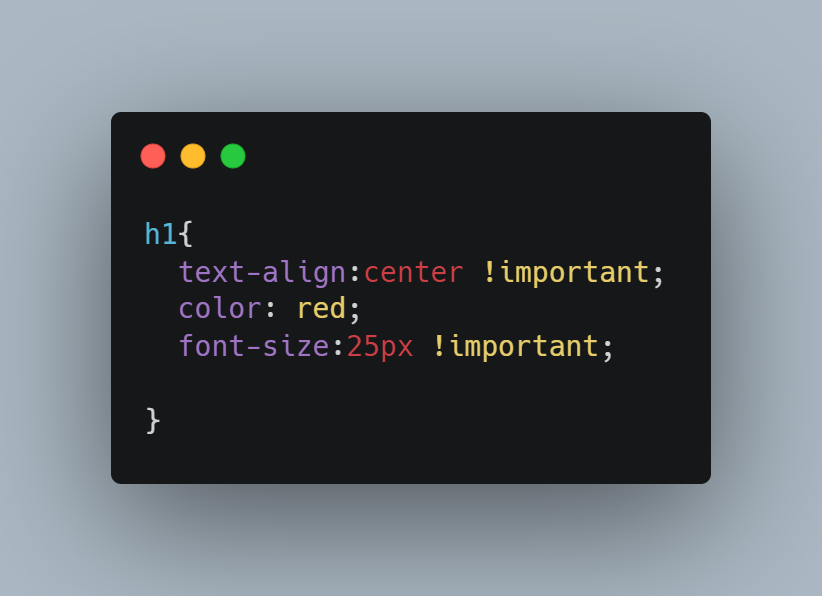
Bad CSS example:
**Focus Areas**
Follow these key points for consistency and effectiveness:
– **Follow SLDS Documentation:** Use the Salesforce Lightning Design System developer guide. [Refer](https://www.lightningdesignsystem.com/)
– **Design for Responsiveness:** Develop components to be responsive for consistent experience on all devices.
– **SLDS CSS and Utility Classes:** Use these to maintain consistency and minimize custom CSS.
– **Use SLDS Components:** Utilize well-tested, accessible components like buttons and forms for a consistent user experience.
– **Web Accessibility:** Implement semantic markup, alternative text for images, and test with accessibility tools. [Refer](https://www.w3.org/)
– **Web Performance Optimization:** Minimize HTTP requests, use SLDS CDN, and optimize custom code.
– **Keep Up with SLDS Updates:** Implement new components, features, and guidelines from Salesforce to ensure compatibility.
– **Test Across Browsers and Devices:** Thoroughly test implementations on various platforms to ensure functionality.
– **Document Customizations:** Document any changes to make them understandable for other developers.
Following these best practices will help create effective, maintainable, and user-friendly web applications using SLDS.