

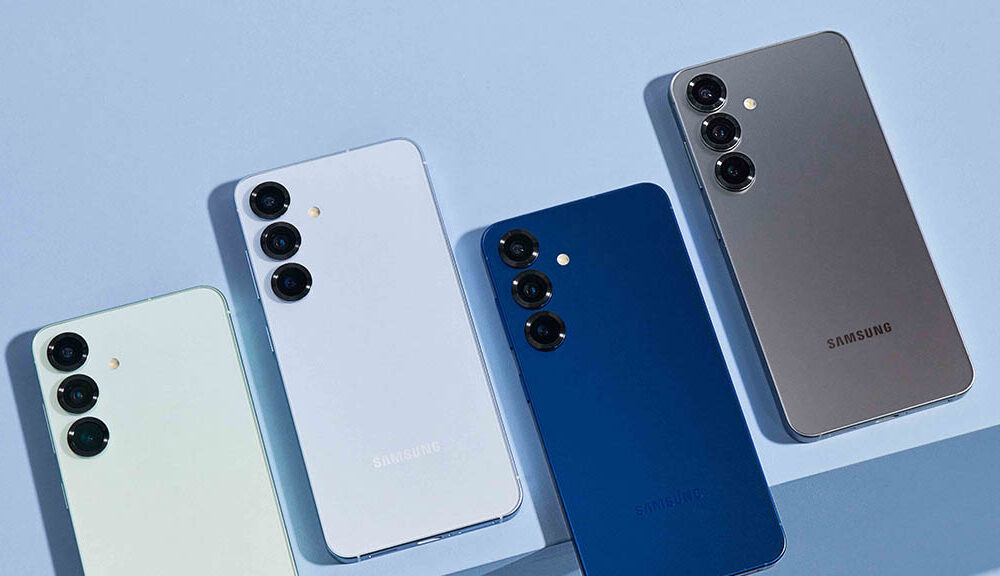
Samsung has quietly rolled out a new 24MP camera mode in its Galaxy S26 series, but this feature isn’t readily apparent to users. To utilize this mode, users need to download Samsung’s Camera Assistant app. This new mode employs AI Fusion processing, which merges high-resolution details with multi-frame computational photography, resulting in crisper images with enhanced brightness. In contrast to the 24MP option in Expert RAW, this mode is tailored for straightforward point-and-shoot photography without the need for manual tweaks.
The 24MP mode strikes a balance between the standard 12MP and the higher 50MP or 200MP modes, offering a combination of detail and ease of use. However, it is concealed by default and necessitates users to activate it via the Camera Assistant app, which is part of Samsung’s Good Lock module found in the Galaxy Store. This additional step might restrict its accessibility among casual users who might be unaware of the feature.
Samsung’s strategy with the Camera Assistant app gives power users the opportunity to try out advanced features without inundating everyday consumers. Nonetheless, the choice to obscure this potentially beneficial mode behind an extra download may hinder its popularity among users who favor uncomplicated photography.
The 24MP mode offers a solid compromise for users seeking improved detail without the hefty file sizes associated with 200MP images. It is anticipated that this feature could be made available to older Samsung devices through upcoming updates, given the comparable camera hardware across the Galaxy S26 series.