

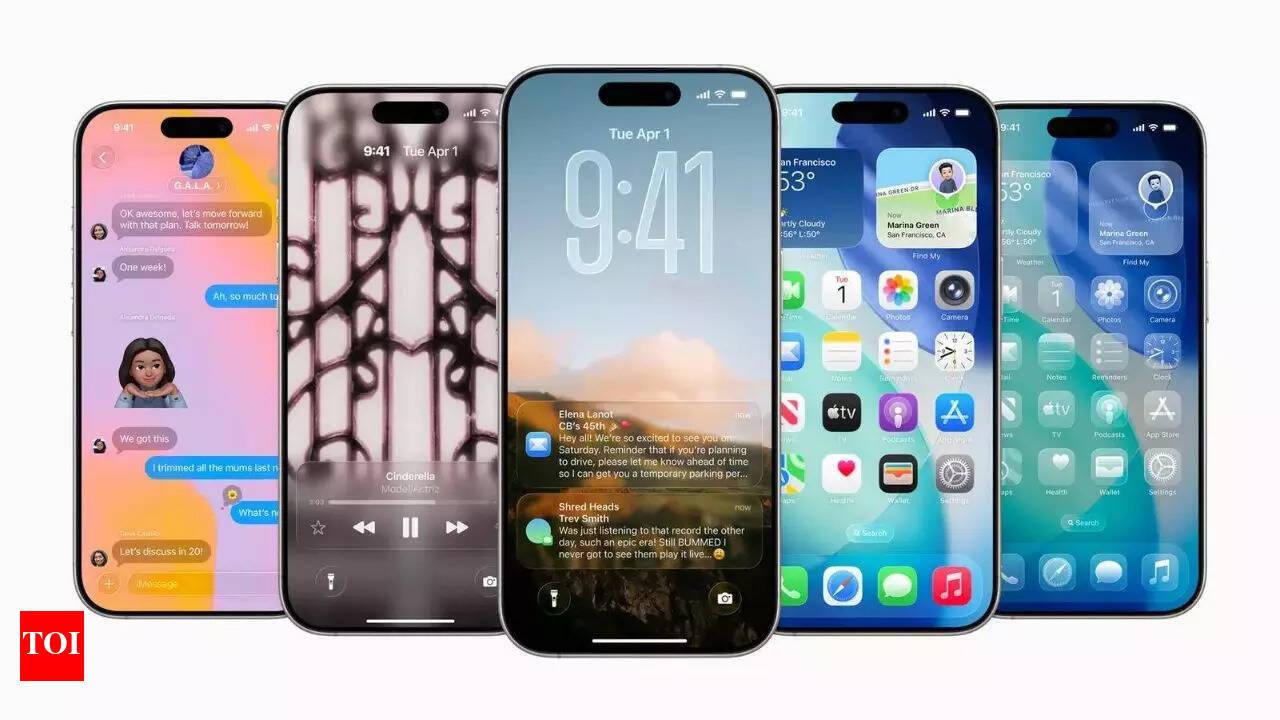
### Apple’s Always On Display: Modifications with iOS 26
Apple’s Always On Display feature, first launched with the iPhone 14 Pro, has seen a subtle yet impactful transformation with the introduction of iOS 26. This update alters the presentation of the Lock Screen wallpaper, influencing user experience in ways that might not be immediately noticeable.
#### Always On Display Modes
In the past, the Always On Display feature merely dimmed the Lock Screen wallpaper, permitting users to view crucial information such as the time, date, notifications, and widgets while the device remained locked. With iOS 26, the standard functionality has shifted to blurring the wallpaper rather than simply dimming it. This alteration improves the visibility of the time and widgets but may lessen the aesthetic appeal for users who favor showcasing their selected wallpaper.
Users still retain the ability to tailor their Always On Display settings. They can decide whether to display the wallpaper and notifications, opting for either a streamlined, utilitarian view or a more customized appearance that maintains the essence of their Lock Screen design.
#### iOS 26 Brings One Major Change
The main modification in iOS 26 is the automatic introduction of blurred wallpapers by default when the display is dimmed. While this adjustment may enhance readability, it changes the overall look of the Lock Screen. Some users might favor a clear view of their wallpaper instead of a blurred rendition, which can obscure the original picture.
To cater to user preferences, Apple has integrated a toggle within the settings. Users can go to Settings > Display & Brightness > Always On Display to turn off the blurred wallpaper feature, restoring the original clarity of their Lock Screen visuals.
### Conclusion
The updates implemented in iOS 26 concerning the Always On Display feature illustrate Apple’s continuous commitment to improving user experience while offering options for personalization. Whether users lean towards the new blurred wallpaper for better readability or the classic dimmed version for aesthetic purposes, the capability to switch between these settings ensures that individual preferences are honored.