

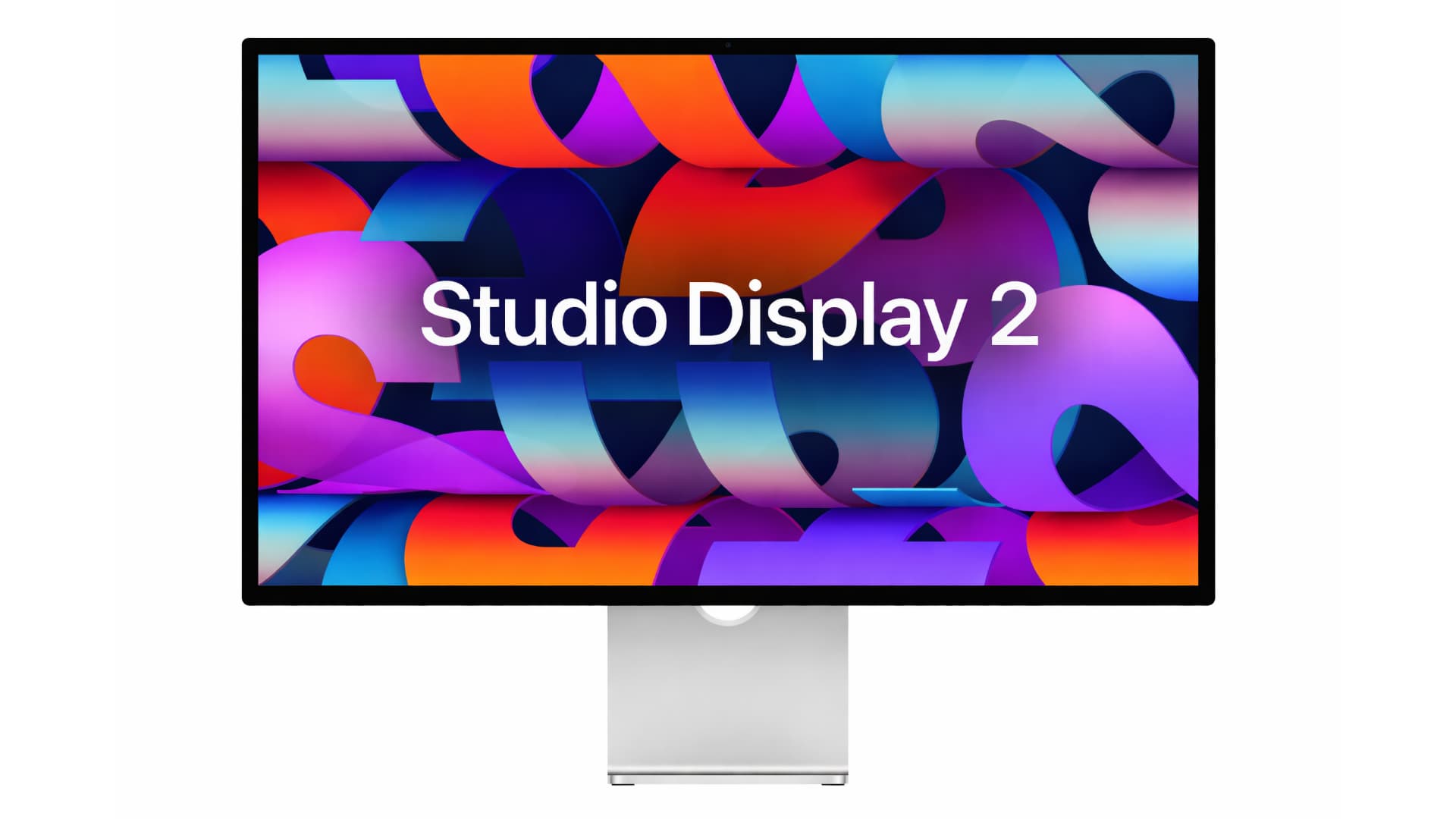
# Apple Reveals New Mac Displays: Studio Display vs. Studio Display XDR
Apple has launched two latest Mac displays: the regular Studio Display and the high-end Studio Display XDR. This article examines the similarities and distinctions between these two variants, assisting potential purchasers in making a knowledgeable choice.
## Common Features
Both the Studio Display and Studio Display XDR boast several essential features:
– **Size and Resolution**: Both displays are 27 inches with a 5K resolution (5120-by-2880) and 218 pixels per inch.
– **Camera**: Each model is equipped with a 12MP Center Stage camera featuring improved image quality and Desk View support.
– **Audio**: They come with a “studio-quality” three-microphone array and a six-speaker sound system with Spatial Audio.
– **Connectivity**: Both displays support Thunderbolt 5 connectivity.
– **Glass Option**: Each model provides optional nano-texture glass.
## Principal Differences
Despite their shared features, the differences between these displays account for the considerable price difference. The Studio Display begins at $1,599, whereas the Studio Display XDR is offered at $3,299.
### Display Technology
The main differences are found in the display technology:
| Feature | New Studio Display | Studio Display XDR |
|——————|——————-|—————————–|
| **Backlight** | LED | Mini-LED with 2304 dimming zones |
| **Refresh Rate** | 60Hz | 120Hz with Adaptive Sync |
| **Brightness** | 600 nits | Up to 1000 nits SDR, 2000 nits HDR |
| **Color** | P3 | P3 + Adobe RGB |
Apple suggests the Studio Display for a range of professional applications, including photo and video editing, coding, and music production. Conversely, the Studio Display XDR is designed for high-end operations like HDR video editing, 3D rendering, and diagnostic radiology, equipped with specialized DICOM medical imaging presets.
### Additional Differences
Aside from display technology, there are further disparities:
– **Charging Ports**: Both models feature two Thunderbolt 5 and two USB-C ports, but the Studio Display XDR’s upstream Thunderbolt 5 port allows for 140W host charging, compared to 96W for the Studio Display.
– **Stand Options**: The Studio Display XDR includes a tilt- and height-adjustable stand by default, whereas the Studio Display only has a tilt-adjustable stand, requiring an additional $400 for height adjustment.
– **Dimensions and Weight**: The dimensions of the Studio Display and Studio Display XDR in height and width are the same, but they differ in depth and weight. The Studio Display measures 6.6 inches deep with the standard stand, while the Studio Display XDR measures 8.4 inches deep. Additionally, the XDR is heavier, weighing 18.7 pounds compared to the Studio Display’s 16.8 pounds.
## Conclusion
Deciding between the Studio Display and Studio Display XDR depends on your unique requirements and budget. For the majority of users, the Studio Display presents remarkable value and performance for daily tasks and professional applications. However, if you need a top-tier display for specialized uses, the Studio Display XDR offers advanced features that justify the cost.