

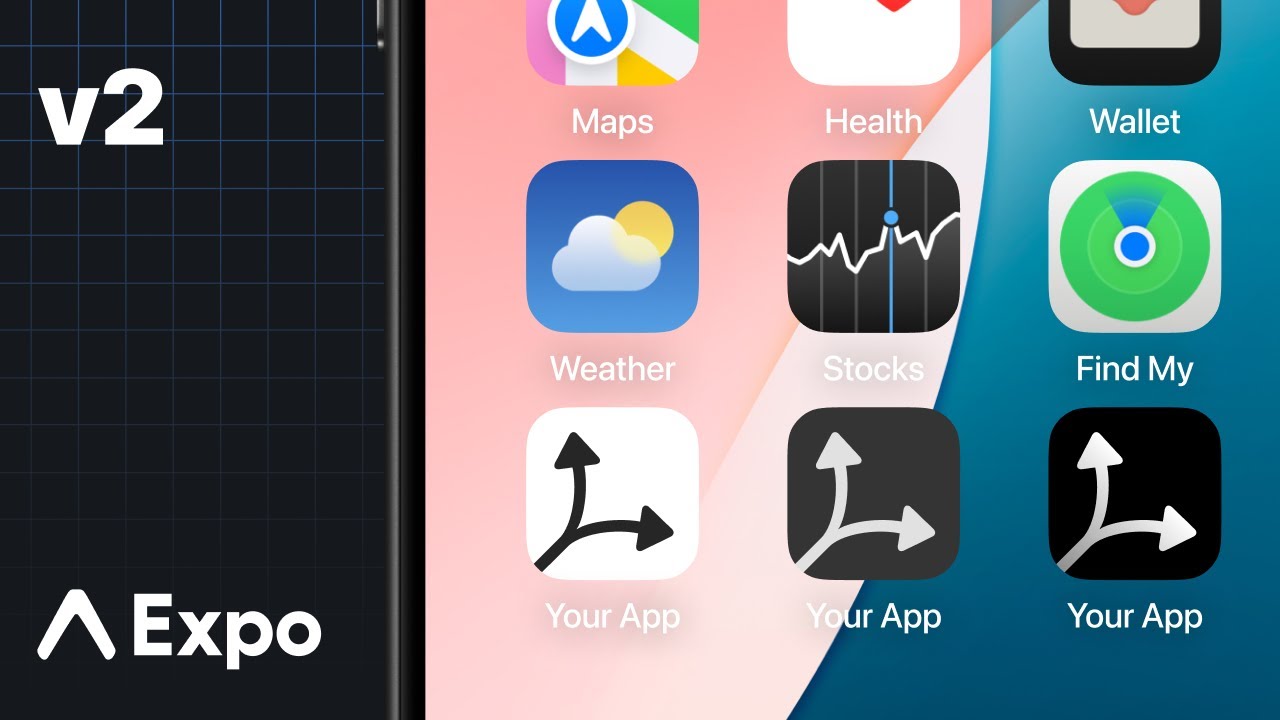
# iOS 26 App Icons Can Be Automatically Color-Matched to Your iPhone or Case Color
In recent years, Apple has notably improved the customization features available for iPhone users, especially with the launch of iOS 26. A key highlight is the capability to adjust app icons on the Home Screen to correspond with the hue of your iPhone or its case. This functionality creates a unified visual experience that complements the hardware and software of your device.
## Enhanced Customization in iOS 26
The path to customization began with iOS 18, introducing a variety of app icon designs, including a Tinted appearance. With the release of iOS 26, Apple has advanced this concept by offering two new tint selections:
1. A tint that aligns with your iPhone’s color.
2. A tint that corresponds to your iPhone’s case color.
These selections are designed for users who desire a unified visual theme across their devices, facilitating an aesthetically pleasing arrangement.
## How to Color-Match Your Home Screen Icons to Your iPhone
To take advantage of the color-matching feature for your app icons, simply follow these straightforward steps:
1. Long-press on your Home Screen in an empty area.
2. Tap the ‘Edit’ option that appears in the upper-left corner.
3. Select ‘Customize’.
4. Hit ‘Tinted’.
Upon entering the Tinted options, you will observe four icons at the base of the screen, situated just above the ‘Light,’ ‘Dark,’ and ‘Auto’ settings. The leftmost button enables you to color-match your app icons to your iPhone’s hue, while the neighboring button matches them to your iPhone’s case color.
This function is especially enjoyable for users who often switch their cases, as it allows for a swift update of the Home Screen appearance to match various styles.
### Compatibility with Cases
It’s essential to acknowledge that the case matching feature might not be effective with all cases. It works with Apple’s official MagSafe cases, and some third-party options may also be compatible, contingent on the specific case design.
Have you explored the new Home Screen app tint features in iOS 26? Share your insights and experiences in the comments!