

I was surprised, but the Samsung Galaxy XR has emerged as the premier portable gaming device. It can natively run any Android game available on the Google Play Store, and there’s even a free application that allows you to play Steam games without any setup or complications. No cloud streaming, no outrageous subscriptions. Just your favorite Steam titles, all functioning natively on the Galaxy XR (and also on your Android smartphone).
If you haven’t come across GameHub yet, it’s high time you explore it. Offered for free on the Google Play Store, GameHub is a modified version of the widely-used Winlator app, which brings together several cloud gaming services and social features, along with a user-friendly interface and automatic configuration for every game you install. It’s as straightforward as using a Steam Deck, and the portable hardware enhances the experience.
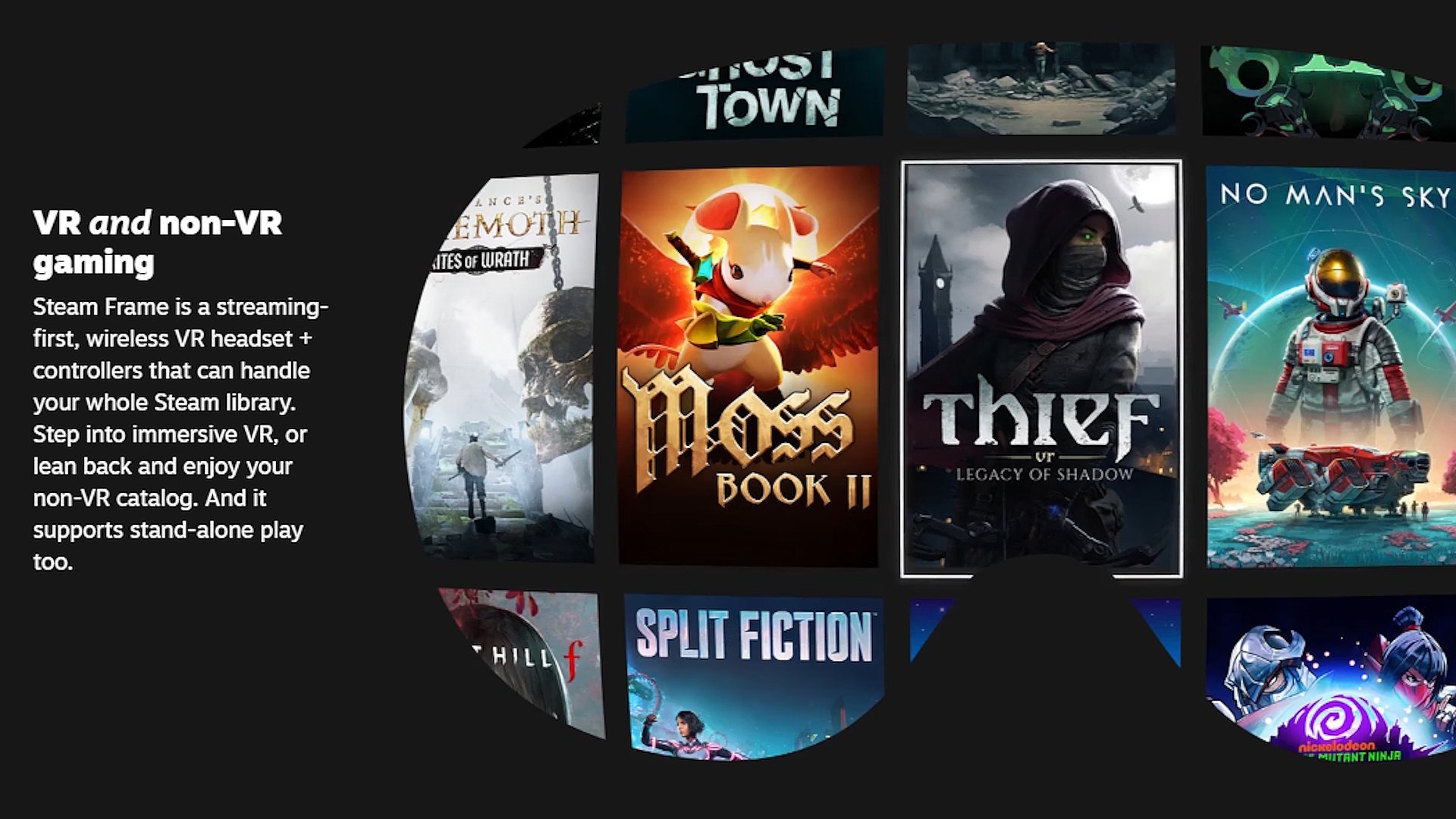
Why opt for an XR headset for gaming instead of a phone or a portable device like a Steam Deck? Mainly for neck and arm comfort, since you won’t need to look down at a system or hold it up for extended periods. The screen hovers directly in your line of sight, whether you’re sitting or lying down. Truly, it’s about as good as a portable gaming device can get. This is the kind of functionality you can expect from the forthcoming Steam Frame headset, but you won’t be waiting for Valve to launch it.
Playing Steam games on the Galaxy XR
GameSir, the creators of many beloved mobile controllers, launched an app called GameHub on the Google Play Store last November. It’s an adapted version of the popular Winlator app, which has been used for years to emulate Windows on Android, but it’s designed to be more user-friendly.
Within the app, you can connect your Steam account, and it effectively resembles SteamOS running inside an app window on the Galaxy XR. Launch the app, select Steam, and your whole library is now entirely playable on the Galaxy XR with no additional setup. I paired my Galaxy XR with the 8BitDo Ultimate 2C Bluetooth controller to enjoy the games, but I’m certain GameSir would prefer you to use one of their controllers.
When the app first launched, it faced criticism on platforms like Reddit for asking for too many permissions, however, the latest version doesn’t require any permissions to operate. Not even for notifications, though it may nag you occasionally to enable them. If you’re worried about telemetry data, someone has modified a version on Github to exclude that data. Another alternative is GameNative.
After installing GameHub, launch it and log in to your GameSir account, or simply utilize the modded GameHub Lite version linked earlier, which doesn’t need an account. You can then open the menu on the left, choose Steam from the list, and log into your Steam account.
Whenever you open the app, a Steam button will greet you right on the main screen, leading you to your Steam library. Just like on a Steam Deck, locate the game you wish to play, click the install button, and you can start playing from there onward. No cloud connectivity required, no subscriptions necessary. Everything is running on the Galaxy XR.
If you’re concerned about compatibility or performance, you can check each game before installation, which gives you a good sense of whether it will run properly.
You can also adjust extra settings if you wish to fine-tune performance, but I found the default configurations to be more than sufficient for my usage. If you encounter difficulties or want to enhance your GameHub knowledge, this YouTube video is an excellent resource and demonstrates with a phone that has a processor slightly slower than the Galaxy XR, so those settings (starting at the 4:50 mark) will help you optimize the system.
If you want to test just one feature, I’d suggest activating Snapdragon Super Resolution, available in GameHub’s menu accessed by pressing the home button on your connected controller. You can also find out more about it in the video linked above at the 9:18 minute mark.
I experienced performance remarkably similar to my Steam Deck, despite this app translating x86 code to the headset’s ARM processor. For example, Portal 2 ran at a consistent 60fps on both my Steam Deck and the Galaxy XR, but newer titles like Resident Evil Requiem are simply too demanding for this hardware. We’ll need to see if the actual Steam Frame performs better with them since it boasts a faster processor.
Taking all the best Steam Frame features now
I recently discussed how two of the Steam Frame’s standout features are already functional on the Galaxy XR, and now even the emulation of Steam games is feasible on Samsung’s Android XR-powered headset. This means three of the four essential pillars that will make the Steam Frame exceptional — foveated