
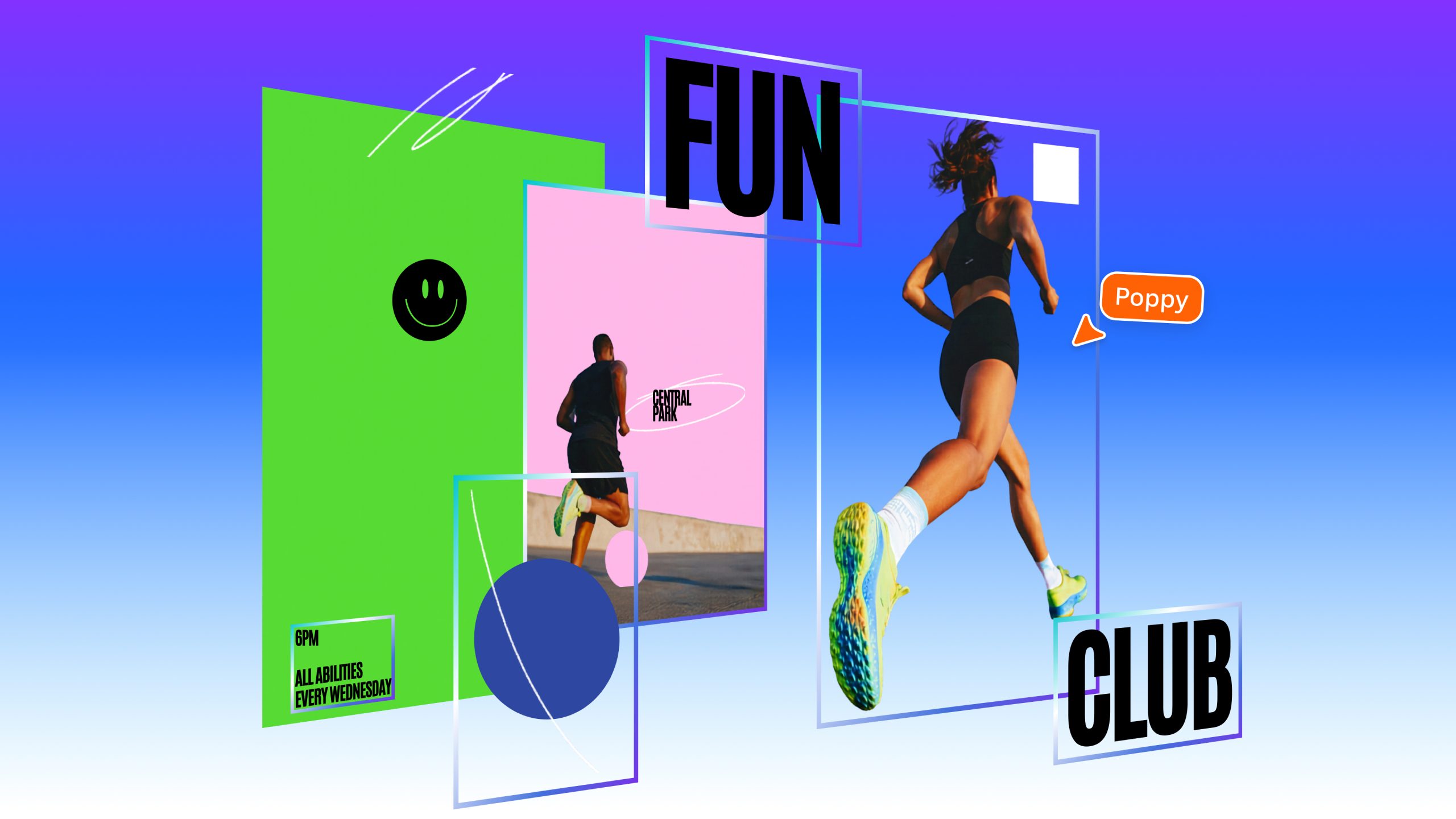

Magic Layers allows you to modify specific sections of generated images without using prompts.
Canva has unveiled a feature that converts static image files and AI-generated visuals into editable, layered designs. The Magic Layers tool, now in public beta in the US, UK, Canada, and Australia, enables the individual selection of design elements such as objects, text boxes, and other graphics while maintaining the original arrangement.
“Following a breakthrough from our AI research team, we’re releasing Magic Layers so anyone can transform a flat image into a fully editable design within Canva,” said Canva’s chief product officer, Cameron Adams, in a press release. “There’s no need to start from scratch or determine the appropriate prompt. Generation is just the beginning – true creative freedom comes from editing without losing momentum.”
The feature is not solely intended for AI-generated work—Magic Layers currently supports any single-page PNG or JPEG file and plans are underway for expanded capabilities. The emphasis on its application to AI images is expected, considering Canva’s strong push of its generative AI tools in recent years. This aims to eliminate the need for Canva users to reprompt an AI-generated image for minor adjustments.
It’s an advancement over offerings from other creative software providers. Generative AI tools in Adobe applications like Photoshop and Express add generated elements to a distinct layer, making separation from the main design simple, but they currently do not offer an automatic way to break an entire image into layers.
Magic Layers might provide creators more manual control over editing flat images, offering more precision compared to minor tweaks suggested by an AI assistant. However, it might also make AI-generated designs more indistinguishable from original ones crafted from scratch. Since image generators are currently limited to producing flat designs, illustrating element layers is a method for artists to prove their work wasn’t merely generated through a machine’s description.