
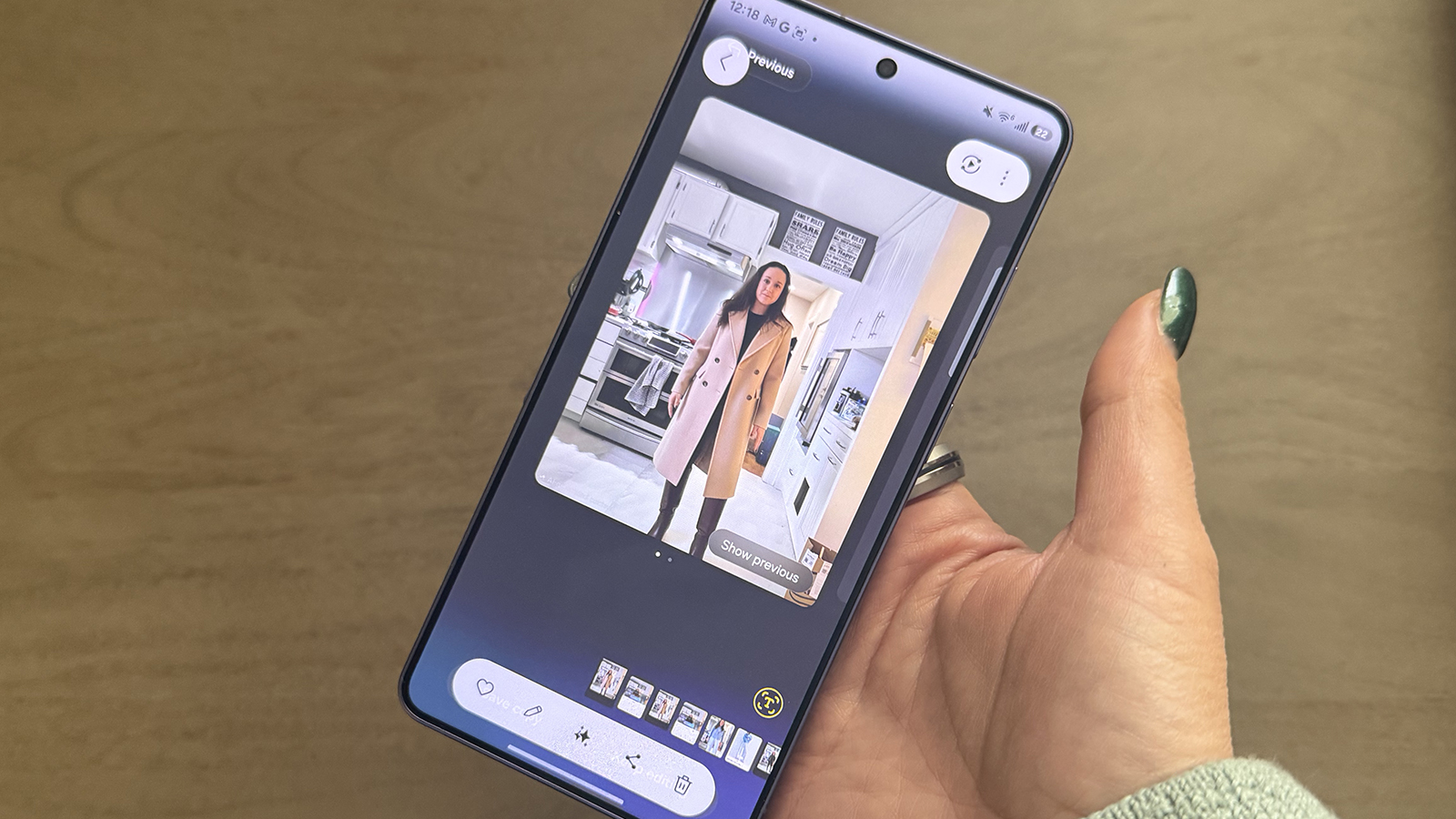

Experiencing a digital wardrobe has received an AI enhancement.
While virtual try-ons have existed for a while, the concept of transforming your appearance has been elevated significantly with the newest AI innovations. I’m referring to more than just one simple virtual try-on feature; there are multiple options available on various premium Android devices or select specific models.
I’ve particularly enjoyed using three features. Initially, Google’s Circle to Search, which has been improved to facilitate finding not just individual clothing items, but all of them simultaneously. The second is Google’s Try On, which enables you to see how you would look in a specific outfit before clicking that “buy now” button during online shopping. Lastly, Samsung’s Photo Assist in the Galaxy S26 series allows you to modify photos with tailored prompts and performs exceptionally well.
Circle to Search can recognize every piece of an outfit
With Google Circle to Search, present in many of the most recent Android smartphones from manufacturers like Google, Samsung, and OnePlus, you can circle an image to discover more about it. Now, you are also able to access information on multiple items simultaneously, a fresh feature that debuted with the Galaxy S26 series.
Once you circle or highlight an image of a person, the option to Find the Look appears. Click on it and you’ll find out where to buy each item they’re wearing, from the top to the trousers, footwear, hats, bags, and other visible and recognizable accessories.
I experimented with a picture from the Netflix show “Emily in Paris,” aiming to imitate Emily’s stunning blue pantsuit style. The results allowed me to easily locate a similar blazer, wide-leg pants, pointed shoes, and a stylish, patterned handbag.
By using an image of actor Walton Goggins, I could discover his entire laid-back and stylish appearance, or at least similar items. If you’re browsing Instagram and spot a look you adore on a celebrity or influencer, even in an advertisement, this