
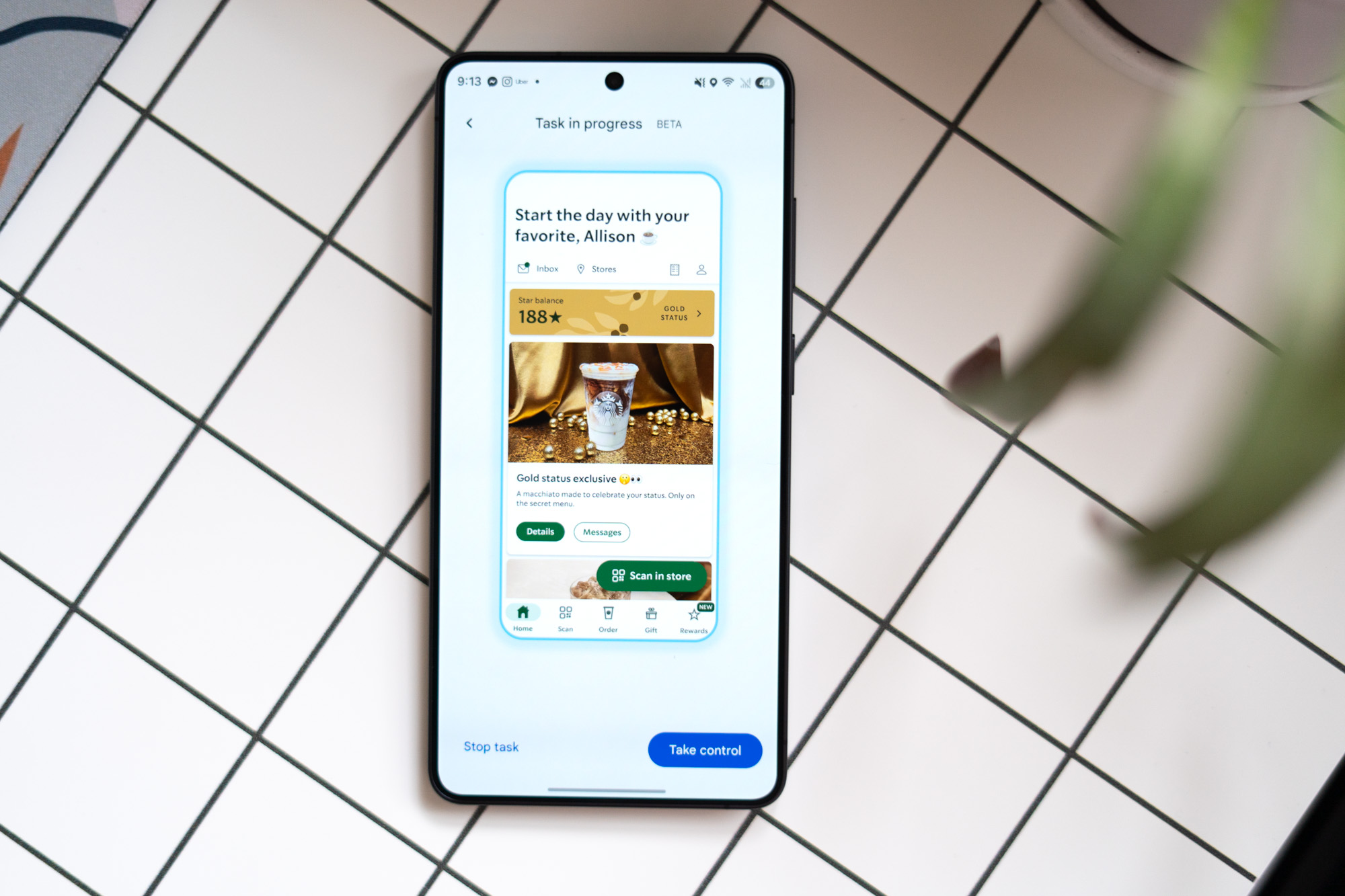

Ordering my dinner took nine minutes, yet it still feels futuristic.
I’ve been experimenting with Gemini’s new task automation on the Pixel 10 Pro and the Galaxy S26 Ultra, which lets Gemini use apps on your behalf for the first time. Currently, it’s only available for a few food delivery and rideshare services and remains in beta. It’s slow, occasionally awkward, and doesn’t solve major issues you’d encounter on your phone. Yet, it’s quite impressive, offering a glimpse into the future. This is the first instance of seeing a genuine AI assistant working on a phone rather than in a keynote or a tightly controlled demo at a convention.
To begin with, Gemini is much slower than most people at using a phone. If you need to order an Uber immediately, you’re still best for it. Nevertheless, task automation is built to function in the background while you do other things, even while you’re not looking at your phone.
If you’re curious, you can observe the entire process. When it’s running, text on the screen’s bottom indicates what Gemini is doing, like “Selecting a second portion of Chicken Teriyaki for the combo,” as it did when ordering my dinner on Saturday. Watching Gemini navigating through this is fascinating. I requested a chicken combo plate; the menu presented half-portion increments, and it correctly added two halves.
It’s ideal for automation to run in the background, with an option to view Gemini’s progress. Watching it struggle to find a side of greens on the Uber Eats menu is like a horror movie-esque scenario where the protagonist is unaware of a lurking threat, minus the danger. It made several errors in my teriyaki order, eventually correcting itself, but the whole process took nine minutes. Not optimal.
Gemini handles tasks up to the confirm order stage, enabling you to review its work. This cautious approach is currently best, adding a checking step. Over five days of testing, Gemini hasn’t completed an order without my consent. It’s surprisingly precise, requiring few order adjustments. If it fails, it’s often early in the process, needing app permissions or location corrections. Once fixed, automation resumes without a hitch.
A standout instance was scheduling an Uber for a fictional flight to San Francisco. Despite requiring guidance due to missing email info, Gemini accessed my calendar, suggested reasonable departure times, and scheduled a ride in three minutes without needing further input.
The noteworthy aspect is Gemini’s ability to understand natural language, surpassing digital assistants accustomed to rigid commands. It distinguishes emerging AI assistants by handling varied phrasing without stumbling.
Yet, watching Gemini navigate Uber Eats highlights that AI-optimized applications would vastly differ from human-centric designs. AI isn’t swayed by ads or enticing food images; a simplified database approach is preferable, aligning with industry strides towards a Model Context Protocol or Android’s app functions.
Task automation currently feels like a temporary solution until developers embrace methods like MCP or Android’s alternatives. Google’s Android head, Sameer Samat, noted that Gemini takes a reasoning approach without these methods. This version showcases potential or prompts developers to adapt other practices. Either way, it marks a significant step toward innovative mobile assistant use—awkward, slow, but promising.
Photography by Allison Johnson / The Verge