
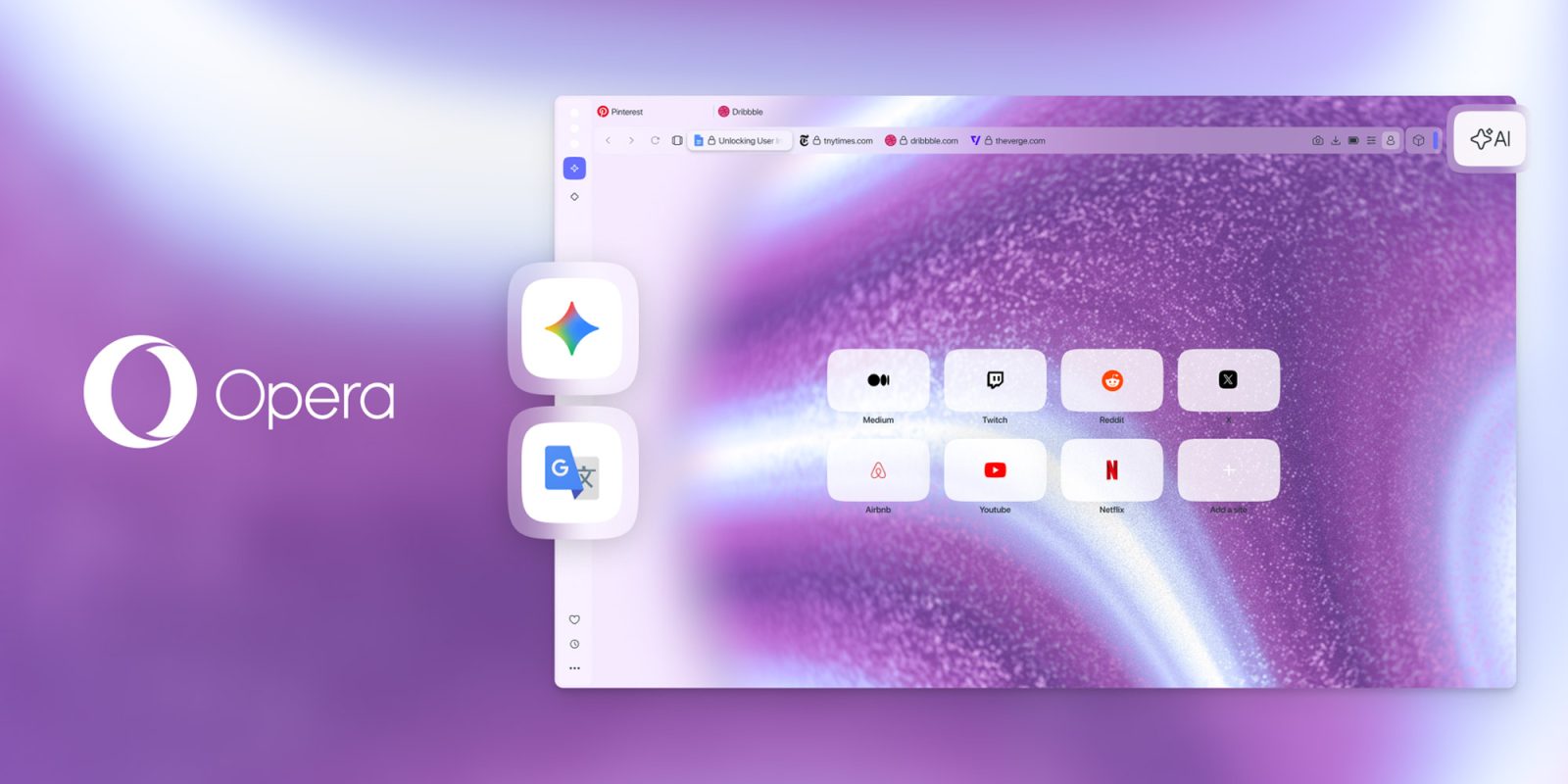

Opera is launching an update for its Opera One browser today featuring numerous enhancements aimed at boosting productivity, including a more efficient method to access Google Gemini without the need to constantly switch tabs. Here are the specifics.
## Enhanced flexibility with a focus on productivity
Late last year, Opera strengthened its collaboration with Google, integrating the latest Gemini versions into its browser AI capabilities. Since then, the company has been investigating ways to make this interaction more concentrated and efficient, with improved productivity in mind.
As a result, starting today, users will no longer be required to switch tabs each time they want to engage with Google Gemini. With the update being rolled out now, users can incorporate Gemini into the sidebar, allowing them to “have an entire AI toolkit just a click away that includes Opera browser AI, Gemini, and ChatGPT.”
All that’s needed is to launch the Gemini app from Opera’s sidebar and pin the panel. Once this is accomplished, users can collaborate with Gemini while having their open tab at the same time, significantly aiding various workflows.
Opera mentions: “With this update we aim to provide you with the versatility to utilize the appropriate AI tool for the corresponding task. Opera’s browser AI not only employs different AI models based on your request, ensuring you receive exactly what you’re seeking, but it’s also context-aware regarding tabs. This implies that it accounts for the content of your open tabs while executing operations on your behalf, alleviating you from the necessity of detailing each aspect yet still delivering exactly what you require.”
With today’s update, users also have the option to add Google Translate to the sidebar, making it a handy tool for composing in another language. While Opera’s integrated website translation tool already functioned on text within the page, this new integration allows users to generate fresh content without managing multiple tabs.
### To incorporate Gemini and Translate into the Opera One sidebar, you should:
1. Access the Sidebar setup menu by clicking on the three dots located at the bottom of it.
2. Proceed to the section labeled “Google services” (for Translate) or “AI services” (for Gemini).
3. Click on the circle next to Gemini and Google Translate to add them to your sidebar.
Finally, today’s update also broadens the split-screen capability to accommodate four tabs simultaneously, an increase from the current limit of two. Users can arrange these tabs horizontally, vertically, or in a grid pattern, which might be ideal for specific research workflows.
### To begin, simply drag and drop your tabs as you typically would – a prompt will indicate where you can drop them to create each potential layout. Alternatively, you can select the tabs you wish to view together by holding ctrl/cmd and clicking on them, then right-clicking and choosing “Create Split Screen.”
To discover more about Opera One, follow this link.