
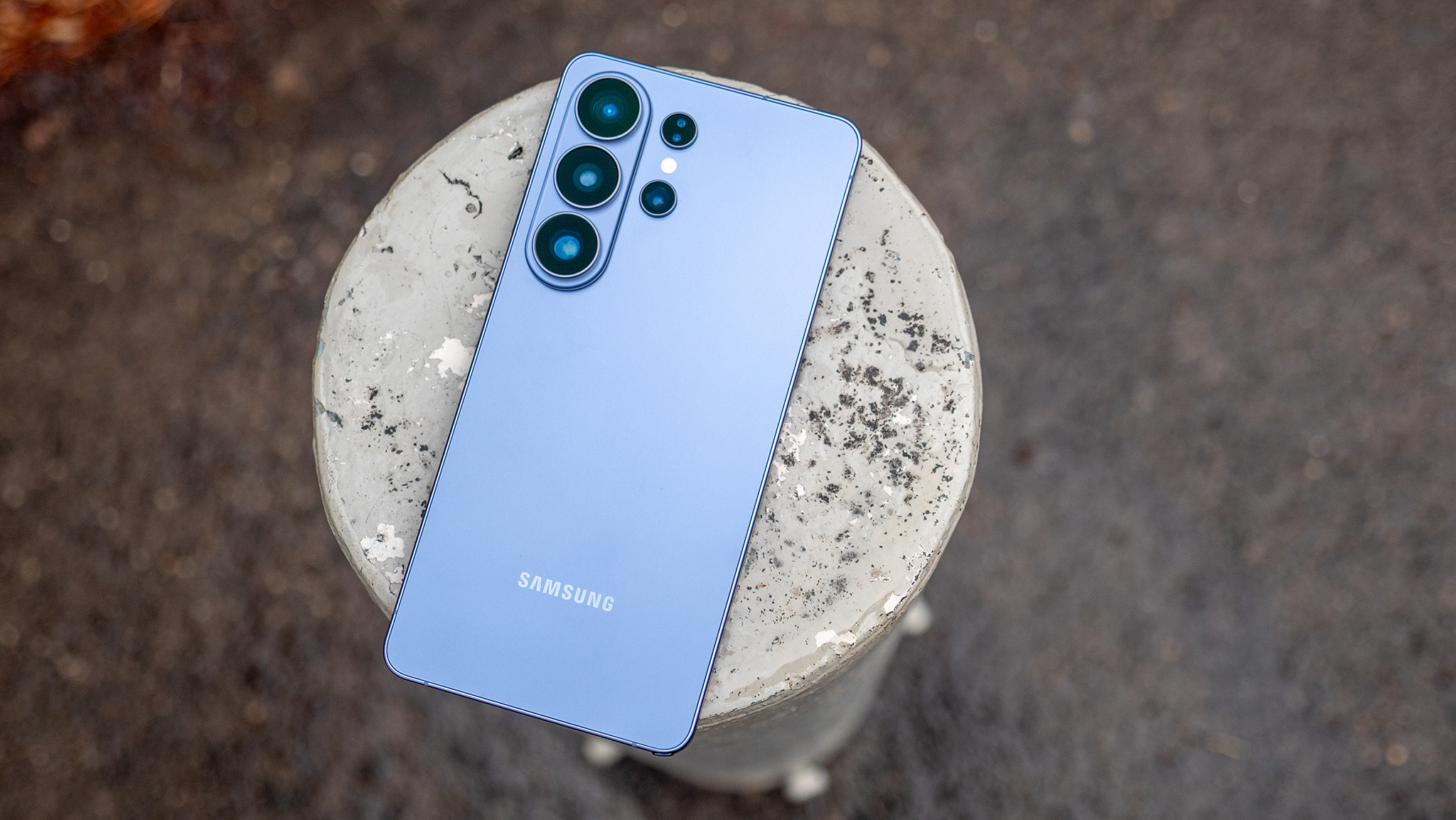

Ensuring a Galaxy phone is user-friendly for all.
Overview
Samsung Galaxy phones are celebrated for their innovative features and state-of-the-art technology. Yet, for numerous users, particularly those lacking technical skills, utilizing these features can be challenging. To make Galaxy phones easy to access and operate for all users, Samsung has introduced various user-centric features and configurations.
One UI: Streamlining the Experience
Samsung’s One UI aims to enhance the user experience by offering a more intuitive and less chaotic interface. The design is refined, emphasizing simplicity. Notable features include:
- Sleek Design: One UI presents a neat and uncomplicated appearance that minimizes distractions and simplifies navigation.
- Easy Mode: This function simplifies the home screen setup, enlarges icon and font sizes, and restricts the number of visible apps, making it perfect for novices or individuals with visual challenges.
- Dark Mode: Mitigates eye fatigue by offering a darker color palette, especially beneficial in dim lighting conditions.
Features for Accessibility
Samsung has incorporated a variety of accessibility options to support users with diverse needs:
- Voice Assistant: A screen reader that gives vocal feedback to assist users in navigating their devices.
- Visibility Improvements: Settings to modify color contrast, font size, and screen zoom, aiding those with vision impairments.
- Hearing Aids: Features such as sound detectors and support for hearing aids to help users with hearing challenges.
- Interaction and Dexterity: Adjustable configurations to aid users with limited dexterity, including touch and hold delays and an assistant menu.
Personalized Settings
Galaxy phones provide extensive customization options, enabling users to modify their devices according to personal preferences:
- Home Screen Personalization: Users can add or remove widgets, alter the layout, and arrange applications to fit their requirements.
- Notification Control: Users can set up how and when they receive alerts, ensuring they are not inundated by notifications.
- Quick Settings Menu: Grants prompt access to commonly utilized settings, which can be personalized to show the user’s favored shortcuts.
Final Thoughts
Samsung Galaxy phones are created to be adaptable and user-friendly, equipped with features that address a variety of users. By utilizing One UI, accessibility options, and customizable settings, Samsung guarantees that its devices remain approachable and straightforward for everyone, irrespective of their technical expertise.