

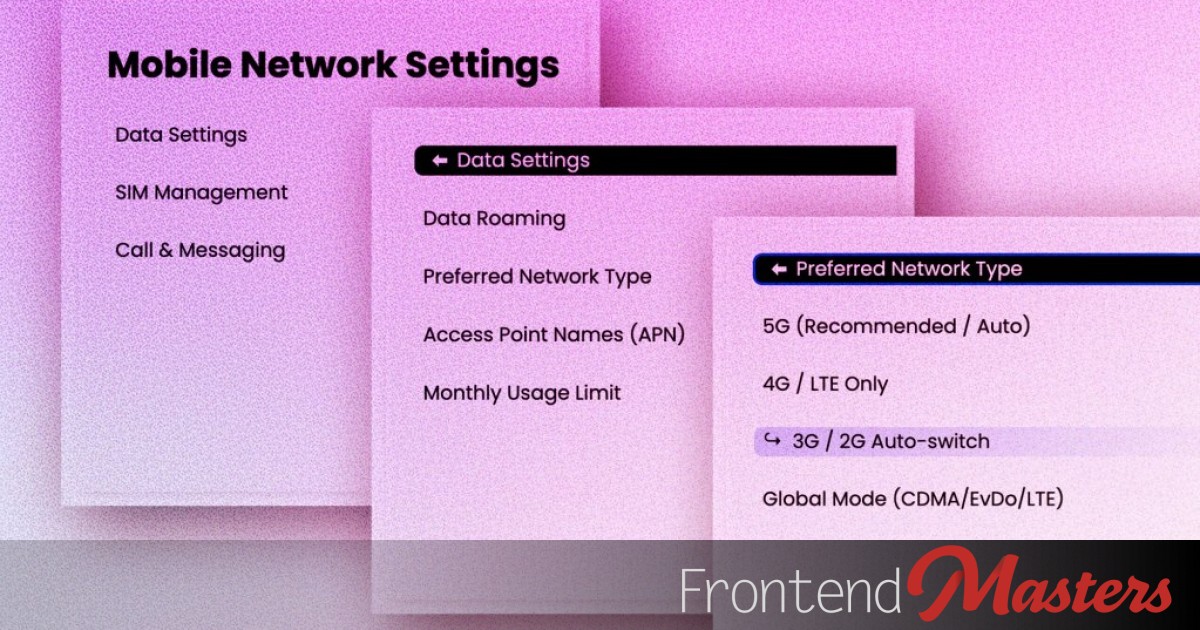
We’ll create a set of nested
elements that act like nested menus. Click a top-level item, drill down into a submenu, and continue through additional submenus. Imagine them as nesting dolls without the size reduction. Remove a shell to reveal a new doll inside.
This navigation style can save space, entertain, or help users follow a targeted question path to reach their destination.
Here’s a live demo:
We’ll guide you on making this, starting with the layout.
The Nested Layout
Cascading, nested menus form the interface’s base. Build it as you like — just ensure the nested
elements allow users to open and close submenus. We’ll target those states in CSS.
The
element is interactive, able to open and close to reveal or conceal more content, ideal for this drill-down UI. within
The
within
is the clickable part to show the content inside.
/* A three-level menu */<details> /* Level 1 */

<summary>Data Settings</summary>

<details> /* Level 2 */

<summary>Data Roaming</summary>

<details> /* Level 3 */

<summary>Domestic Roaming</summary>    <span class
/* A three-level menu */<details> /* Level 1 */
<summary>Data Settings</summary>
<details> /* Level 2 */
<summary>Data Roaming</summary>
<details> /* Level 3 */
<summary>Domestic Roaming</summary>
<span class