
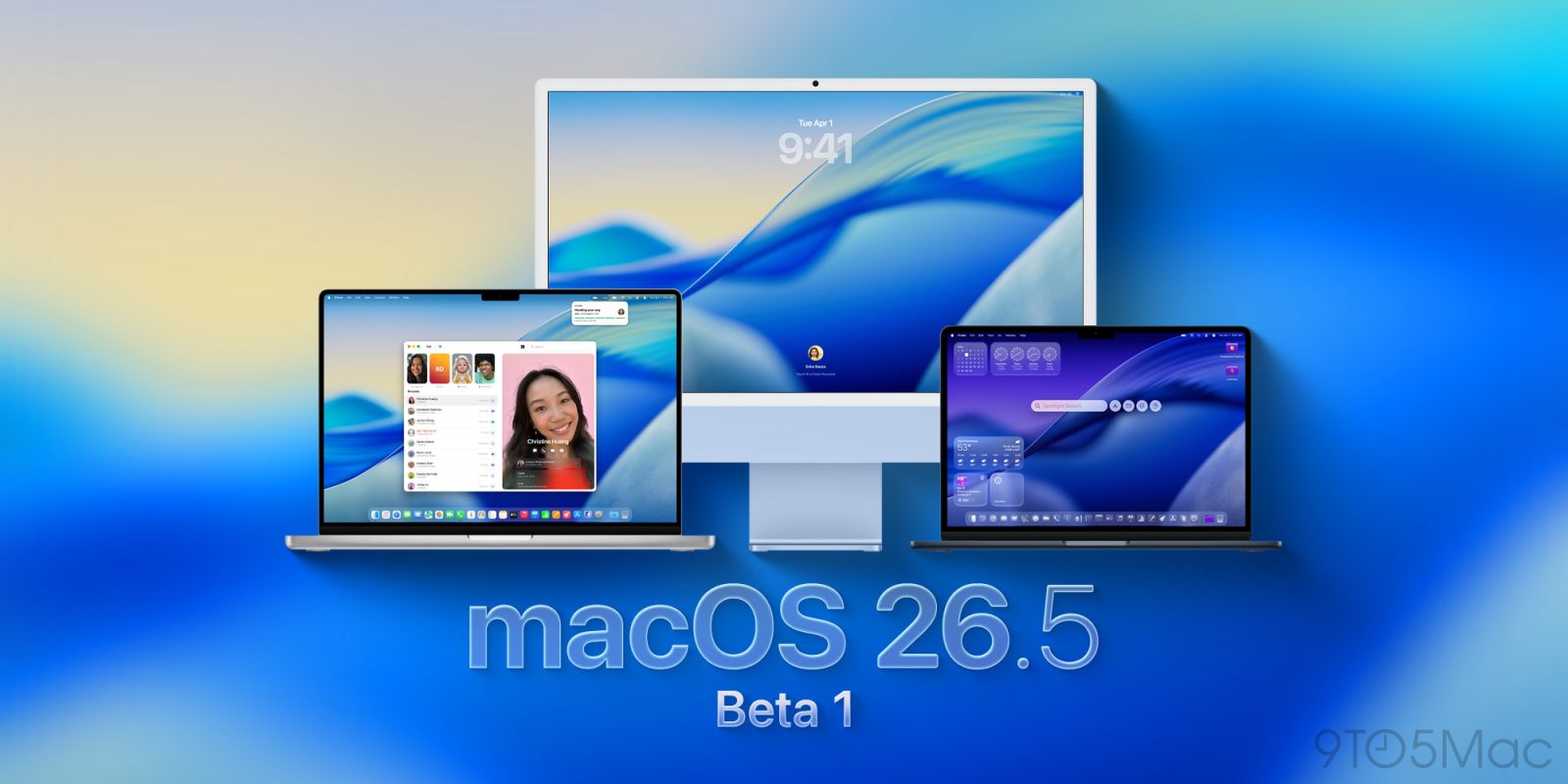

Apple is beginning to distribute the initial macOS 26.5 beta to developers, in conjunction with iOS 26.5 beta 1, iPadOS 26.5 beta 1, and updates for its various other operating systems. Here are the specifics.
### This is likely the final significant system update prior to WWDC26.
Less than a week after the launch of macOS 26.4, Apple is now distributing the first developer beta of macOS 26.5.
macOS 26.4 introduced numerous features that Apple had not previously disclosed, primarily the new Charge Limit feature. It also included eight new emoji, the initial consumer-facing warning about the discontinuation of Rosetta 2, and the reintroduction of the compact tab view in Safari.
This will probably be the last major macOS 26 update before WWDC26, where it is anticipated that Apple will unveil macOS 27. Last year, macOS 15.5 was released in May, while macOS 15.6 debuted in July, following WWDC25.
As is often true with first betas, it is currently unclear which, if any, changes or bug fixes Apple has planned. We are investigating the system and will update you with significant discoveries.
The release build for macOS 26.5 beta 1 is 25F5042g.
### How to install the new beta
Here’s how to install the macOS Tahoe 26.5 developer beta 1:
1. Backup your Mac
2. Open System Settings
3. Go to General ⇾ Software Update
4. Click the ‘i’ icon next to Beta Updates
5. From the dropdown menu in the upper-right, select the macOS Developer Tahoe Beta
6. Hit ‘Done’
Did you notice any changes in today’s betas? Share your thoughts in the comments.