
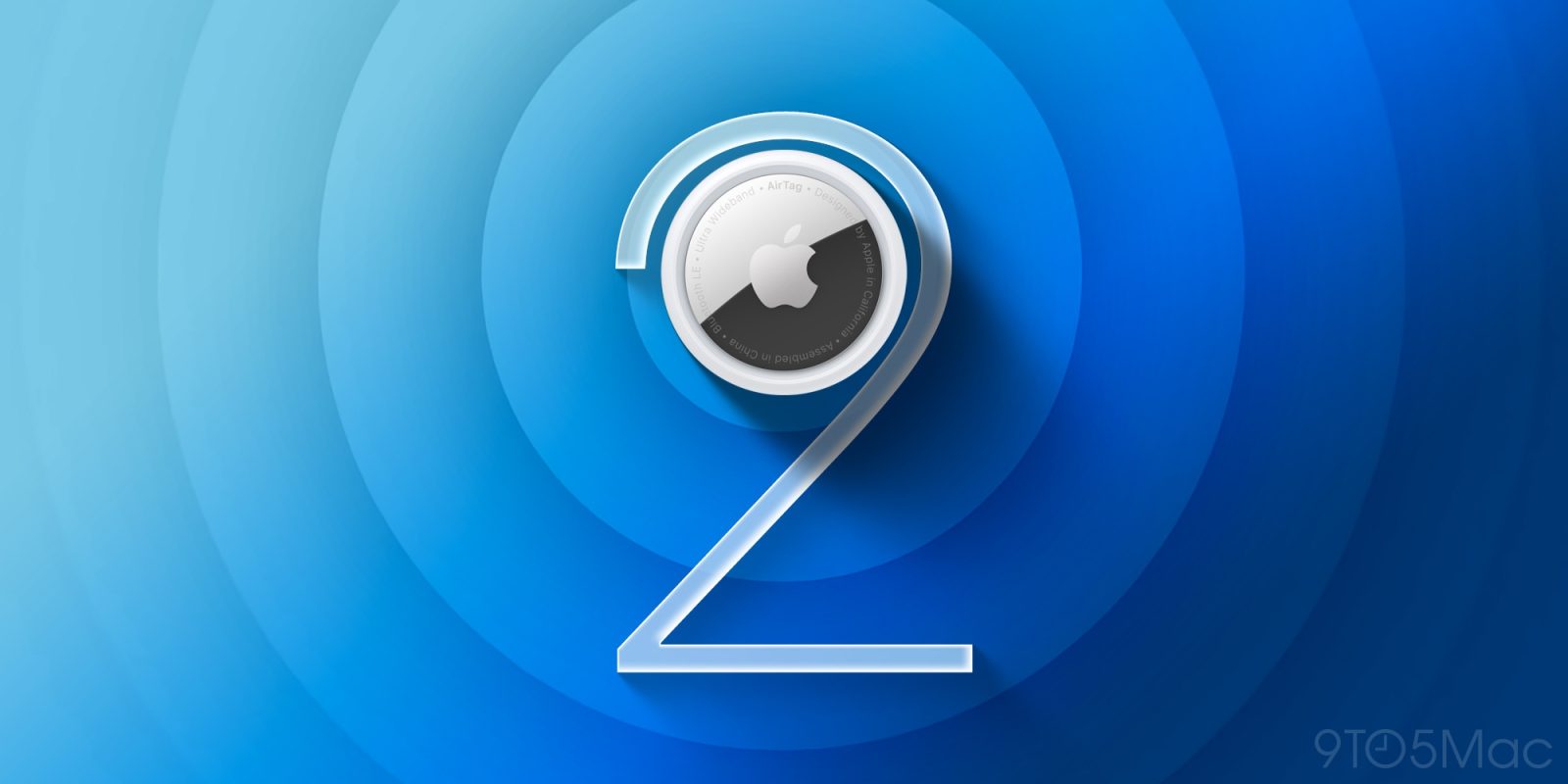

### Apple Introduces Firmware Update for AirTag 2
Alongside the debut of the new AirPods Max 2, Apple has also introduced a firmware update for the AirTag 2, which was made available earlier this year. This update, designated as firmware version 3.0.45, supersedes the previous version 3.0.41 that accompanied the device.
#### How to Verify Your Firmware Version
To see if your AirTag 2 is up-to-date with the latest firmware, perform the following steps:
1. Open the Find My app on your device.
2. Tap the Items tab.
3. Choose your AirTag from the list.
4. Tap on the name of your AirTag to check its serial number and firmware version.
It’s crucial to understand that Apple does not currently offer a method for users to manually install firmware updates, indicating that the update will be deployed automatically.
#### Anticipated Enhancements
Although Apple has not provided detailed release notes for this firmware update, it’s expected that the update resolves bugs identified post the AirTag 2’s launch and incorporates performance improvements. The AirTag 2 was built with enhanced features, including a second-generation Ultra Wideband chip that expands tracking range and speakers that are 50% louder than its predecessor.
Furthermore, the AirTag 2 features sophisticated security measures designed to prevent unauthorized tracking. These features include cross-platform alerts and distinctive Bluetooth identifiers that change regularly, ensuring the privacy of users.
#### Cost and Availability
The AirTag 2 is available for $29 for an individual unit or $99 for a pack of four. With its upgraded capabilities and security features, it continues to be a favored option for users aiming to monitor their possessions.
For those looking to buy, the AirTag 2 can be found on Amazon and various other retailers.