
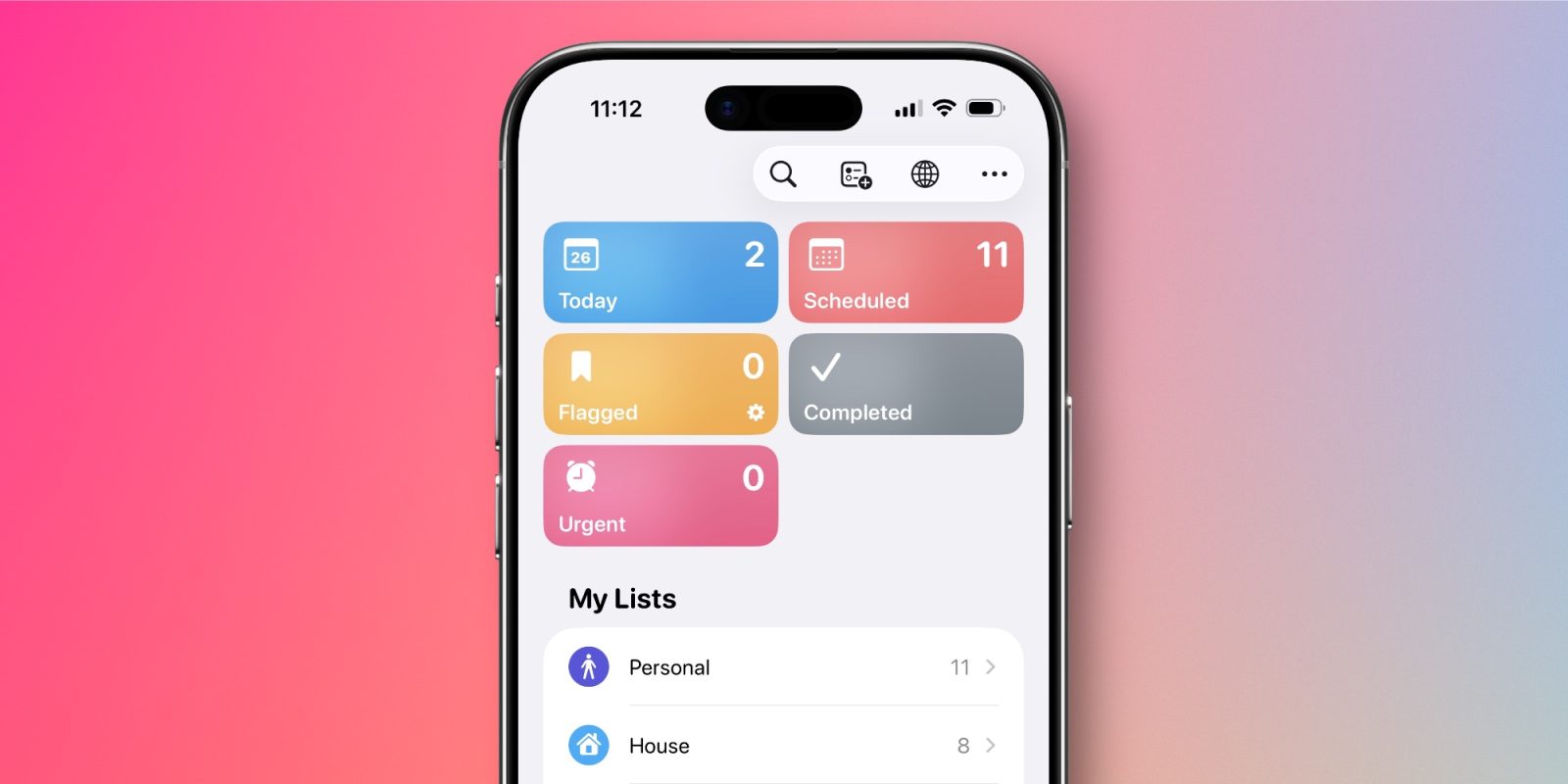

### Three Updates to ‘Urgent’ Reminders In iOS 26.4
iOS 26.4 was released last week, bringing numerous improvements across different applications, including Apple Music, Podcasts, and CarPlay. Among these enhancements, the Reminders app experienced meaningful upgrades to its urgent task functionality, enhancing usability and efficiency.
#### Debut of the ‘Urgent’ Smart List
A key update in iOS 26.4 is the implementation of a new ‘Urgent’ Smart List. This list is prominently displayed at the top of the primary Reminders home interface, acting as a hub for all urgent tasks. Users can now swiftly access and oversee their urgent reminders without the need to navigate through various lists.
#### Improved Options for Designating Tasks as ‘Urgent’
Alongside the Smart List, iOS 26.4 presents two novel options for designating tasks as ‘Urgent’:
1. **Long-Press Feature**: Users can long-press a task and choose ‘Mark as Urgent’ from the context menu.
2. **Quick Toolbar Shortcut**: By tapping the calendar icon in the Quick Toolbar, users can also designate tasks as urgent.
Before this update, the sole method to activate the ‘Urgent’ alert was to enter complete task details and toggle the option. The new options provide handy shortcuts, enabling users to mark tasks urgent from anywhere in the app.
#### Summary
These updates to the Reminders app in iOS 26.4 simplify the management of urgent tasks, making it more straightforward for users to stay organized and manage their commitments. The introduction of the ‘Urgent’ Smart List and new marking options greatly enhance the overall user experience. Have you explored the new ‘Urgent’ feature in Reminders? Share your feedback in the comments.