
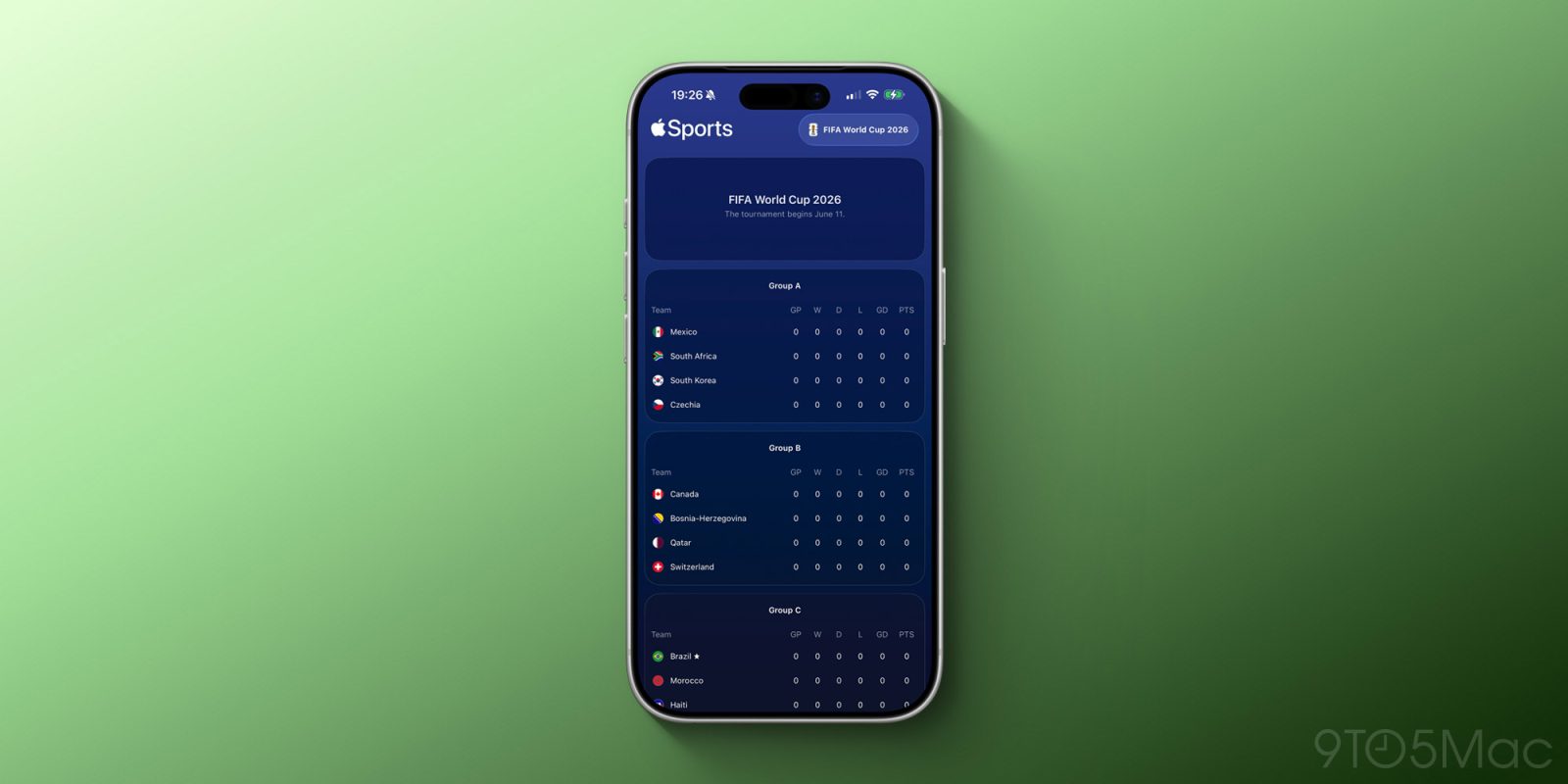

Apple has enhanced the Apple Sports app to accommodate the upcoming 2026 FIFA World Cup, which is set to commence on June 11 at MetLife Stadium in New Jersey. Here’s how to stay updated on your favorite teams.
## How to keep track of your favorite teams on Apple Sports
[Apple Sports](https://apple.co/3YsbLUu) allows users to monitor live scores and statistics for their preferred teams and sports directly from Live Activities on the Lock Screen and Dynamic Island.
Spanning various sports from racing to tennis, soccer to basketball and baseball, the app now caters to multiple sports leagues across several regions, including the U.S., Mexico, Europe, and Brazil.
Given the forthcoming 2026 FIFA World Cup, it was inevitable that Apple would incorporate support for the event, which will unite 48 countries across the U.S., Canada, and Mexico from June 11 to July 19.
As noted by [MacRumors](https://www.macrumors.com/2026/04/01/apple-sports-2026-fifa-world-cup/), the 2026 FIFA World Cup is currently featured on Apple Sports.
To keep track of the tournament, search for “FIFA World Cup 2026” in the Search area, then tap the star button to add it to your “My Leagues” section.
Alternatively, you can follow teams separately in the “My Teams” section. Lastly, you can manage both “My Leagues” and “My Teams” by tapping the “Edit” button located in the menu at the top right corner of the app.
As the matches begin on June 11, Apple Sports will automatically showcase a Live Activity with real-time details about the game. You’ll also have the ability to track the groups and playoffs as the tournament unfolds, culminating in the final match on July 19.
[Download Apple Sports on the App Store](https://apple.co/3YsbLUu)