
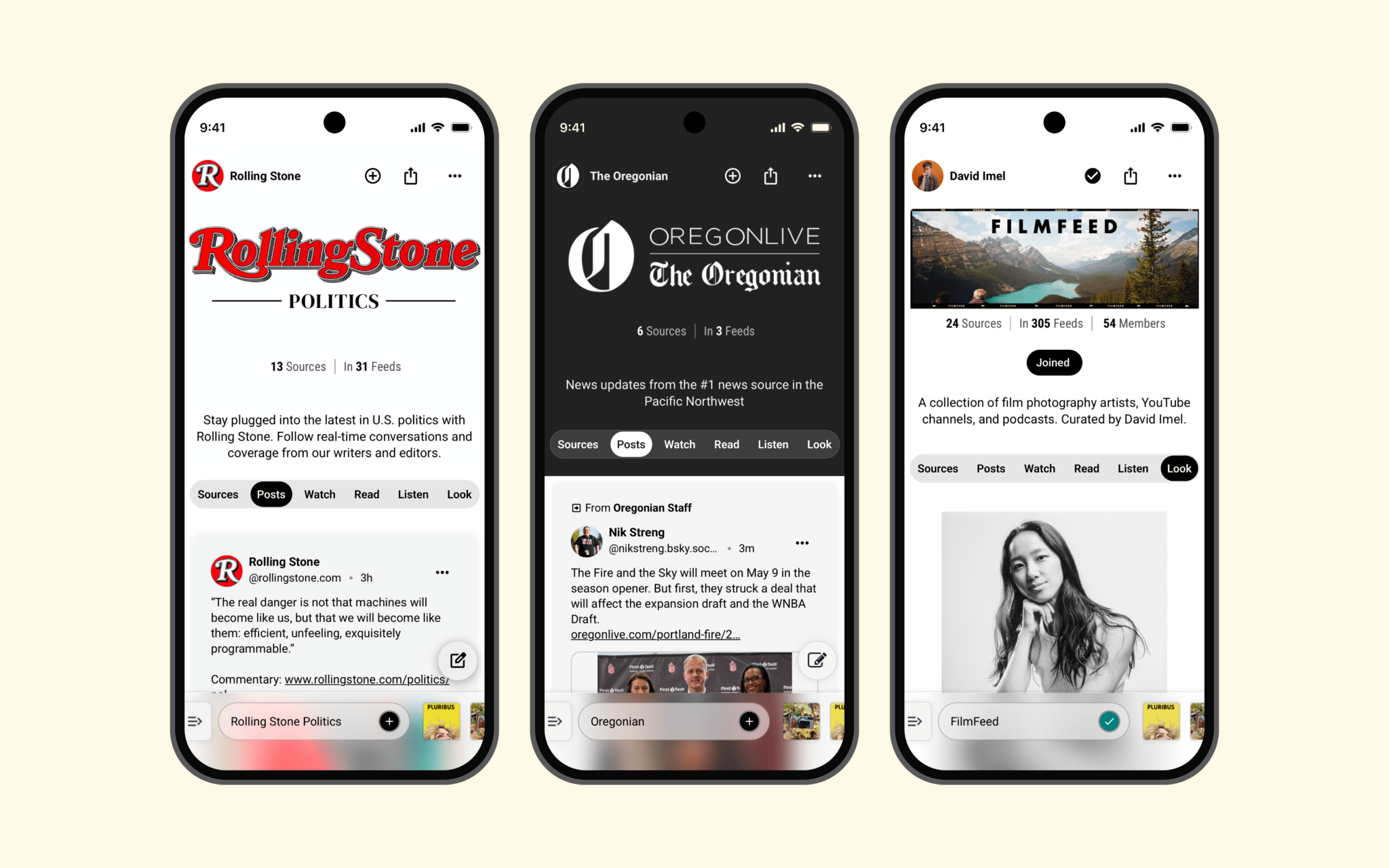

On Thursday, Flipboard announced a new concept called social websites, offering creators and publishers a unique space to cultivate online presence. These websites are centered around ongoing discussions across the decentralized social web, including Mastodon and Bluesky, as well as other public content. Social websites centralize posts, videos, podcasts, newsletters, and other interactions for creators to manage. Users can merge profiles and posts from various platforms like Bluesky, Mastodon, Threads, YouTube, podcasts, blogs, and RSS feeds into one streamlined location.
Flipboard believes this approach offers a novel paradigm for social media by giving communities greater authority over content organization and interaction. Having been supportive of decentralized social media for several years, the company aims to streamline access for publishers and creators to the open social web. In a recent blog post, Flipboard CEO Mike McCue highlighted that social websites empower podcasters, creators, and publications to foster communities and influence the user experience, including algorithm settings. McCue emphasized that creators can leverage these websites to unify existing conversations and audiences around their podcasts, videos, and newsletters.
This initiative is the first web-based extension of Surf, Flipboard’s browsing app for exploring the open social web. Social websites are fueled by Surf feeds, allowing publishers and creators to form social websites of their own. Notable partners like The Verge, Wired, Rolling Stone, 404 Media, and The Oregonian have already launched their sites, offering a collective hub for readers to follow journalists, podcasts, videos, and discussions. Creator David Rushing launched All Net, a social website for NBA fans aggregating basketball talks, league updates, videos, and real-time game commentary.
To create a Surf feed, users must visit surf.social, sign up, and select “+ Create Feed” to start adding sources, setting a community hashtag, and applying filters. Upon setup, the owner can configure a custom domain through the feed header’s menu to share the social website broadly. Flipboard states these websites extend beyond Surf, capable of being shared across the web. They foresee additional customization features soon, such as personalized headers, color schemes, and enhanced feed management tools.