

**Adobe Unveils Acrobat Student Spaces: A Revolutionary AI-Driven Study Resource for Learners**
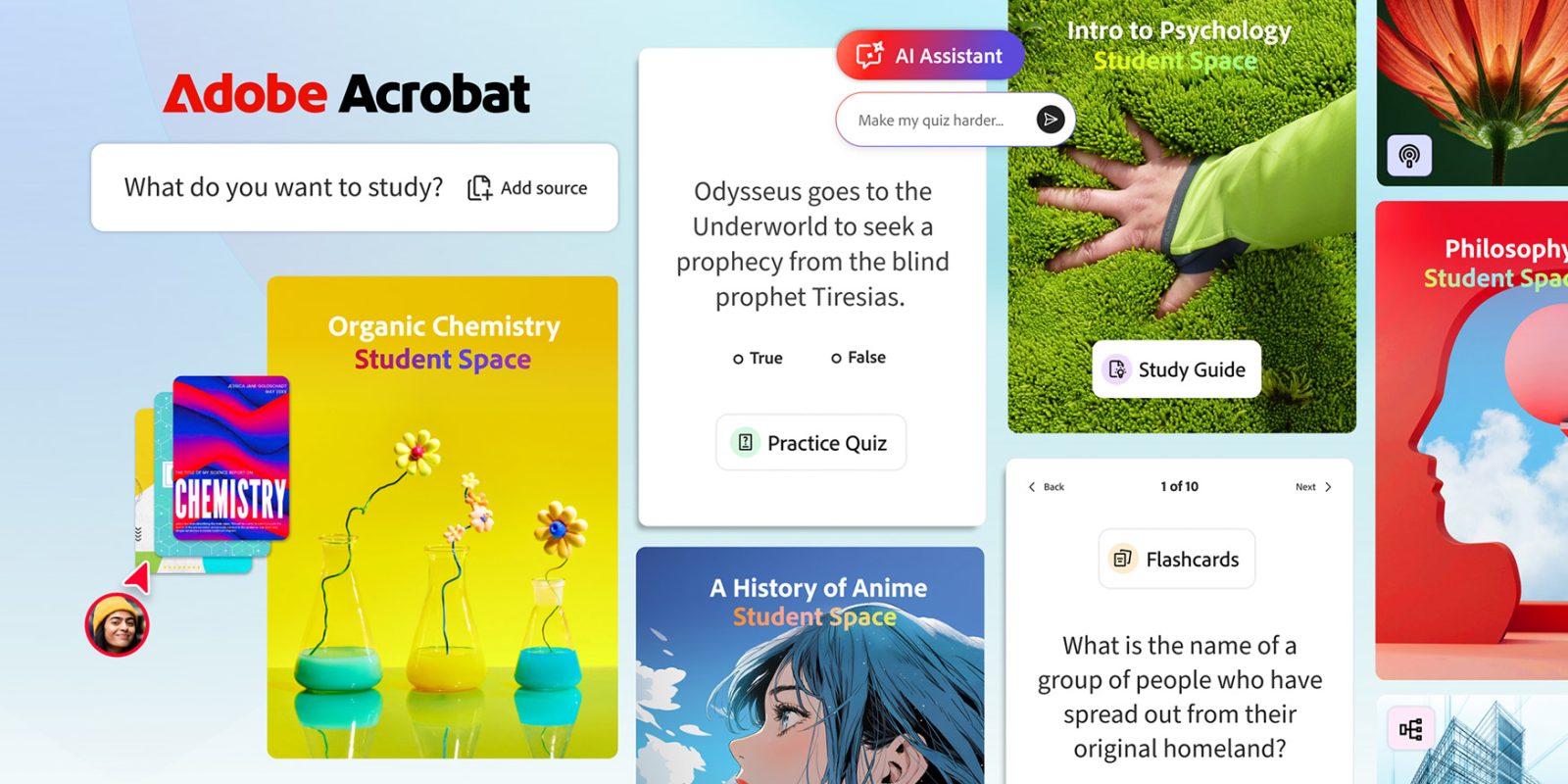
Adobe has launched a pioneering resource tailored specifically for learners: Acrobat Student Spaces. Presently in beta, this cutting-edge platform utilizes artificial intelligence to create study guides, mind maps, podcasts, and various visual and auditory educational tools based on class notes and other uploaded files.
### Crafted to Improve the Academic Journey
Acrobat Student Spaces is designed to streamline studying, making it quicker, simpler, and more productive. Developed in partnership with students, this platform provides a range of features to help users create study aids customized to their studies.
Notable features include:
– **Memorable Learning**: Students can swiftly upload class notes, documents, and links to generate study guides and mind maps. The platform also offers interactive flashcards and quizzes to assess knowledge.
– **Always-On AI Tutor**: For those struggling with challenging concepts, Acrobat’s AI Assistant serves as a 24/7 tutor, clarifying intricate topics and providing straightforward explanations. Interactive citations are available for reference.
– **Audio Learning**: The tool facilitates the conversion of notes into audio summaries or podcasts, allowing learners to study while on the move.
– **Collaborative Study Sessions**: Students can invite peers to work together on group assignments, share notes, and create presentations in a mutual space.
### Embracing Various Learning Approaches
Adobe stresses that Acrobat Student Spaces supports multiple learning styles, whether students are working solo or in collaborative settings. For individual study, the platform includes a focus mode to reduce distractions and bolster concentration.
For group projects, students can collaborate in real-time, exchanging notes and constructing presentations fluidly.
### Customized Tools for Varied Learning Preferences
Acrobat Student Spaces offers an extensive range of tools tailored for different learning styles:
– **Visual Learners**: Users can create mind maps, presentations, and videos to illustrate complex concepts, integrating images from their notes.
– **Auditory Learners**: The platform allows the production of podcasts or audio summaries based on course materials, providing an engaging auditory learning experience.
### Perspectives from Adobe Leadership
Charlie Miller, PhD, Adobe’s Vice President of Education and Document Cloud, emphasized the teamwork behind the launch: “We collaborated with hundreds of student beta testers, organized numerous live feedback sessions, and worked closely with student groups at Berkeley, Brown, Harvard, Marshall, San Jose State, and University of Minnesota to craft the initial version. And we’re just beginning — we’ll continue to expand these partnerships to offer even greater value to students everywhere.”
### Final Thoughts
Acrobat Student Spaces signifies a substantial leap in educational technology, equipping students with powerful tools to improve their study habits and academic results. To learn more about this innovative platform, visit [Acrobat Student Spaces](https://acrobat.adobe.com/studentspaces/home?).