

Credit: Google
When it comes to web browsers, most of us don’t want them to change. Browsing has become so integral that any “upgrade” can be a hassle. Now, Google has revamped one of the basic Chrome features, and you should try it.
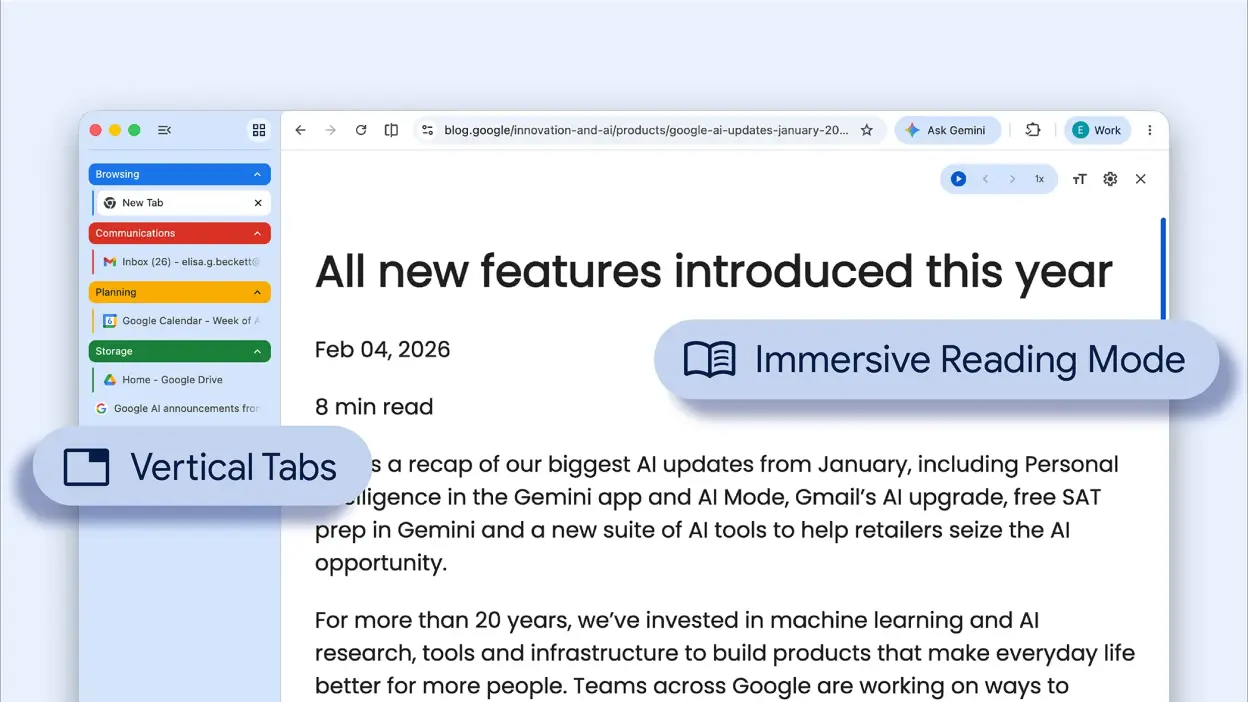
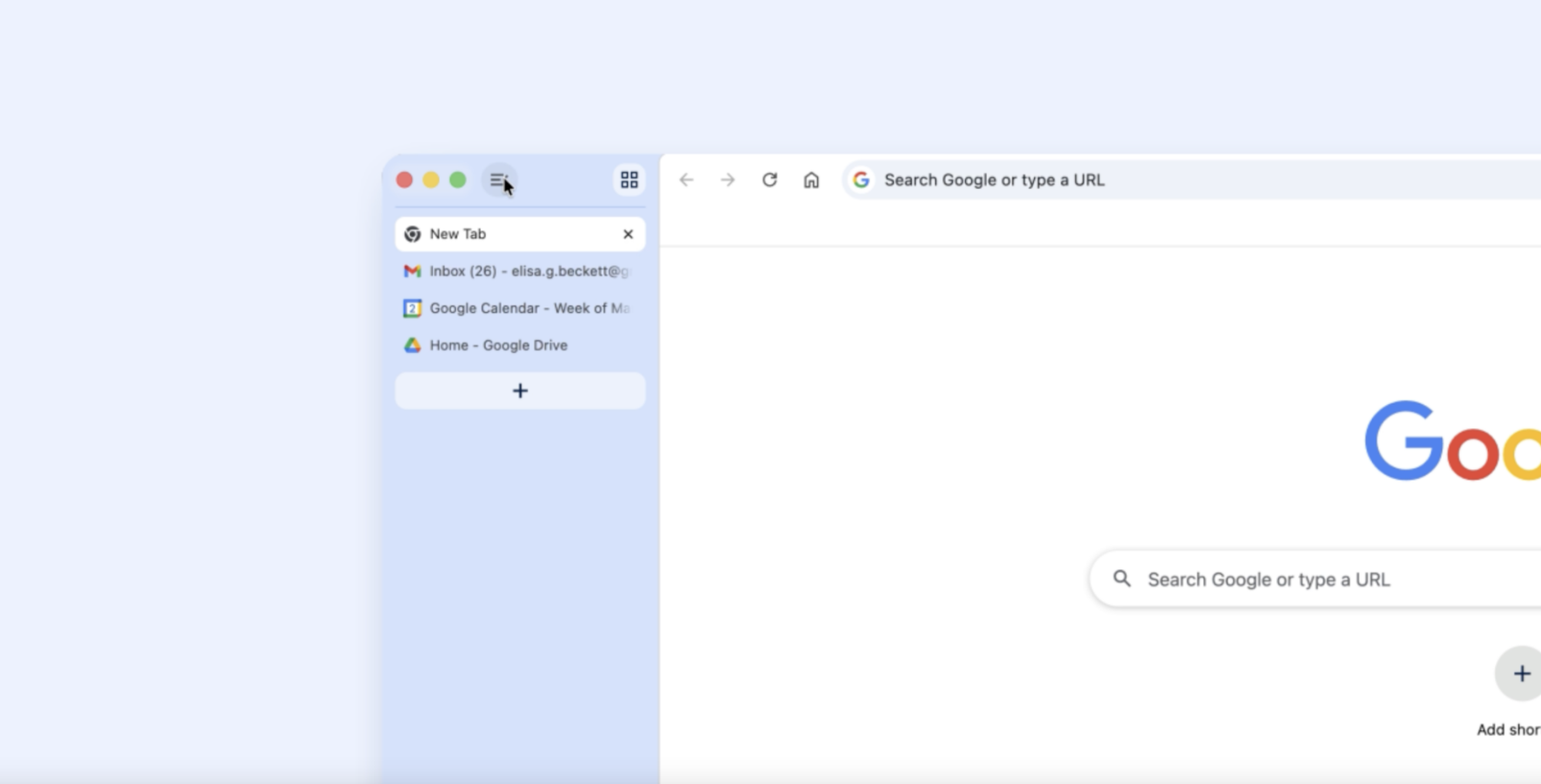
Google launched vertical tabs in Chrome. Instead of tabs being horizontally displayed above the URL, they can now be a list on the left side of the browser window.
This change might be something users need time to adapt to, similar to early tabbed browsing popularized by Firefox in 2002.
Laying out your tabs vertically offers advantages. With many tabs open, they shrink to unreadable sizes. Vertical tabs keep headlines visible (the bar’s size can still be reduced to icons only).
Credit: Google
The feature is optional and enabled by right-clicking the tab bar and selecting “Show Tabs Vertically.” If unavailable, it will soon be part of your Chrome.
The vertical tabs feature was initially in Chrome Canary back in Nov. 2025 but is now available to everyone. Google also introduced a full-page reading mode for distraction-free browsing.