
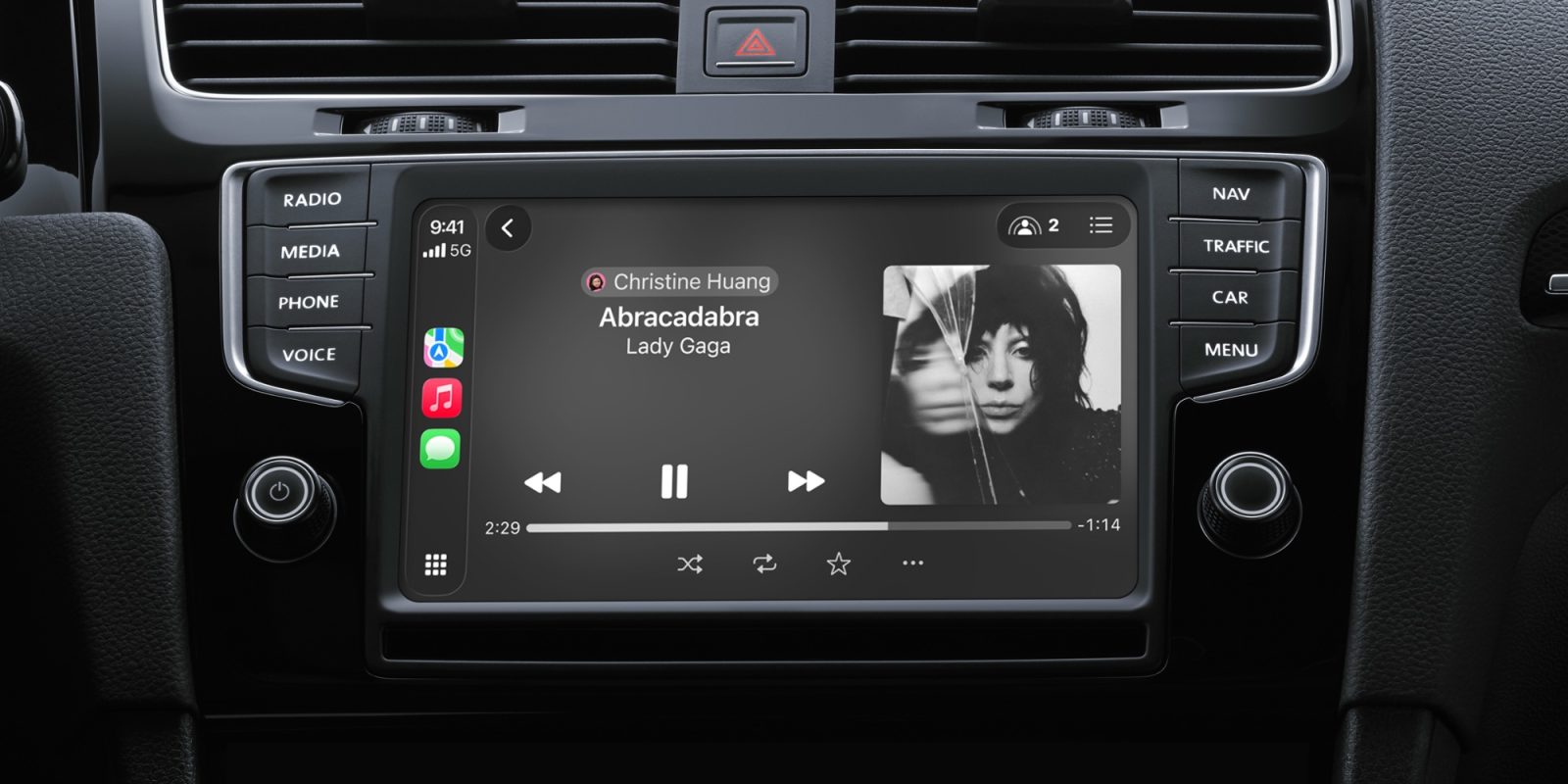

**CarPlay Improvements: Apple Music Favorites and One-Touch Playback in iOS 26.4**
CarPlay has recently undergone major updates with the launch of iOS 26.4, bringing forth new functionalities and engaging applications. Among these improvements, a standout feature is the introduction of pinned music in Apple Music, which is especially advantageous for users who regularly use CarPlay while on the road.
### Pinned Music in Apple Music
The new pinning capability in Apple Music enables users to swiftly access their top artists, albums, playlists, or songs by pinning them to the forefront of their Library. This feature, accommodating up to six pins, fulfills a long-standing user request that enhances the overall experience. Although some users may desire the option to pin additional items, the existing configuration offers a streamlined method for accessing frequently enjoyed music.
### Advantages of Pinned Music in CarPlay
For individuals who have moved from city life without a vehicle to suburban living with a car, the practicality of CarPlay becomes clear. Pinned music syncs automatically from the iPhone to CarPlay, prominently displaying it at the top of the Music app interface. This function is particularly advantageous for drivers who wish to reduce distractions while browsing music selections.
Utilizing Siri for music requests is a common practice, but pinned music presents a quick and safe substitute. Instead of navigating through several screens to locate a desired album or playlist, drivers can simply tap on their pinned choices. Moreover, if users set their pins for one-tap playback on their iPhone, this capability smoothly transitions to CarPlay, further improving the driving experience.
### Configuring Music Pins
To benefit from the pinned music function in Apple Music, follow these straightforward steps:
1. Open the Music app on your iPhone.
2. Long-press on any artist, album, playlist, or song.
3. Tap the ‘Pin’ option in the popup menu.
4. In the Library tab, find the new pin at the top of the screen and long-press it.
5. Alter the ‘Tap Action’ to ‘Play’ for one-tap playback in the vehicle.
Once configured, users will discover that they can depend less on Siri for music playback, as pinned music delivers a simple way to access frequently played tracks without the possible missteps that can arise with voice commands.
### Conclusion
The addition of pinned music in Apple Music with CarPlay is a transformative development for drivers aiming for a more efficient and safer method of enjoying their favorite songs. With the extra convenience of one-tap playback, users can elevate their driving experience while maintaining concentration on the road. As CarPlay progresses, features like these underscore the significance of user-centric design in automotive technology.