
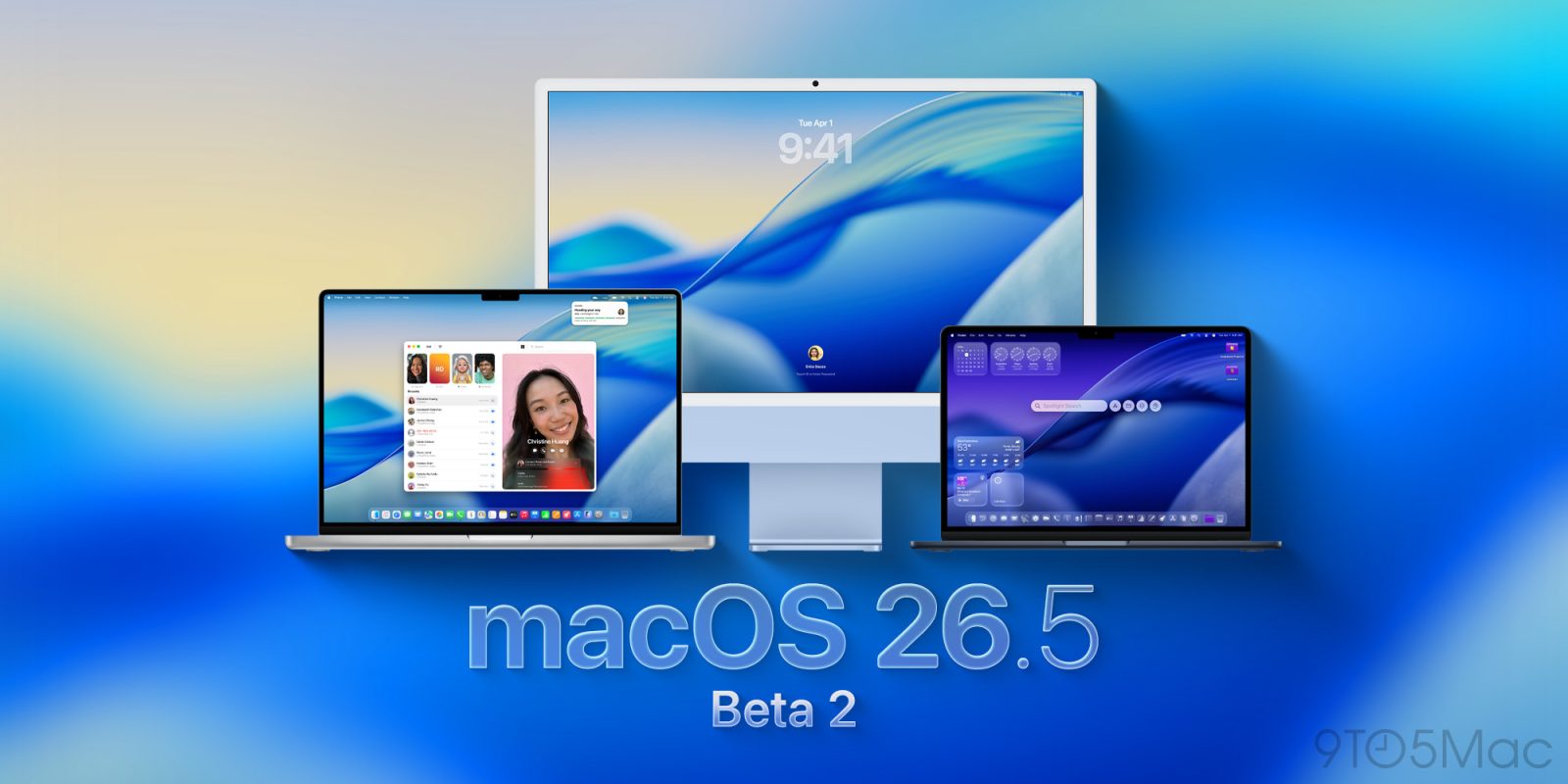

Apple is deploying the second batch of developer betas for macOS 26.5 and its related systems. Below are the specifics.
## Initial developer beta was sparse on new features
A fortnight ago, Apple launched macOS 26.5 beta 1, along with iOS 26.5 beta 1, iPadOS 26.5 beta 1, and its other operating platforms.
Unlike macOS 26.4, which reintroduced the compact tab view in Safari and added the Charge Limit feature, it appears that the updates in macOS 26.5 will be confined to features across the ecosystem.
This encompasses suggested locations in Apple Maps, new purchasing options in the App Store, and additional enhancements.
Apple released the initial public beta of macOS 26.5 later that week, featuring the same build as the first developer beta.
We’re already exploring the system to discover if Apple has reserved any new functionalities for this update.
## Instructions to install the new beta
Here’s how to install the macOS Tahoe 26.5 developer beta 2:
1. Backup your Mac
2. Open System Settings
3. Navigate to General ⇾ Software Update
4. Click the ‘i’ icon adjacent to Beta Updates
5. From the dropdown menu in the upper right, choose the macOS Developer Tahoe Beta
6. Press ‘Done’
Have you noticed any alterations in today’s betas? Share your observations in the comments.