
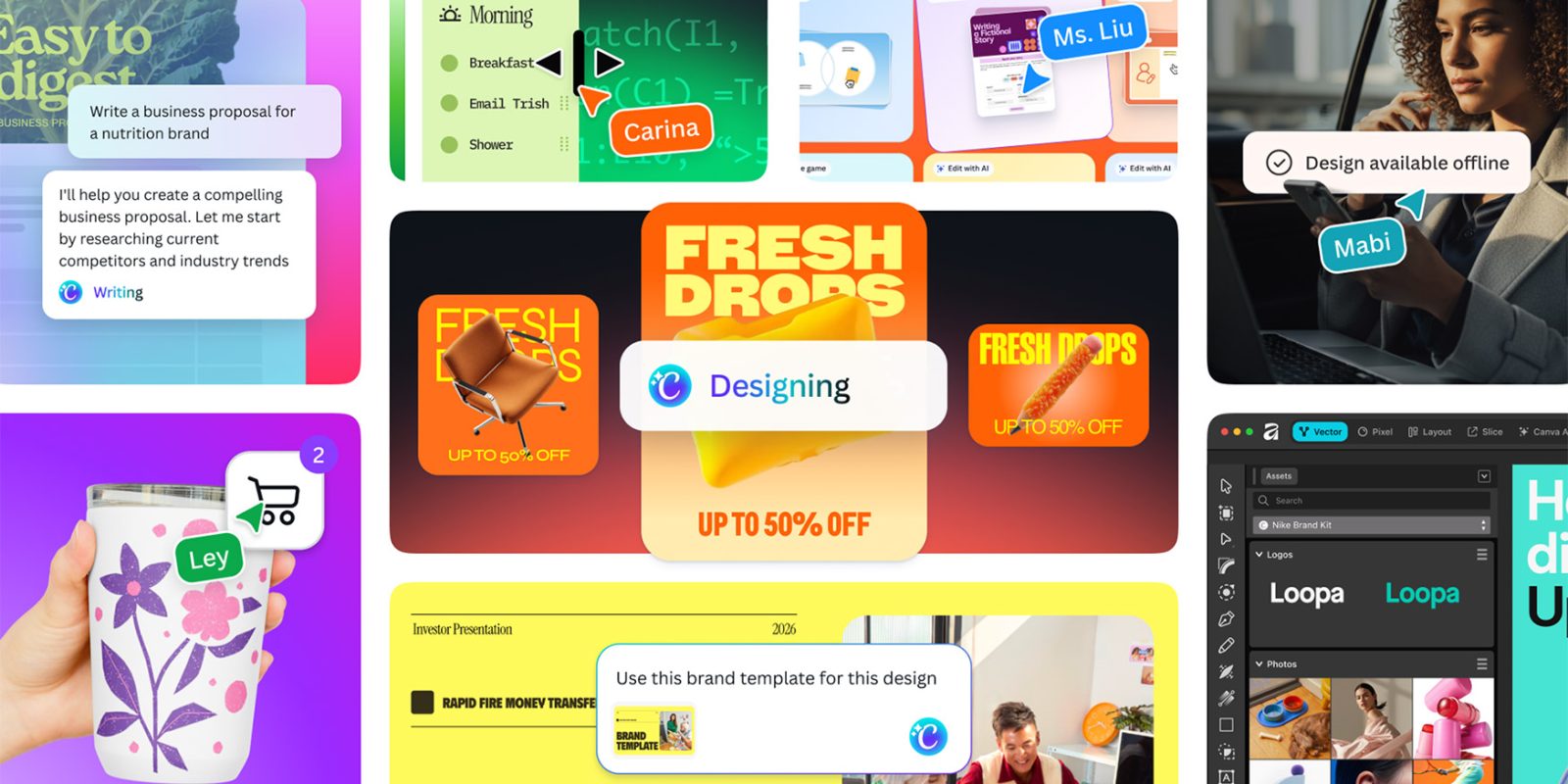

At Canva Create today, the organization is making its most significant advancement yet into the agentic design arena with the unveiling of the research preview of Canva AI 2.0. Here’s what’s different.
## Canva AI 2.0 Expands Beyond Design
With the launch of Canva AI 2.0, the platform is unveiling a cohesive conversational interface for design, automation, and content generation, built on the company’s Proteus, Lucid Origin, and I2V generative image and video models, which are “up to 7x quicker and 30x more affordable than similar leading alternatives.”
In practical terms, today’s announcement allows users to leverage natural language prompts to articulate their needs, while Canva’s novel agentic system generates designs and manages the tools and workflows necessary to create, edit, automate, and even publish work throughout the platform.
Here’s Canva on the announcement:
> Driven by Canva’s cutting-edge AI lab and years of investment in foundational models for design, Canva AI 2.0 converts Canva into a conversational, agentic platform where teams can transition from concept to execution in a single location. The outcome is a robust creative ally throughout the entire process, from the initial idea to the final product.
Canva AI 2.0 merges a new architectural layer with workflow tools that extend beyond design generation into research, automation, and task management.
## The Architecture Layer
The architecture layer powers Canva’s fundamental AI experience, featuring, as stated by the company:
– **Conversational Design:** Articulate an idea, goal, or rough outline, and Canva AI produces a fully editable design with structure, branding, and layout from the outset.
– **Agentic Orchestration:** Clarify a goal, share a rough sketch, or provide a brief, and a new orchestration layer comprehends your intent, chooses the appropriate tools, and coordinates them to fabricate everything you require, in every format.
– **Object-Based Intelligence:** Request Canva AI to modify something, and only that aspect changes. Replace an image, modify a headline, or adjust a font without impacting anything else. Teams can jump in to collaborate, comment, and iterate as the work advances.
– **Living Memory:** Canva AI gathers insights from your work, becoming increasingly beneficial with each use. Customize it with your existing designs to create a tailored memory library and an “About Me” profile that consistently adapts your experience.
## Workflow Features
In addition to the architectural layer, Canva AI 2.0 also introduces workflow features designed to enhance the platform’s utility for planning, collaboration, and everyday tasks, beyond the design process itself. These include:
– **Connectors:** Canva AI can now produce summaries from Zoom transcripts, transform customer emails into personalized sales pitches, or create company newsletters based on activity across Slack. Initial connectors encompass Slack, Notion, Zoom, Gmail, Google Drive, and Google Calendar, with more to follow.
– **Scheduling:** Canva AI can conduct scheduled tasks automatically in the background, even while you’re offline. For example, it can generate a complete batch of social content each Friday or scan your emails every morning and produce briefing documents for upcoming meetings based on calendar events.
– **Web Research:** Conduct research on demand, or schedule it, and Canva AI will compile and organize information from across the web, subsequently delivering it into your design as structured, editable content ready for refinement and sharing.
– **Canva Code 2.0:** Now featuring HTML Importing, describe any interactive concept, and Canva AI constructs a full, responsive experience, structured, interactive, and designed for compatibility across all devices.
## Availability
Canva AI 2.0 debuts today as a research preview, available to the first million users who sign up from the Canva homepage. The company states “access will expand progressively to additional users over the following weeks.”