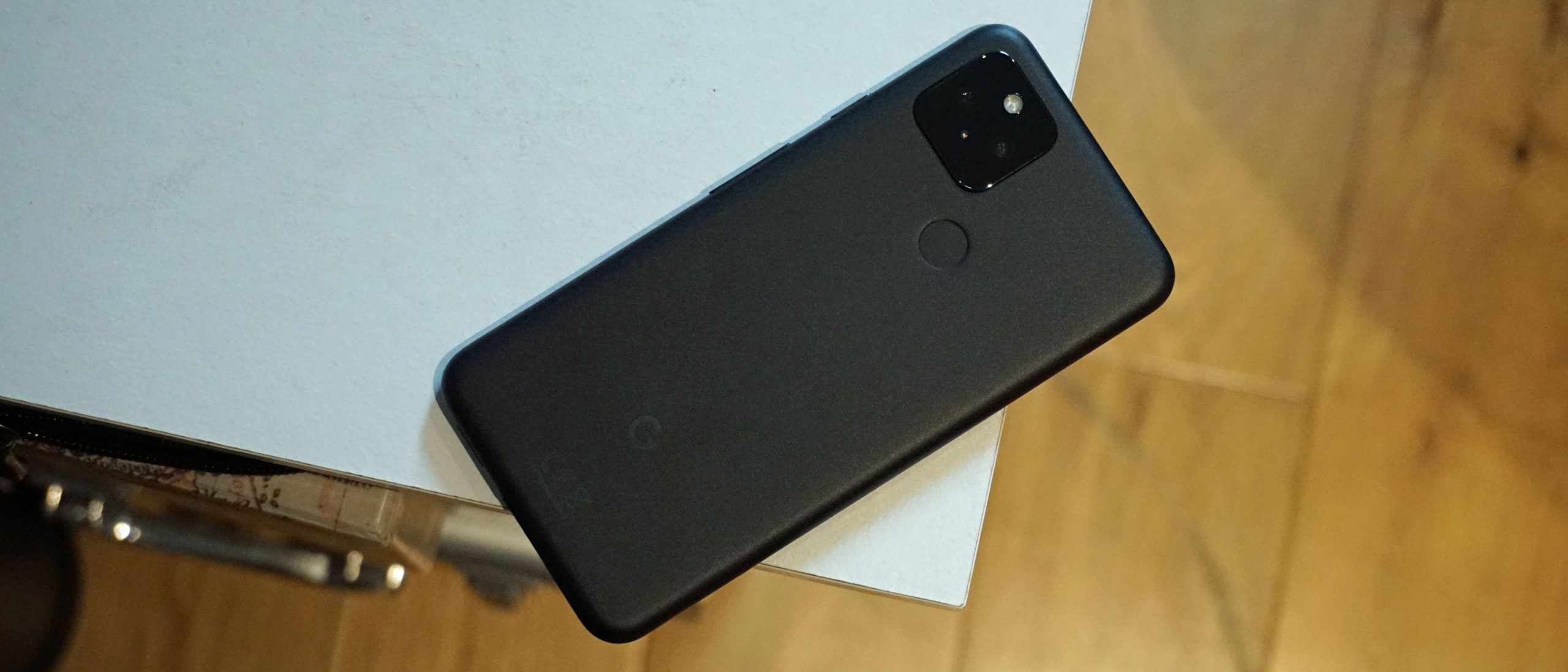
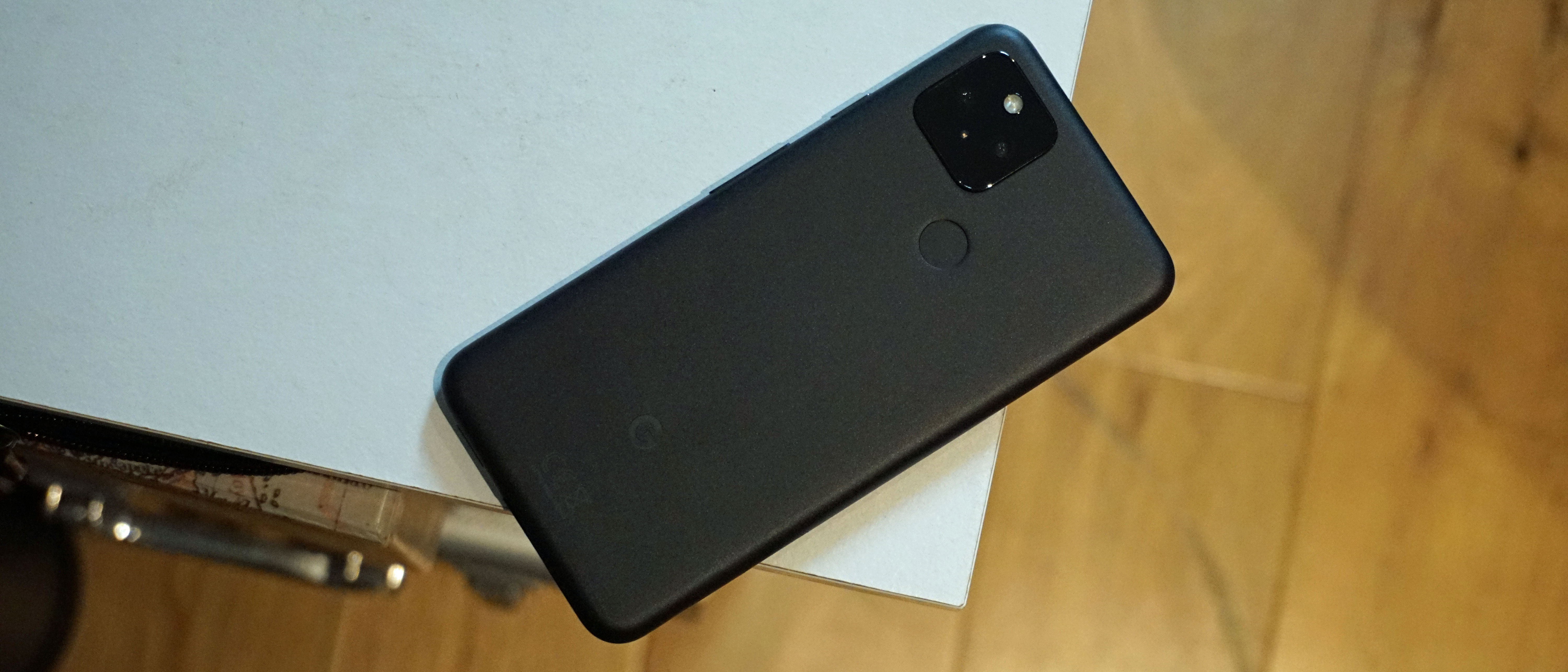
The newest Android 16 QPR2 update for Pixel devices brings a fresh feature that enables users to impose dark mode on apps that do not inherently provide it. This update is part of Google’s persistent initiatives to improve Pixel smartphones via consistent Pixel Drops and Quarterly Performance Release updates. The Enhanced dark mode, presented as an accessibility option, is advantageous for users who favor a dark interface or have visual impairments or photosensitivity.
This feature is accessible on Pixel phones that support the Android 16 QPR2 update, including the Pixel 6 and subsequent versions. Users can verify their build version by heading to Settings > About phone and checking for the build number BP4A.251205.006. To activate Enhanced dark mode, users need to launch the Settings app, navigate to Display and touch, select Dark theme, and opt for the Enhanced choice.
Although this feature offers a provisional fix for apps without native dark mode capabilities, Google cautions that not all applications may operate correctly when forced into dark mode. The update is a positive enhancement for dark mode fans and acts as a temporary solution until app developers implement native dark themes.
