

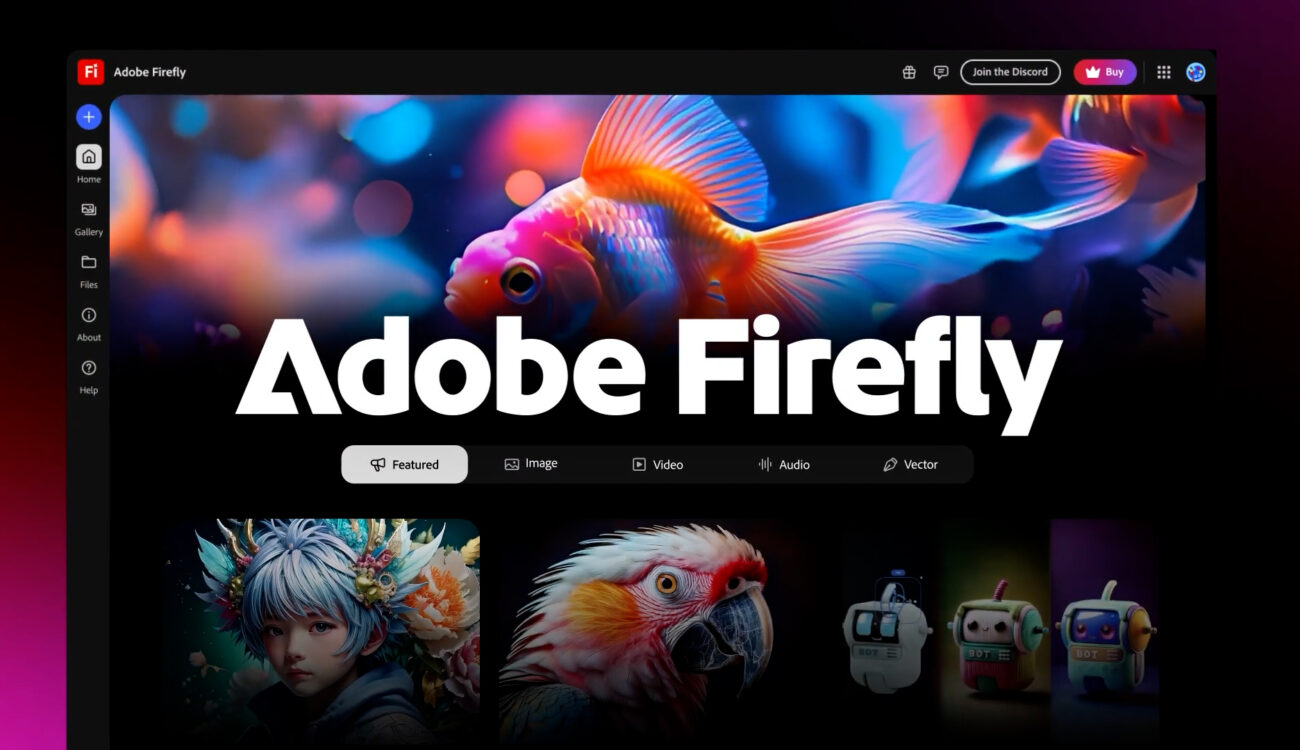
### Adobe Launches Quick Cut: A New AI-Driven Editing Tool in Firefly
Adobe has unveiled the beta version of Quick Cut, a fresh feature in its Firefly suite that utilizes artificial intelligence to simplify the video editing experience. This cutting-edge tool is aimed at aiding creators by autonomously compiling numerous uploaded or generated video clips into a coherent initial edit, significantly minimizing the time and labor needed for early video production.
#### Now Available in Beta
Quick Cut is accessible for users uploading their raw video materials to Firefly. After the footage is uploaded, users can effortlessly click the Quick Cut button and give context related to the video’s content. This context can vary from an extensive interview to a product showcase, a podcast session, or a personal vlog.
Along with the context, users can define key parameters such as the preferred aspect ratio and speed. They also have the choice to upload or create a B-roll track, which aids in organizing supporting footage for easy access.
Upon delivering this information, Quick Cut analyzes the details and produces a preliminary edit of the video. The resulting multi-track edit enables creators to carry out additional modifications, edits, and iterations directly within Firefly, promoting a more efficient workflow prior to final release.
#### Optimizing the Editing Workflow
The key objective of Quick Cut is to catalyze the editing process by supplying creators with a foundational edit to enhance. Adobe underscores that this feature is particularly advantageous for those wishing to focus more on storytelling and narrative rather than dedicating excessive time stitching clips together.
As noted by Adobe, “We crafted Quick Cut to provide video creators with a distinct starting point they can mold, enhance, and personalize. It’s a rapid method to transition from ‘I have clips’ to ‘I have an edit to work with.’” This strategy not only conserves time but also enriches the creative process by enabling users to focus on their videos’ narrative flow.
#### Intended Audience and Applications
Quick Cut is anticipated to be particularly valuable for different kinds of content creators. For example, product reviewers can upload extended unboxing and testing videos, allowing Quick Cut to synchronize the edits with their narration effortlessly. Likewise, journalists can harness this feature to identify key moments in their interviews, simplifying the compilation of highlights and crucial content.
#### Other Firefly Features
In conjunction with the launch of Quick Cut, Adobe has revealed that new subscribers to Firefly Pro and Premium before March 16 will enjoy unlimited image and video generations up to 2K resolution. This includes access to third-party models, like Google’s Nano Banana Pro and Runway’s Gen-4 Image, expanding the creative possibilities available in the Firefly platform.
For further details about Adobe Firefly and its features, you can visit the official [Adobe Firefly website](https://www.adobe.com/products/firefly.html).
### Conclusion
Adobe’s Quick Cut feature marks a notable leap in video editing innovation, providing creators with a powerful instrument to streamline their workflow and elevate their storytelling abilities. As the beta version is launched, it holds the potential to revolutionize video content creation, rendering the editing process more accessible and effective for creators across diverse domains.