

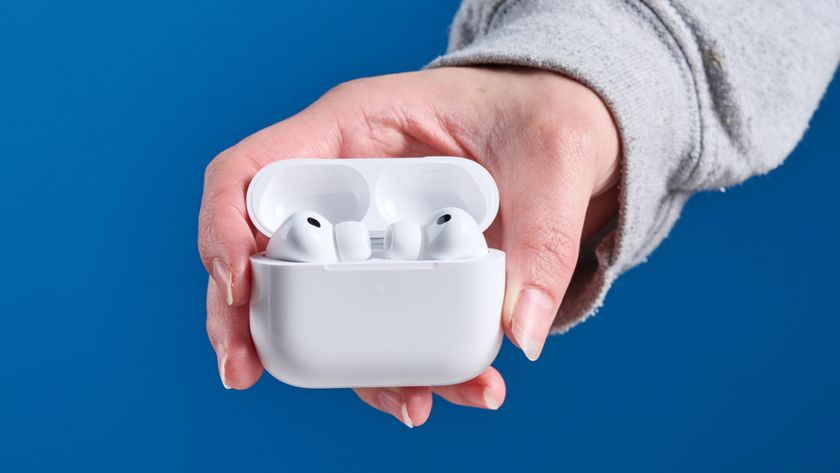
### New AirPods Pro 3 Firmware Now Available
Apple has introduced an updated firmware for AirPods Pro 3 users, coinciding with the forthcoming iOS 26.3 update. The new firmware, marked by build number **8B34**, supersedes the earlier version 8B30 that was released just before the holiday season.
Firmware updates for AirPods are crucial as they often bring bug fixes, enhancements in performance, and sometimes add new features. However, Apple has yet to share comprehensive release notes for the new firmware on its official AirPods firmware page, which generally indicates “Bug fixes and other improvements.”
#### Steps to Install the Newest Firmware
In contrast to iOS updates, AirPods firmware updates cannot be installed manually. The update process happens automatically under certain conditions. To make sure your AirPods Pro 3 obtain the newest firmware, follow these steps:
1. Confirm that your iPhone, iPad, or Mac is running the latest version of iOS, iPadOS, or macOS, and that Bluetooth is switched on.
2. Connect your AirPods to your device via Bluetooth.
3. Ensure your device is connected to Wi-Fi.
4. Plug in your charging case to a power outlet.
5. Place your AirPods in the charging case and close the lid. Keep the lid shut and ensure the AirPods stay within Bluetooth range of your device.
6. Wait for a minimum of 30 minutes for the firmware update to complete.
7. Open the lid of the charging case to reconnect your AirPods to your device.
8. Verify the firmware version to confirm the update.
#### Final Thoughts
Keep an eye out for any new features or modifications that might be unveiled in the latest firmware. Have you upgraded to the new 8B34 firmware for your AirPods Pro 3? Share your thoughts in the comments.