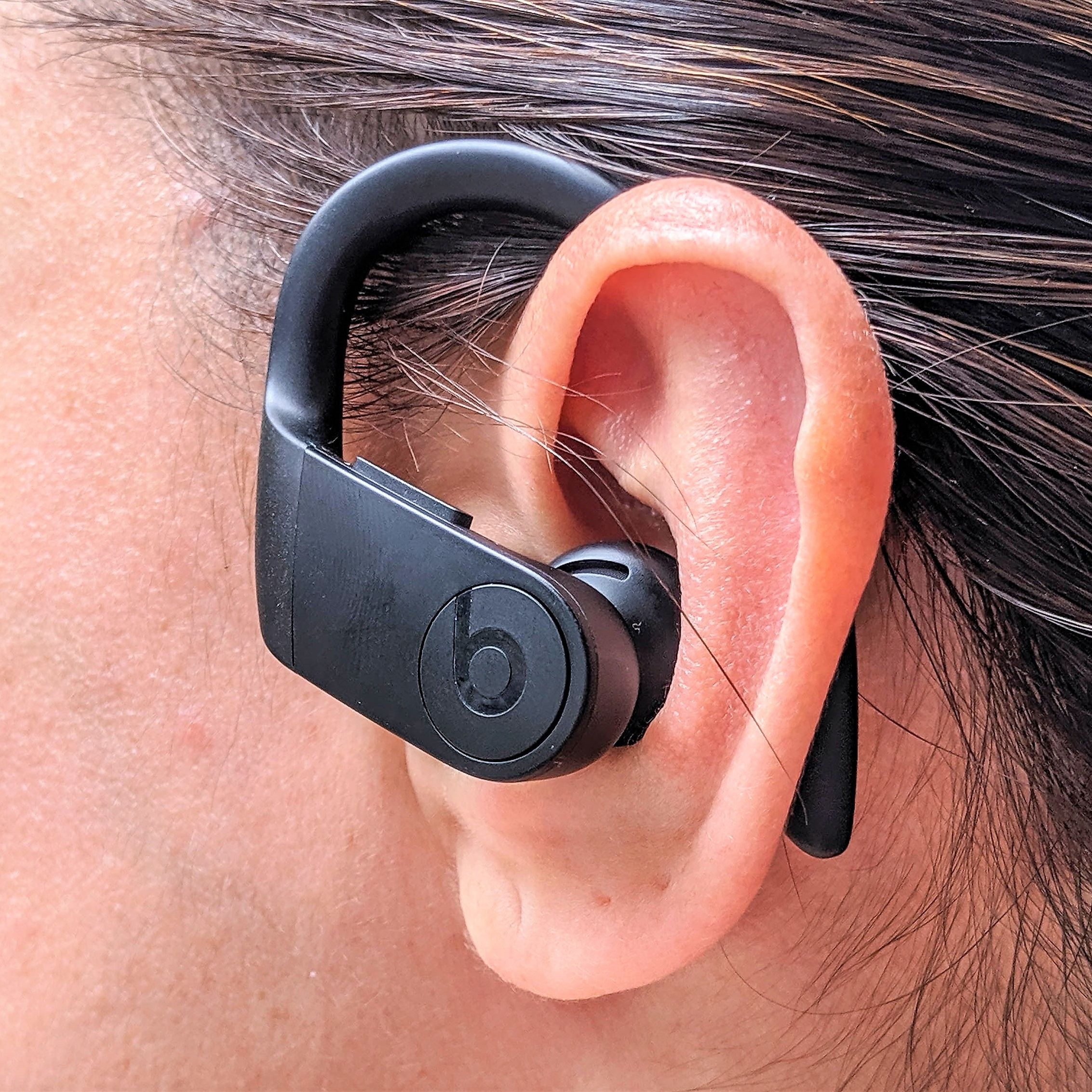
Apple has recently issued a new firmware upgrade for the Powerbeats Pro 2, following similar updates for the AirPods Pro 3 and AirPods Pro 2. The new firmware version is 8A359. Although Apple has not released specific notes regarding the update, firmware upgrades usually involve bug fixes and enhancements to performance.
Updating the firmware on your Powerbeats Pro 2 is a simple procedure, even though there isn’t a manual ‘Update’ button as found on other devices. To start the update, follow these instructions:
For comprehensive instructions, you can check Apple’s official guide.
If you’ve upgraded the firmware of your Powerbeats Pro 2, we invite you to share your feedback in the comments. Have you noticed any advancements or variations in performance?
For those seeking to enhance their iPhone experience, consider looking into a variety of accessories that can complement your device.
