

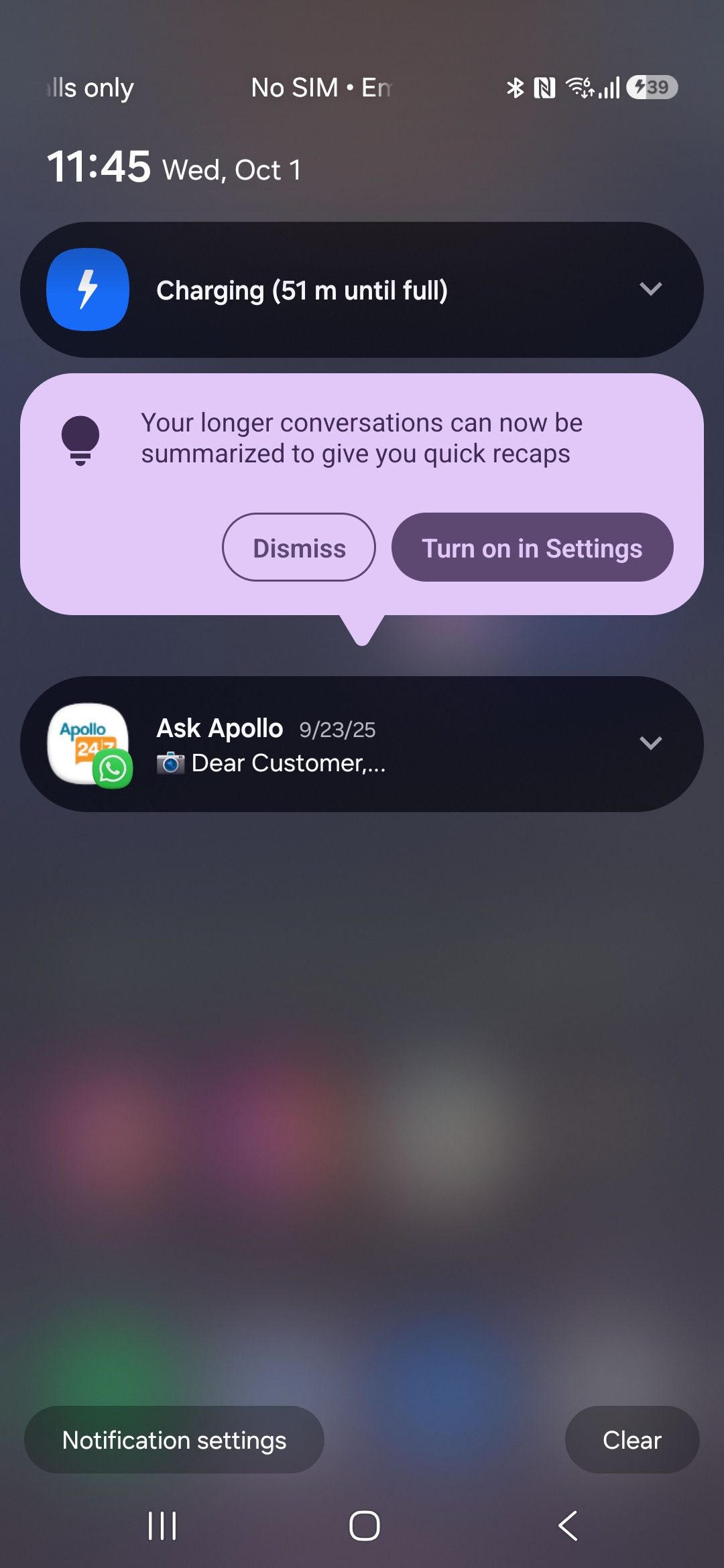
Your Google Pixel 9 or Pixel 10 can condense lengthy conversations and more — here’s how to begin viewing AI-generated summaries.
Google is somewhat behind in the realm of AI notification summaries, as competitors like Apple and Motorola have already implemented comparable functionalities. User feedback has varied, with reports indicating inaccuracies and lack of usefulness. Now, Google is at last introducing AI notification summaries for Pixel users, providing an opportunity to demonstrate that a gradual approach can still achieve success.
The feature operates for notifications from widely-used messaging applications, streamlining lengthy chats into more manageable portions. This processing occurs on the device itself, but the feature is initially turned off, so you will need to enable Android’s AI notification summaries manually if you wish to access them. Here’s how you can activate it and tailor the settings to suit your preferences.
Who can utilize AI notification summaries (and their functionality)
Google introduced AI notification summaries in Android 16 with a Pixel Drop in December 2025. Importantly, this feature is limited to Google Pixel 9 and Pixel 10 series devices, excluding the Pixel 9a.
Since the summarization process occurs on-device, the Pixel 9a’s more modest 8GB of RAM is likely insufficient for this feature. This also ensures that the details of your notifications are never transmitted to Google. Furthermore, summaries are exclusively available in English.
Notification summaries are crafted to assist with lengthy messages or group conversations from messaging applications such as Google Messages, Android Messages, WhatsApp, among others. It is not designed for brief texts, and as such, AI summaries may not generate in certain instances. AI summaries will only be produced if your screen is turned off momentarily and will not show when your device is in use.
When a notification is summarized using AI, a sparkle icon will accompany the generated text. You can tap the summary to unveil the complete message.
It is important to mention that an additional AI feature for notifications, Notification Organizer, was launched alongside AI summaries. We have a comprehensive guide for utilizing Notification Organizer if you’re interested in employing both AI functionalities simultaneously.
<h2 id="how-to-set-up-and-use-android-ai-not