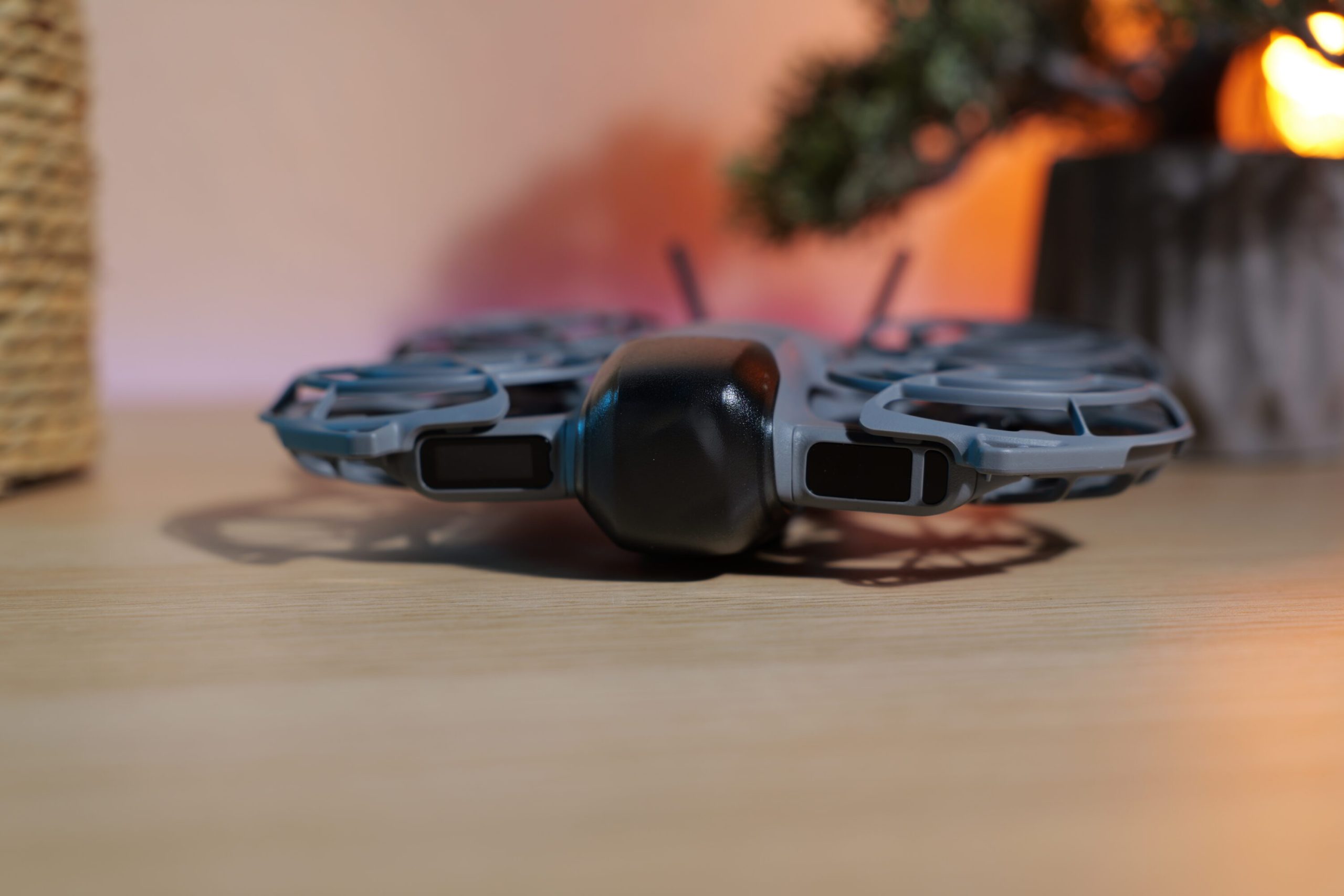
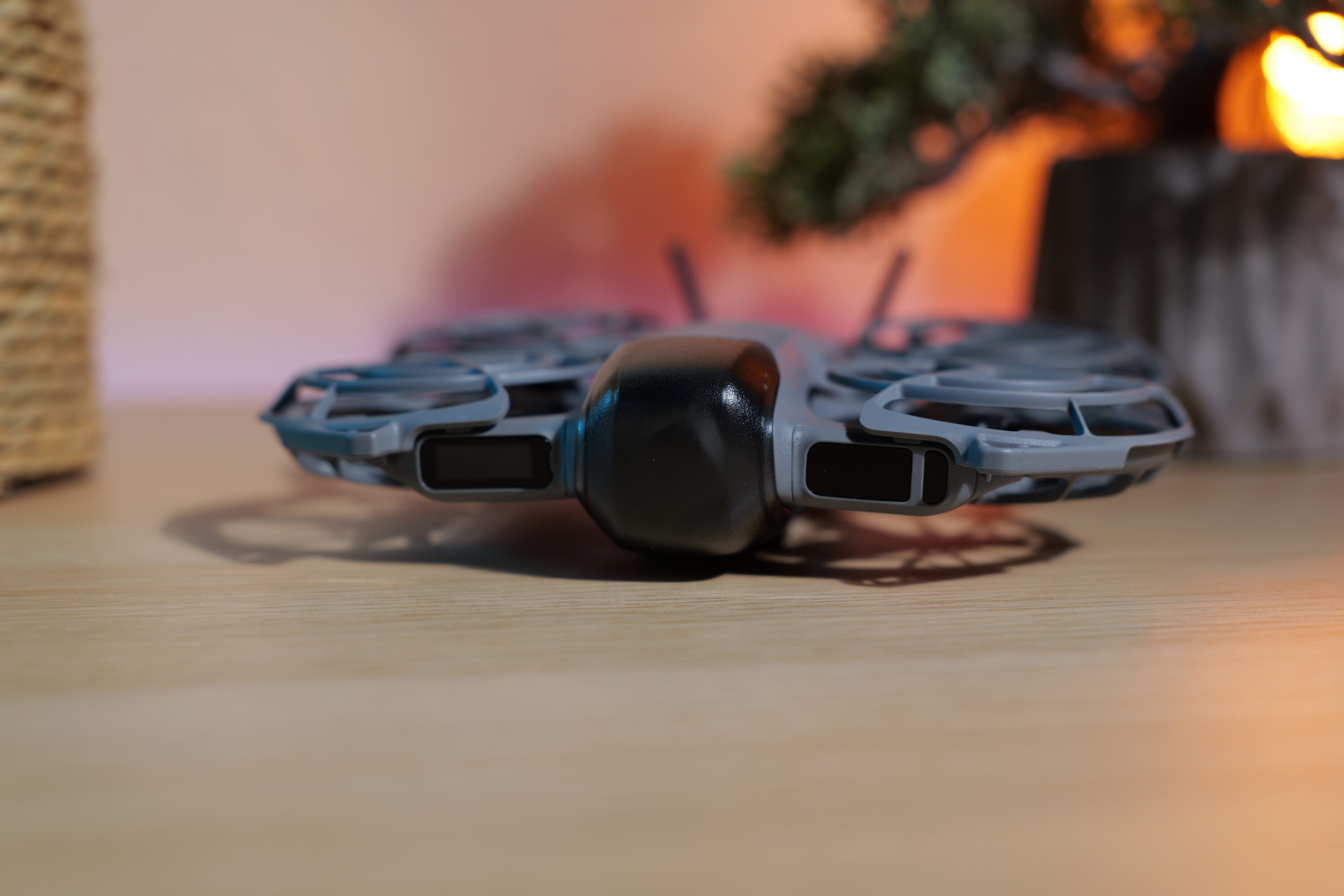
**DJI Neo 2: A Step Forward into the Future with Apple Watch Connectivity**
DJI has transformed the drone user experience with its newest firmware update for the DJI Neo 2, now permitting users to operate their drones straight from their Apple Watch. This groundbreaking capability allows users to navigate, track, capture, and control their drone with ease from their wrist, vastly improving the flying experience. Importantly, the original DJI Neo will soon gain Apple Watch compatibility as well, making this upgrade a notable benefit for all Neo series purchasers.
### Apple Watch Functions as DJI Neo 2 Drone Controller
The latest firmware, v01.00.0500, provides complete Apple Watch support, a first for mainstream DJI drones, although similar capabilities have been offered for DJI smartphone gimbals. The DJI Neo 2 is compatible with Apple Watch models Series 8, 9, 10, 11, Ultra 2, and Ultra 3, contingent upon users running watchOS 11 or newer. The sole prerequisite is the updated DJI Fly app (v1.19.4).
This feature proves especially advantageous during athletic pursuits, such as cycling or running, where reaching for a phone or standard controller can be inconvenient. Users can picture cycling down a mountain path while the Neo 2 follows their movements, responding to commands issued from their wrist, embodying the advanced lifestyle DJI seeks to promote.
### Notable Functions of the Apple Watch Connectivity
1. **Live Camera Feed with Wrist Control**: Users can view a live camera feed on their Apple Watch, although power-saving measures are in effect. Lowering the wrist pauses the live feed, while lifting it or tapping the screen resumes it immediately.
2. **Phone Screen Management**: Users can lock their iPhone, switch applications, or tuck it away while still maintaining a connection to the drone, as long as the DJI Fly app is active in the background.
3. **Voice Command**: By granting microphone permissions to the DJI Fly app and activating “Voice Control” in the settings, users can issue commands straight from their watch.
4. **App Audio Capture**: Similar to voice command, users can activate “App Recording” in settings, allowing the watch to act as a microphone for capturing audio while the drone records video.
5. **Prolonged Display Awake Time**: Users can configure their Apple Watch to remain awake for 70 seconds, ensuring that live views or status details stay visible during flights.
6. **Restrictions in Low Power Mode**: The DJI Fly app will be inoperable when the Apple Watch is set to Low Power Mode, which can be switched off in the settings.
### Further Advantages of the Firmware Update
In addition to Apple Watch compatibility, the firmware update for the DJI Neo 2 offers:
– **Auditory Notifications**: Alerts for instances when tracking loses the subject or when the battery is running low, particularly helpful when users may not be closely watching their devices.
– **Stability Enhancements**: Various performance-related fixes have been implemented to improve overall functionality.
These firmware updates have also been disseminated throughout the DJI ecosystem, including numerous remote controllers and goggles, ensuring a complete refresh for users.
### Final Thoughts
With the incorporation of Apple Watch control, the DJI Neo 2 situates itself as an optimal drone for Apple aficionados, catering to travelers, cyclists, vloggers, hikers, and anyone seeking a portable and user-friendly drone experience. This strategic initiative by DJI not only augments the functionality of the Neo 2 but also reinforces its position within the Apple ecosystem, motivating potential customers to dive into the realm of drone flying.
