
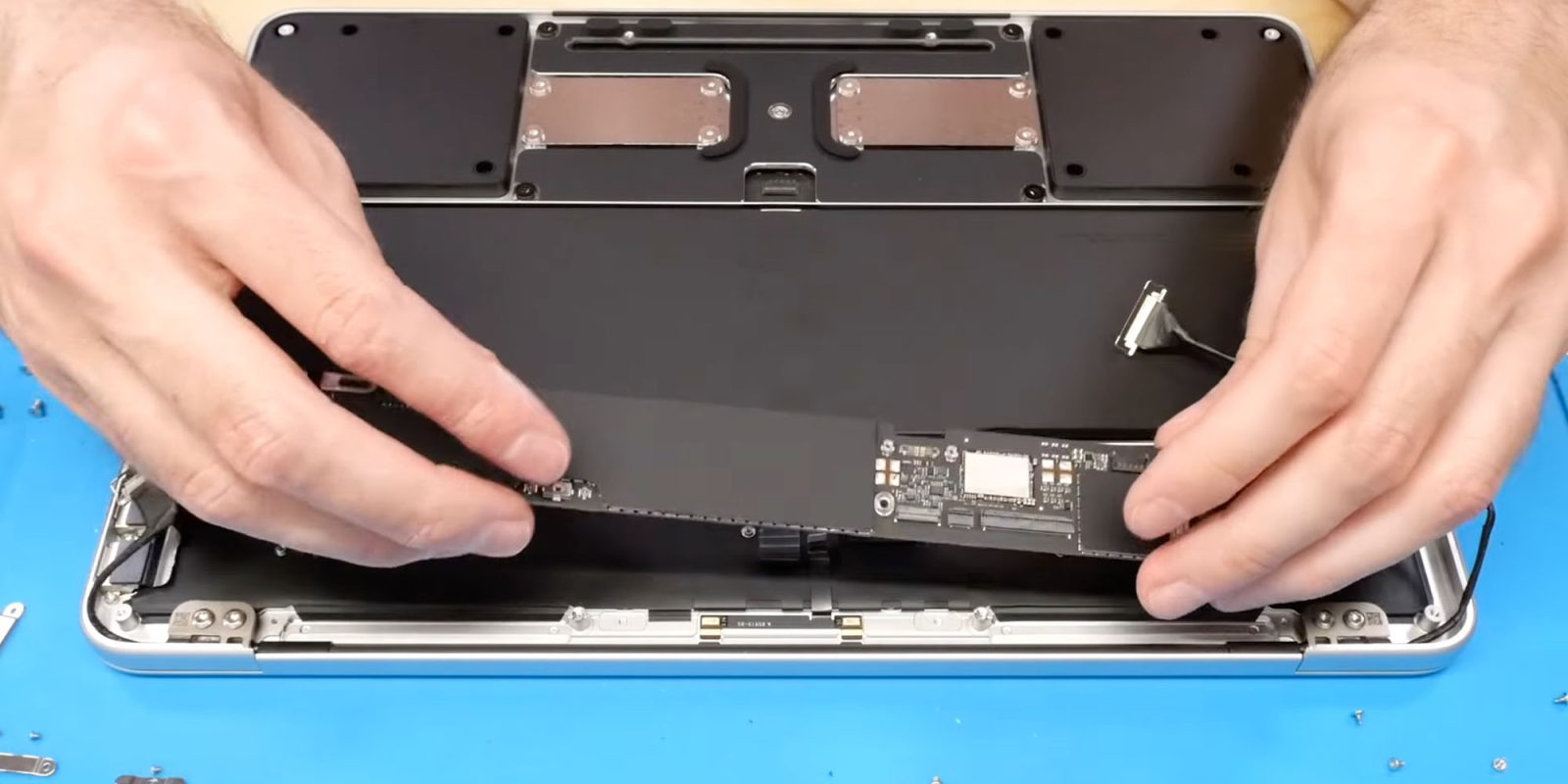

### DIY Enhancement for MacBook Neo: Attaining 1TB SSD Capacity
If you’ve been pondering the MacBook Neo but deemed the maximum storage of 512GB to be inadequate, a recent DIY enhancement by a YouTuber presents encouraging information. The enhancement involves replacing the original SSD with a 1TB SSD, which not only boosts storage space but also improves speed.
#### MacBook Neo Storage Alternatives
Apple presently offers the MacBook Neo in two setups:
– **256GB SSD** available for **$599**
– **512GB SSD** featuring Touch ID, priced at **$699**
In contrast to the MacBook Air and MacBook Pro, the MacBook Neo does not allow for additional configuration options.
#### The Enhancement Procedure
The YouTuber, Dosdude1, found that the MacBook Neo utilizes the same processor as the iPhone 16, making it compatible with the 1TB NAND storage chip from the iPhone 16 Pro. This chip, identified as model K8A5, is priced around **$210**. The overall expense for a DIY upgraded MacBook Neo would amount to about **$800** without Touch ID and slightly over **$900** with it.
In his video, Dosdude1 explains the procedure for upgrading the storage:
> “In this video, I carry out a soldered storage upgrade on an Apple MacBook Neo, boosting it from its base specification of 256GB all the way to 1TB, which is an option not even available from Apple for this device.”
#### Difficulties of the Upgrade
As highlighted by Macworld, the enhancement is not simple. It necessitates:
– Disassembling the MacBook Neo
– Preparing the new SSD for soldering
– Extracting the current drive
– Soldering the new SSD into position
– Conducting integrity tests
Moreover, the RAM is soldered into the A18 Pro System on Chip, indicating it cannot be upgraded.
#### Final Thoughts
For those who find the 1TB variant attractive and have the required soldering expertise, this DIY enhancement may be a feasible route. For a visual reference, Dosdude1’s video tutorial is accessible online, offering detailed, step-by-step guidance for the upgrade process.