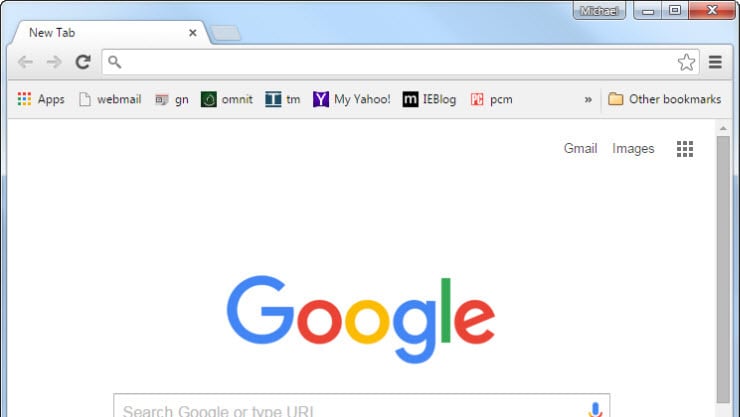
feature in Opera, Edge, and Vivaldi that users have come to appreciate sufficiently to switch from Chrome. However, with Chrome’s latest update, that is set to change.
If you’ve been using Chrome in the past week, you may have observed the new split view feature that appears when you right-click on any tab. As its name implies, the split view in Chrome allows you to divide the screen into two separate webpages — one on the left and another on the right. This functionality simplifies the process of viewing two pages simultaneously rather than constantly switching tabs or employing the traditional method of opening tabs in two separate windows and using your computer’s built-in split screen feature. Chrome’s split view can be beneficial for enhancing your productivity during both work and leisure hours. For example, you might activate split view while comparing prices across two online sites, jotting down notes while reading, or watching a video while scrolling through social media at the same time.
While there hasn’t been an official announcement regarding the new split view in Chrome, some users have detected it in version 142 and others in version 143. Therefore, ensure you update Chrome to the most recent version if you haven’t done so already. Following that, here’s a brief guide on how to utilize split view in Chrome.
