
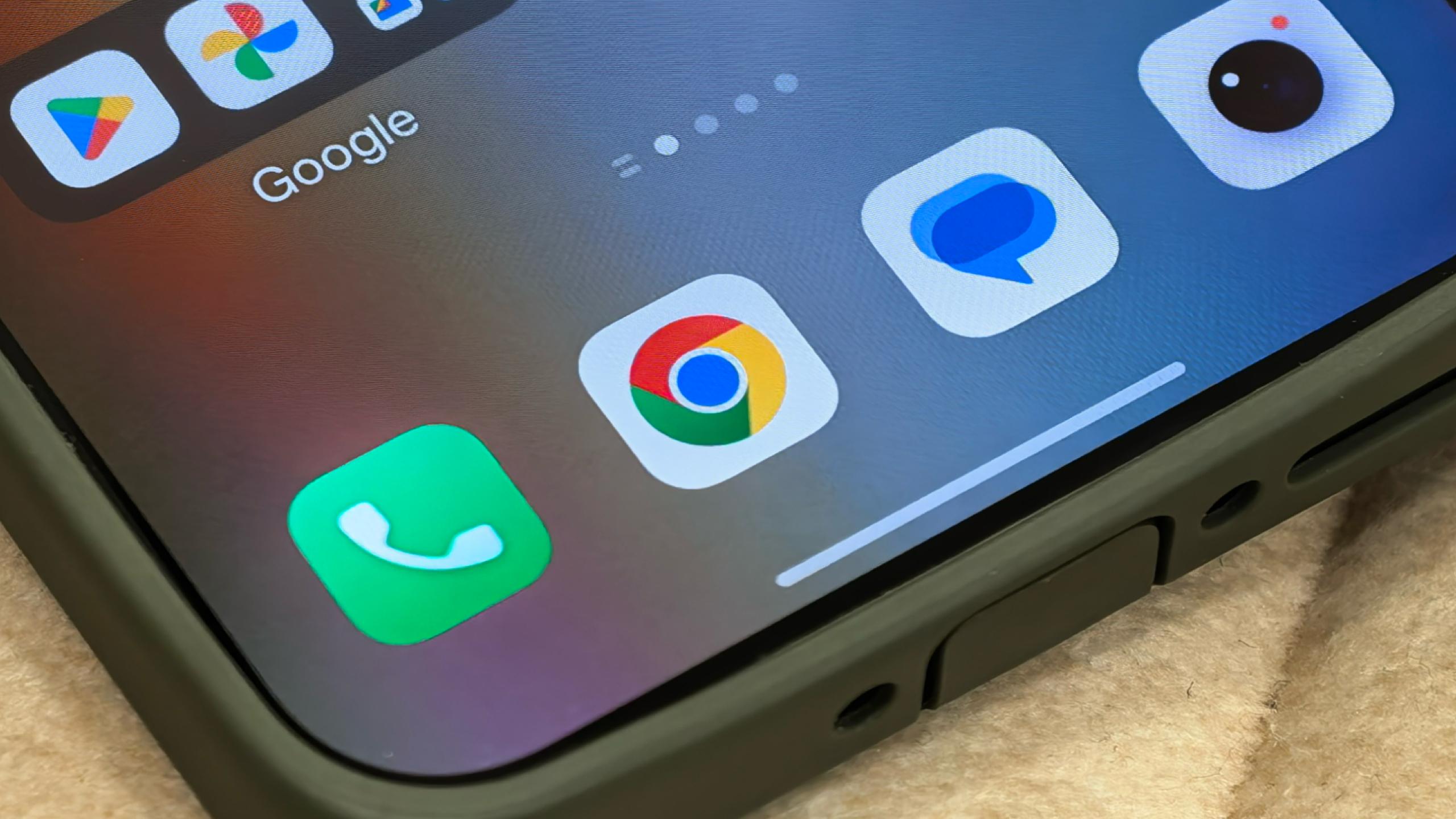

Chrome on Android is introducing a bookmarks bar similar to the desktop version, specifically for tablets and foldable devices, which enhances the user experience on bigger screens. This feature, included in Chrome version 146, enables users to easily reach their bookmarked sites, mirroring the functionality found on desktop Chrome. The bookmarks bar shows site names and icons and provides the option to expand for viewing all bookmarks simultaneously.
This enhancement is part of Google’s continuous drive to refine Chrome’s capabilities. By adding a bookmarks bar, Google seeks to streamline the browsing experience for Android tablet and foldable users, making it more effective and accessible. Users can activate this feature by going to the Chrome app settings, selecting “Appearance,” and toggling on “Show bookmarks bar.” If the bookmarks bar doesn’t show up right away, users might need to stop the app and restart it.
The implementation of the bookmarks bar makes it easier to access often-visited sites, removing the requirement to go through various menus. This update is anticipated to be positively received by users who enjoy a desktop-like browsing experience on their mobile devices. The feature is being widely deployed, and users can update their Chrome application through the Google Play Store to utilize it.