
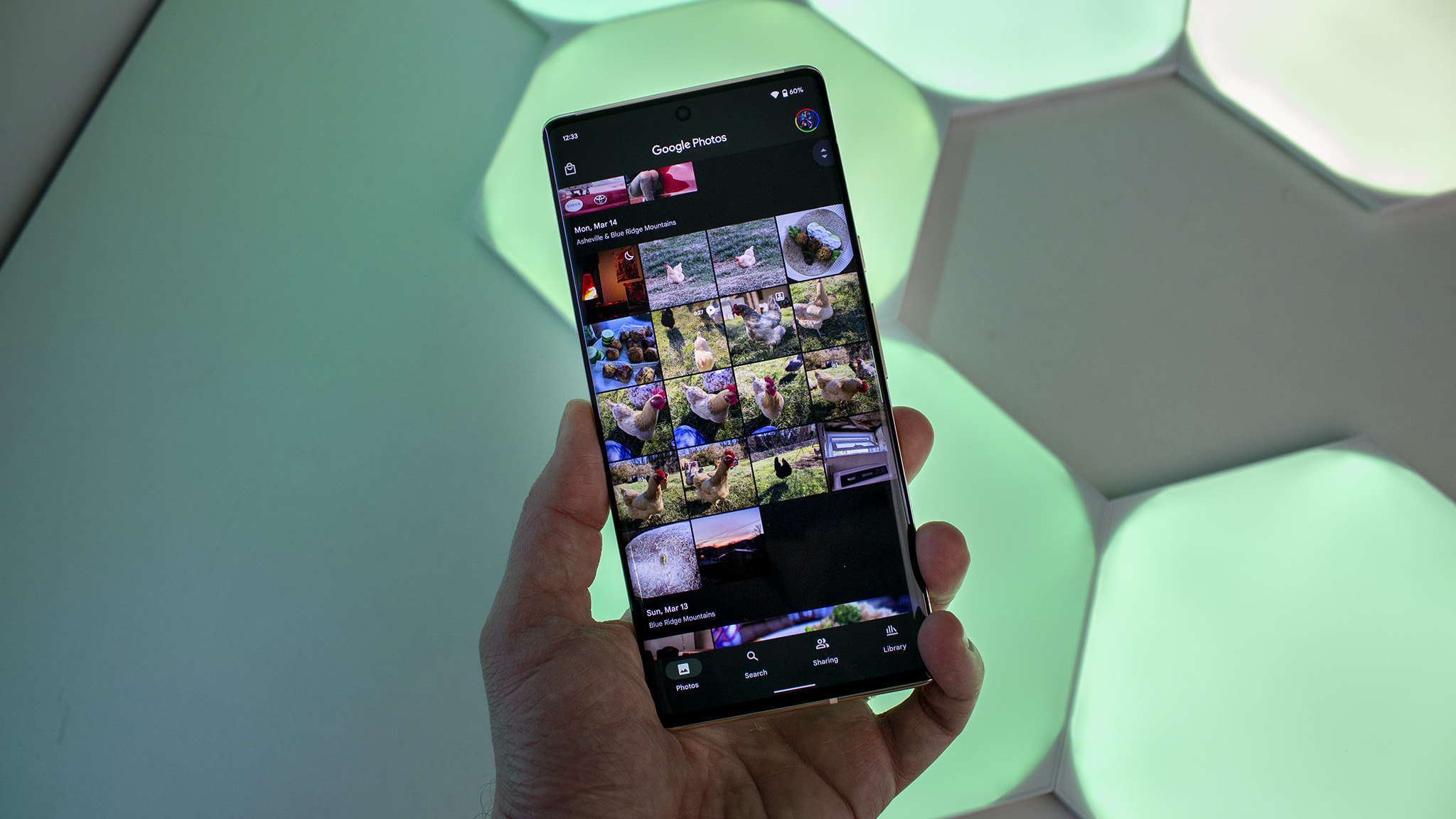

Google Photos is finally allowing you to view videos at your preferred speed.
What you should know:
– Google Photos has introduced video playback speed control.
– You can now view videos from 0.5x to 2x directly within the app.
– It’s currently being rolled out on Android, but the availability is gradual, and iOS users are still waiting.
Google Photos has served as the primary gallery app for numerous users for years, yet it always lacked a straightforward feature: the ability to alter video playback speed. If you wanted to quickly navigate through a lengthy recital or slow down a sports highlight, you were confined to normal speed. That’s finally about to change.
Google is implementing a video playback speed control in Google Photos for Android. Now you can accelerate or decelerate videos directly in the app.
Several speed options are available, typically ranging from 0.5x for slower playback to 2x for faster viewing, as stated on Google Photos’ support page.
The new speed control is accessible when you play a video, allowing for quick use without having to navigate through menus.
Reasons for the delay:
Google Photos has evolved beyond merely being a gallery app. Over time, it has transformed into a comprehensive media hub featuring editing tools, AI capabilities, and cloud syncing.
Nevertheless, video playback options have consistently lagged. Applications like YouTube, also owned by Google, have provided playback speed controls for many years, while Google Photos prioritized storage and basic editing.
As more individuals utilize Google Photos to save lengthy videos such as events, vlogs, or lectures, the absence of speed control began to seem outmoded.
This feature is particularly beneficial for those with a vast video library, which is typical for Google Photos users.
The feature is currently being rolled out to Android users, but like most Google updates, it is arriving in phases. If you haven’t seen it yet, you’re not alone.
At this moment, this update is exclusive to Android. There is no established timeline for iOS yet, but it is likely to appear there eventually.