
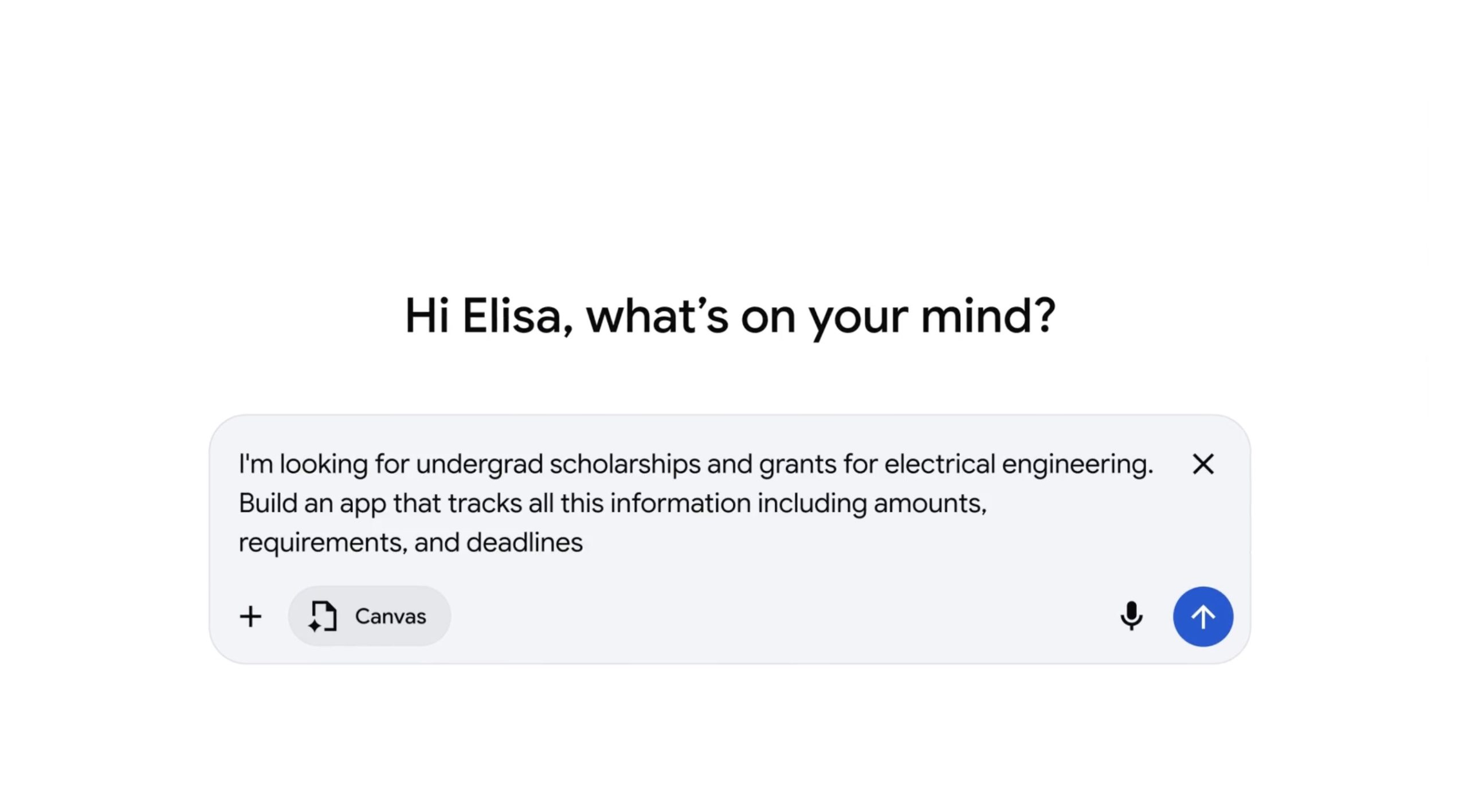

Google has increased access to Canvas in AI Mode to all U.S. users in English, following its initial launch as part of Google Labs experiments last year.
Canvas in AI Mode is intended to assist users in organizing and planning projects or conducting deep research. The feature now includes drafting documents or creating custom tools within Google Search, as mentioned by the company in a blog post.
Google previously recommended using Canvas for tasks such as creating a study guide by uploading class notes and other sources; it can also perform tasks like converting a research report into a web page, quiz, or audio overview, somewhat overlapping with Google’s research tool, Notebook LM.
Users can present an idea to Canvas and watch as it generates the code to turn that idea into a shareable app or game. It also helps refine creative writing drafts and obtain feedback on projects.
Canvas is already accessible in Gemini, where Google AI Pro and Google AI Ultra subscribers can use the latest model, Gemini 3, and a larger 1 million-token context window for more intricate projects.
More individuals will experience Canvas now that it’s available to all U.S. users through Google’s AI search feature known as AI Mode, including those not yet familiar with Gemini’s capabilities. This is one of Google’s strengths in the AI competition — the wide reach of Google Search allows its products to be showcased to billions of users.
To utilize Canvas, users choose the new Canvas option from the tool menu (+) while in AI Mode, then describe their desired creation. This initiates a Canvas side panel where users can gather information from the web and Google’s Knowledge Graph. When building a prototype or app, users can test the functionality, view the underlying code, and refine the app by interacting with Gemini.
Canvas rivals similar tools from competitors like OpenAI and Anthropic. However, ChatGPT’s Canvas feature is automatically triggered based on the query, while Google and Anthropic’s Claude require more direct interaction. Both also provide assistance with writing or transforming ideas into projects.