

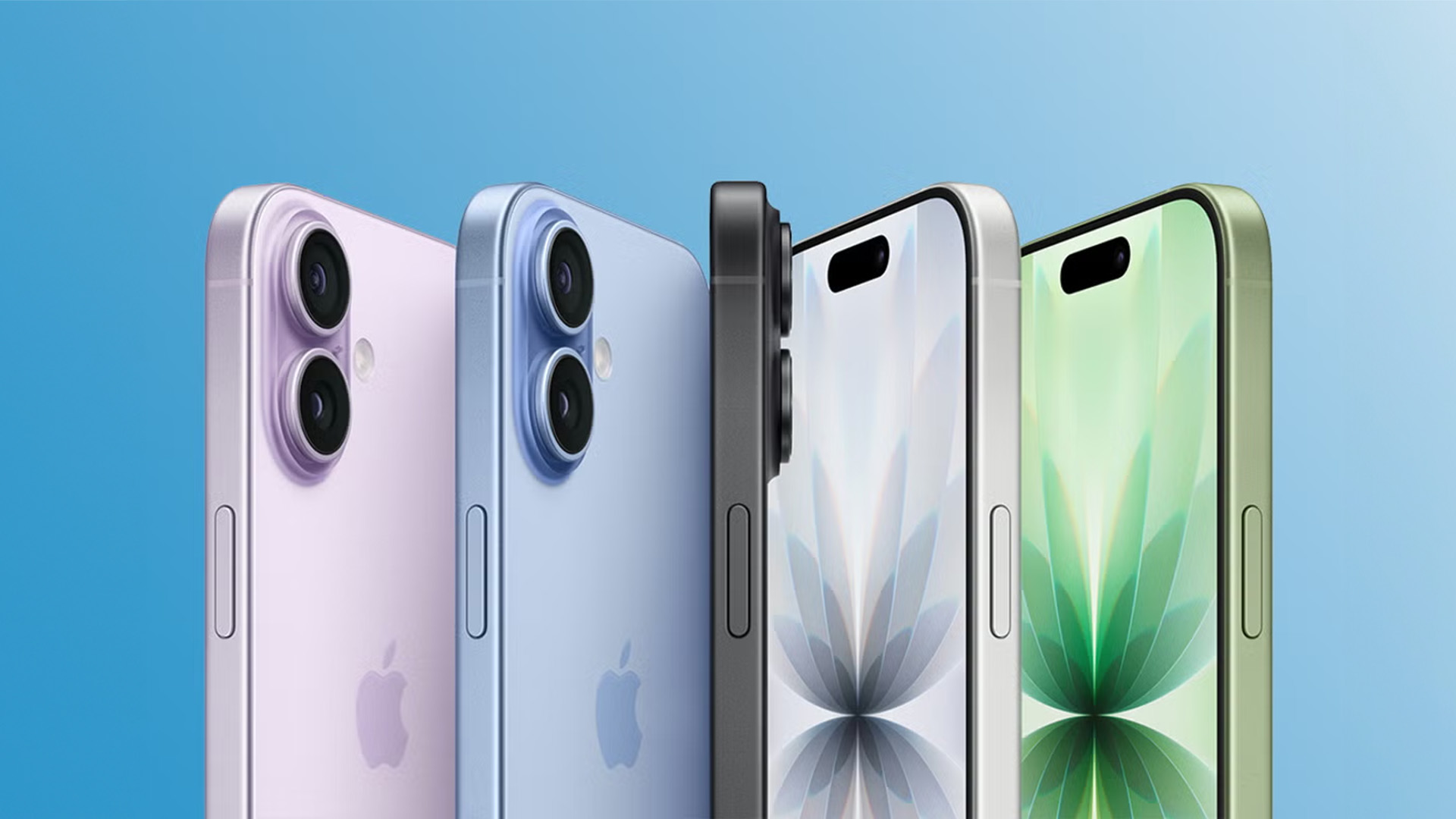
iOS 26.2 is the newest iPhone software upgrade, bringing various novel features that improve customization and usability. Here’s a summary of the main updates.
## 1: Enhanced Liquid Glass Slider for Lock Screen Clock
The Lock Screen is an essential element of making your iPhone personal. With iOS 26.2, Apple has improved the Liquid Glass aesthetic for the Lock Screen clock. Users can now modify the clock’s opacity with a wider slider, facilitating greater transparency or opacity than previously available. To utilize this feature, make sure your clock is set to the ‘Glass’ option and try out the slider to achieve your preferred appearance. This upgraded slider works with any font choice, although the clock size can only be modified with the default font.
## 2: New Screen Flash for Notifications
iOS 26.2 brings a fresh visual notification feature that complements the existing camera flash alert. Users can now activate a ‘Screen’ option under Settings ⇾ Accessibility ⇾ Audio & Visual ⇾ Flash for Alerts. When enabled, notifications will cause the iPhone’s screen to light up completely for a brief moment, improving visibility for incoming notifications. This feature can be used alongside the camera flash for a more significant notification impact, particularly advantageous for users who may experience hearing challenges.
## 3: Reminders Alarm Options
The Reminders app in iOS 26.2 features a new ‘Urgent’ toggle for time-sensitive reminders. This option allows users to create reminders that trigger an alarm on the Lock Screen when they are due. The alarm offers options to ‘Snooze’ or ‘Stop,’ much like a conventional alarm clock. Users can personalize this behavior in Settings ⇾ Apps ⇾ Reminders, where they can substitute the ‘Snooze’ option with a ‘Complete’ button. This button not only halts the alarm but also marks the reminder as done, simplifying task management for users who favor immediate action.
These enhancements in iOS 26.2 offer users improved customization opportunities and enhanced accessibility features, tailoring the iPhone experience more closely to individual preferences and requirements.