
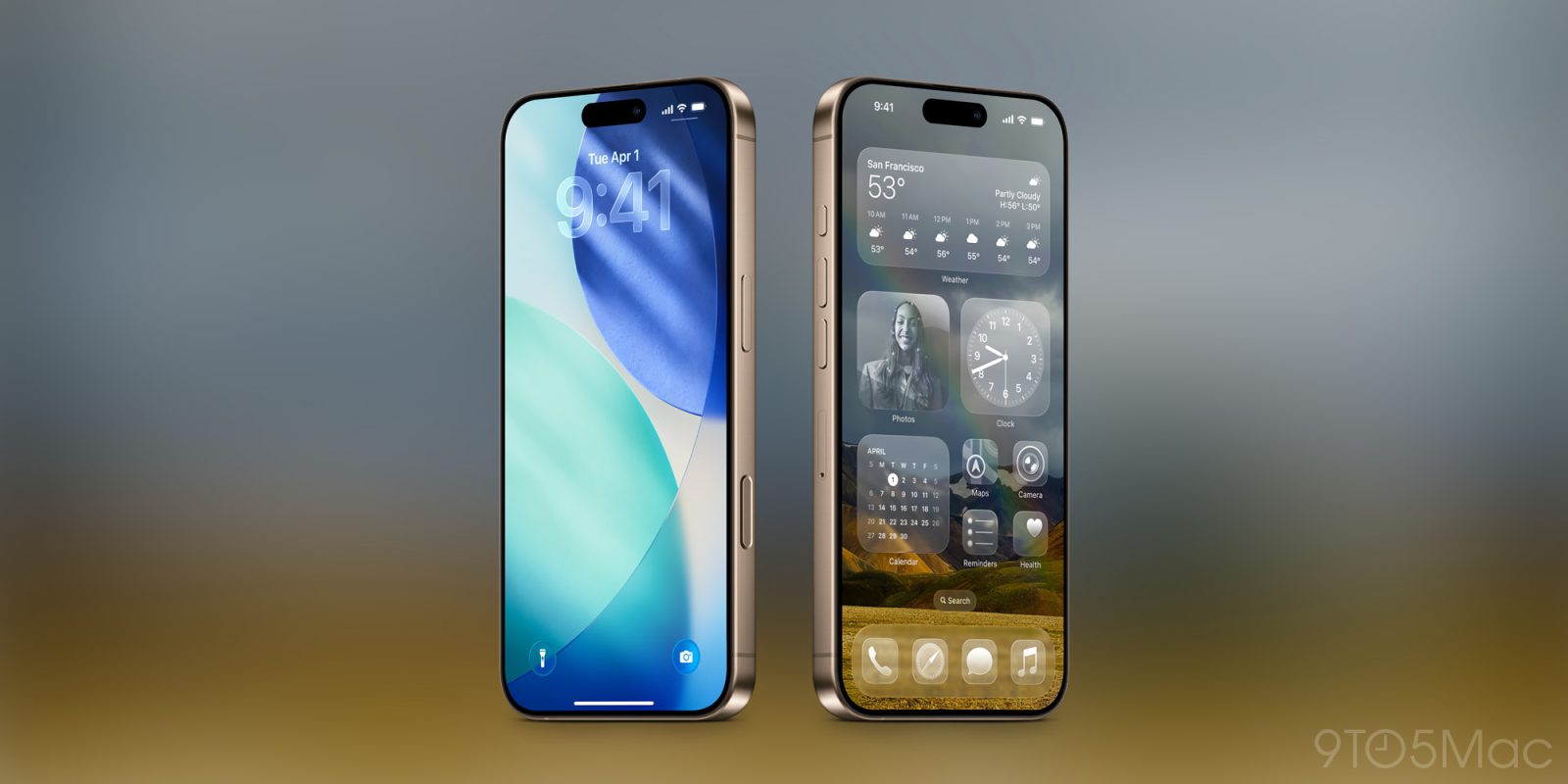

### ‘Minimize Bright Effects’ is a New UI Option in iOS 26.4
iOS 26.4 brings a noteworthy improvement to user interface customization with the newly introduced ‘Minimize Bright Effects’ option. This feature enables users to turn off various bright flashing components typically linked to the Liquid Glass design, ensuring a more pleasant user experience.
The Liquid Glass design, first introduced in iOS 26, has seen multiple enhancements. Significantly, iOS 26.1 rolled out an option within the Display & Brightness settings, allowing users to transition from the standard ‘Clear’ design to a softer ‘Tinted’ appearance reminiscent of iOS 18. This change has been widely appreciated, as it aids users in reverting to a familiar aesthetic.
With the launch of iOS 26.4, Apple has made further strides to bolster user control over the interface. The ‘Minimize Bright Effects’ option specifically addresses the bright flashing feedback that occurs when engaging with certain UI elements. This can be especially advantageous for users who might find these effects disruptive or unpleasant.
To activate the ‘Minimize Bright Effects’ switch, users can go to Settings > Accessibility > Display & Text Size. This new feature, along with the previously available tinted option, creates a more tailored iPhone experience that better aligns with designs prior to iOS 26.
As users get accustomed to the modifications in iOS 26, the addition of the ‘Minimize Bright Effects’ option encourages feedback on the overall experience. Whether users opt to enable this new feature may hinge on their personal preferences concerning the visual aspects of the Liquid Glass interface.