
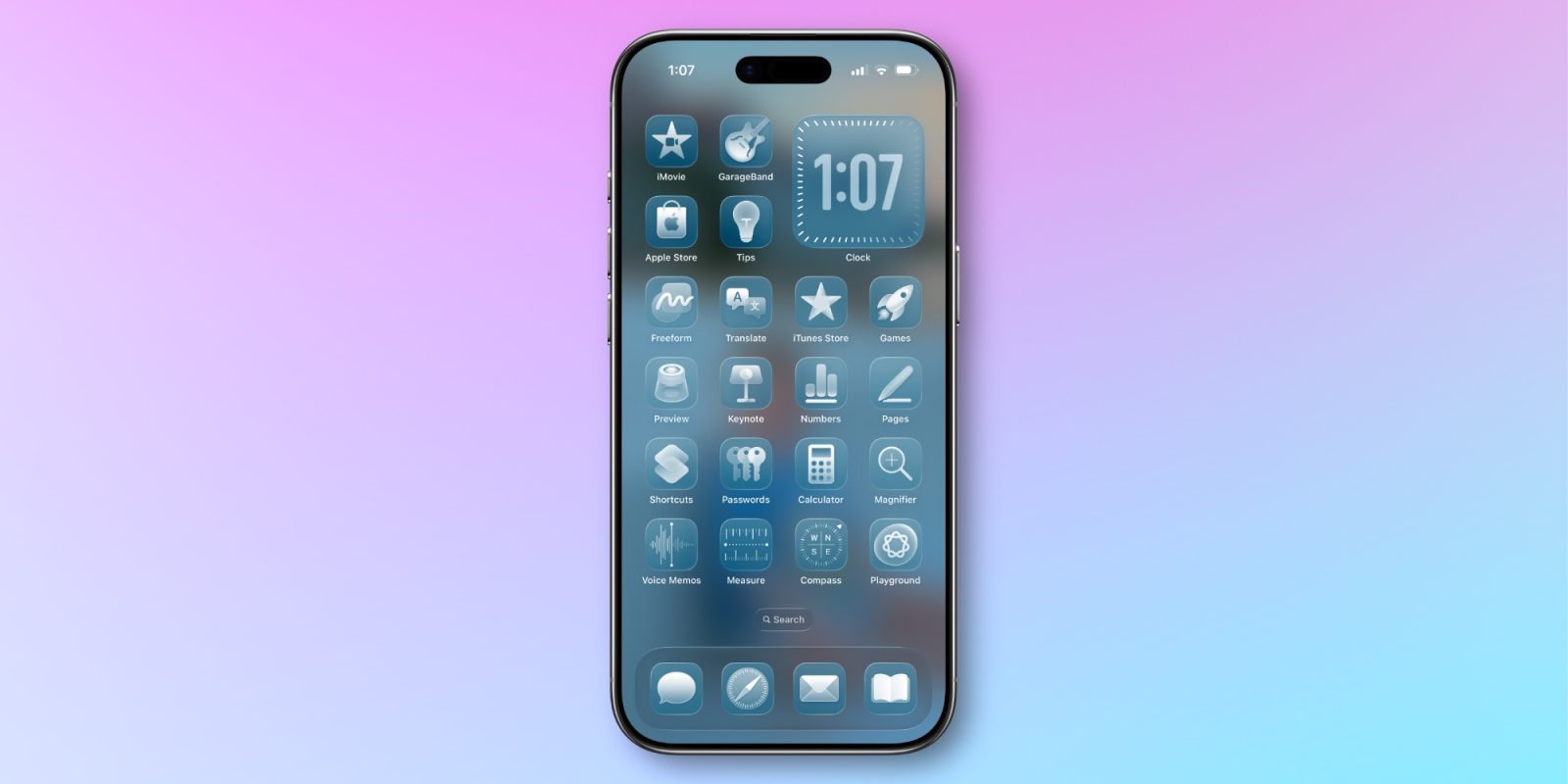

**iOS 26.4: Enhancements to Liquid Glass Customization**
iOS 26.4 is poised for imminent release, bringing forth new features that refine the customization of the Liquid Glass aesthetic on iPhones. This update emphasizes offering users greater control over the visual dynamics linked to the Liquid Glass interface.
### New Customization Features
The recent update unveils two primary settings designed to enhance user experience:
1. **Reduce Bright Effects**: This newly introduced feature enables users to lessen the flashing effects that appear when engaging with particular Liquid Glass UI components. According to Apple, this setting is crafted to “minimize highlighting and flashing during interaction with onscreen elements, such as buttons or the keyboard.” Users can locate this toggle under Settings ⇾ Accessibility ⇾ Display & Text Size.
2. **Reduce Motion**: Although not a fresh addition in iOS 26.4, the Reduce Motion feature has been refined to deliver a more dependable decrease in animations for users sensitive to screen motion. Apple has underscored that this enhancement is intended to improve the experience for those who faced challenges with animations following the prior iOS 26 update. The updated toggle is available in Settings ⇾ Accessibility ⇾ Motion.
### Future Prospects
Speculation exists that iOS 27 might roll out a slider feature for modifying Liquid Glass effects directly, offering even greater customization possibilities for users. However, until that potential update arrives, iOS 26.4 significantly broadens the current customization tools.
### Conclusion
Through the introduction of Reduce Bright Effects and refinements to Reduce Motion, iOS 26.4 seeks to meet the needs of users desiring a more tailored and comfortable interaction with their iPhones. Users are encouraged to investigate these new settings and share their feedback.