# Apple’s Always On Display: Updates in iOS 26
Apple’s Always On Display (AOD) feature has been a key part of the iPhone experience since its debut with the iPhone 14 Pro. With the launch of iOS 26, Apple has implemented subtle yet impactful modifications to how this feature functions, which might not be immediately noticeable to users.
## Always On Display Modes
In earlier versions, including iOS 18, the Always On Display feature merely dimmed the Lock Screen wallpaper, enabling users to view key information such as the time, date, notifications, and widgets while the device remained locked. The screen would completely turn off under specific circumstances, such as when the device was face down, covered, or in particular modes like CarPlay or Low Power Mode.
Customization options have consistently been somewhat limited yet functional. Users could select whether to show their wallpaper and notifications, creating a balance between a tidy, utility-driven screen and one that maintained the aesthetic of the user’s selected wallpaper.
## iOS 26 Introduces One Major Change
The most significant modification in iOS 26 is the default setting of the Always On Display, which now blurs the wallpaper instead of merely dimming it. This adjustment is designed to improve the clarity of the clock and widgets, making them more noticeable. However, this alteration may lessen the visual appeal for those who enjoy seeing their chosen wallpaper.
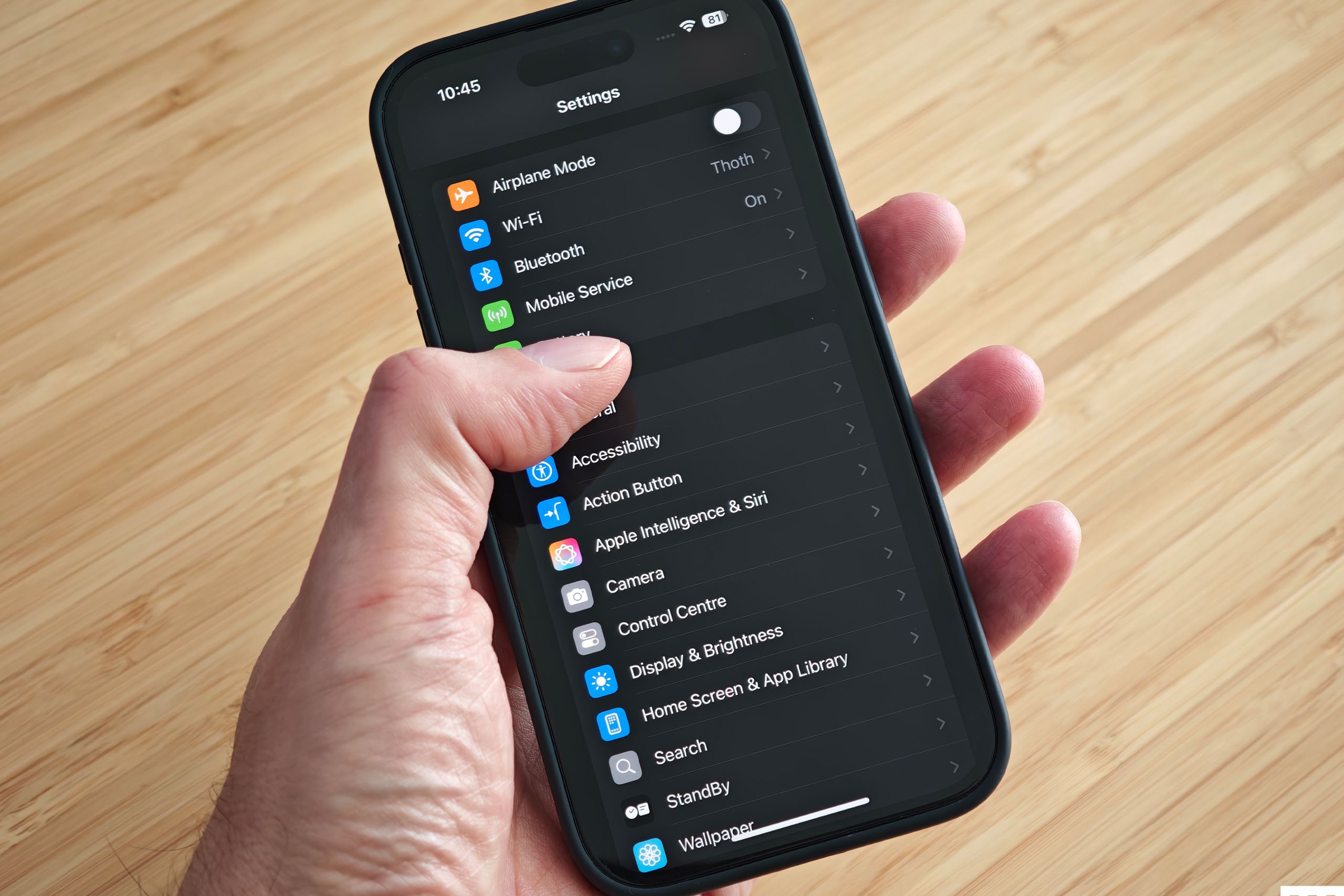
For users who prefer the previous functionality, Apple has added a toggle in the settings. By going to Settings > Display & Brightness > Always On Display, users can turn off the blurred wallpaper feature, restoring the full clarity of their Lock Screen image as it was before the update.
## Conclusion
The introduction of blurred wallpapers in iOS 26 signifies a change in how Apple views the Always On Display feature. While the modification may enhance readability, it also prompts questions about user preferences regarding aesthetics versus functionality. Users now have the ability to personalize their experience, ensuring that the Always On Display can accommodate individual tastes and requirements.
