
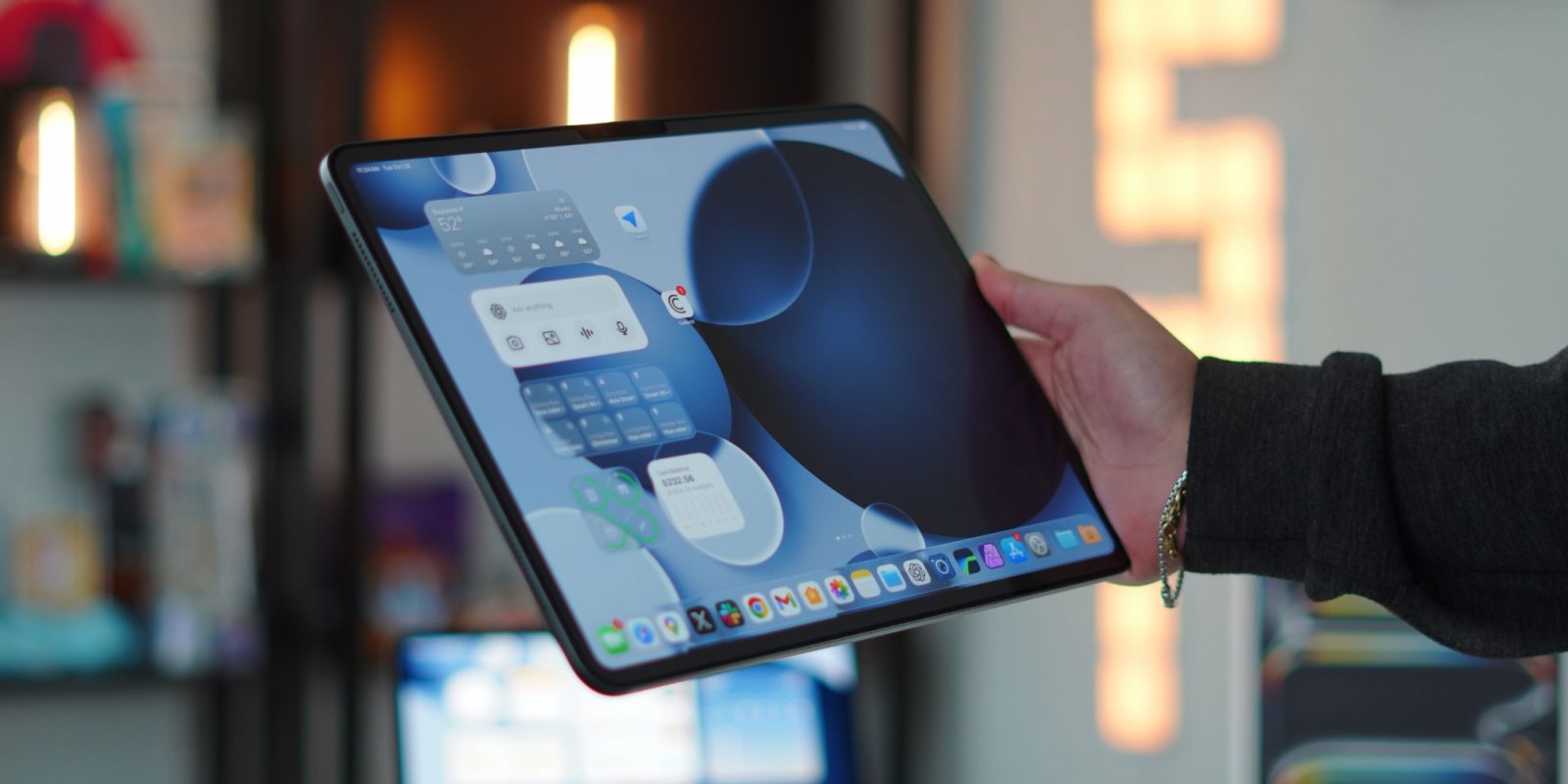

**iPadOS 26.4 Upgrades: A New Chapter for Multi-Window Management**
iPadOS 26 has ushered in a considerable transformation in the multitasking features of the iPad, presenting a more adaptable window system that permits users to launch and adjust multiple app windows. This change has been especially appreciated by power users who depend on multitasking for their efficiency. The latest update, iPadOS 26.4, has further improved this experience by introducing a function designed to enhance window management.
### New Feature: Hidden Windows Notification
A prominent improvement in iPadOS 26.4 is the rollout of a notification system that informs users when an app has hidden windows. Upon launching an app with several windows open, users will now encounter a popup that shows the number of hidden windows. This notification is displayed as “X Hidden Windows,” and selecting it will unveil all open windows related to that app.
This feature aims to simplify the user experience, facilitating the tracking of multiple windows and minimizing the likelihood of overlooking essential tasks. The popup is contextually relevant; it shows up near the app icon, making it noticeable yet unobtrusive.
### User Experience and Feedback
Early user responses indicate that the popup does not show up each time an app is initiated, likely a deliberate design decision by Apple. This selective notification helps avoid the popup becoming bothersome, particularly for users who frequently navigate between apps. While it may not be essential for every user, those who work with multiple windows for the same app will find this feature exceptionally advantageous.
### Conclusion
The enhancements in iPadOS 26.4 demonstrate Apple’s dedication to refining the multitasking experience for iPad users. By catering to the requirements of power users with features such as the hidden windows notification, Apple is progressing toward a more efficient and user-centric environment. As users adapt to these modifications, the new windowing system is set to boost productivity and streamline workflows on the iPad.