
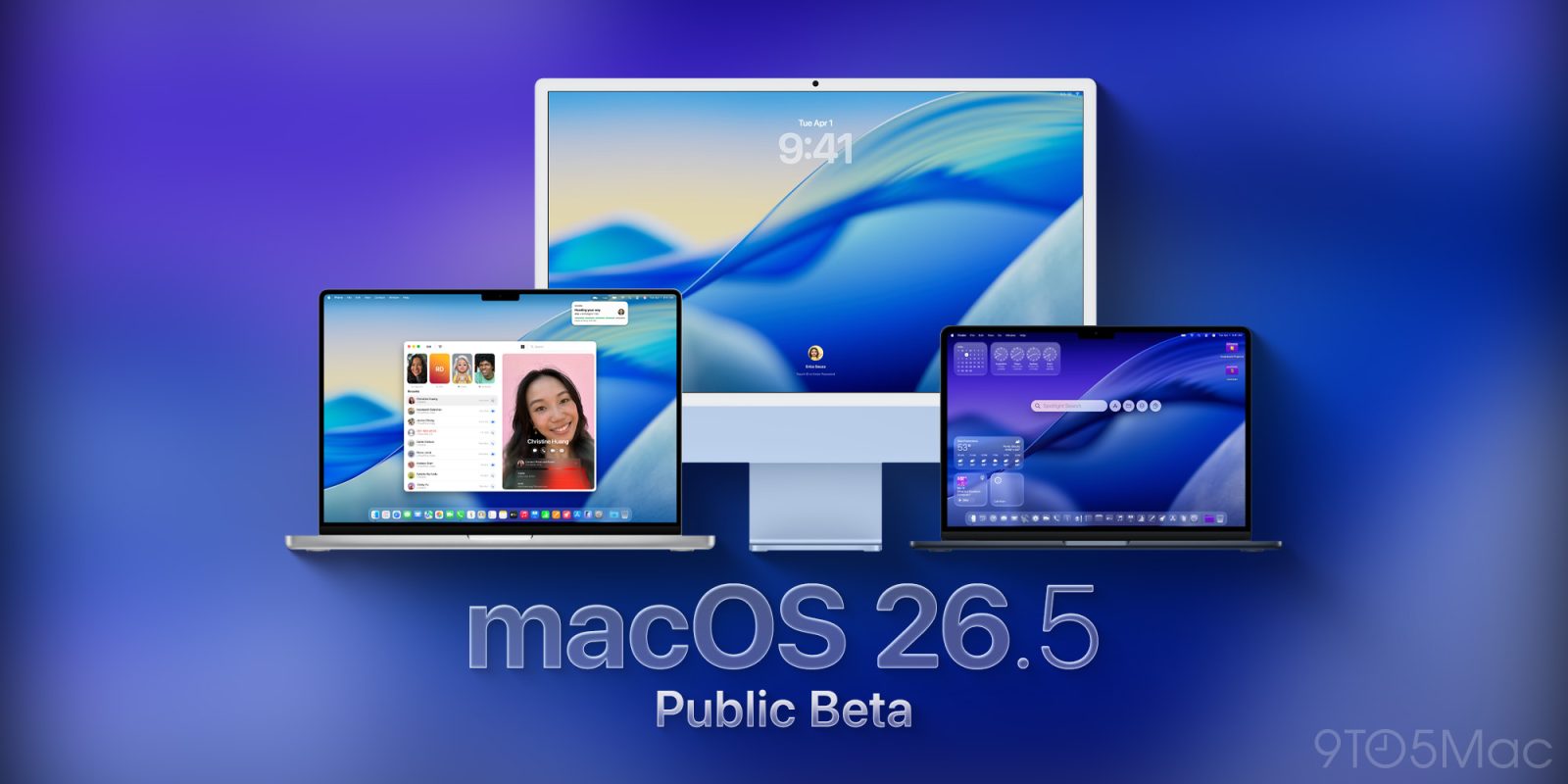

**macOS 26.5 Public Beta: What to Anticipate**
With the advent of the initial developer beta of macOS 26.5, participants in the Public Beta program can now delve into the forthcoming version. This article delineates what to anticipate from this update.
### A Sparser Release Compared to macOS 26.4
Unlike the first developer beta of iOS 26.5, which brings forth multiple new functionalities such as Live Activities streaming to third-party devices, recommended locations in Apple Maps, and RCS end-to-end encryption, macOS 26.5 seems to be a more subdued update.
macOS 26.4 introduced major features like the Charge Limit setting, a streamlined tab view in Safari, and notifications regarding the end of Rosetta 2 support. However, macOS 26.5 appears to concentrate mainly on bug resolutions and stability enhancements, with no significant new features revealed as of now.
There is a chance that subsequent beta releases could reveal extra features before the official rollout of macOS 26.5, anticipated to be the last major update before WWDC26 and the unveiling of macOS 27.
The release version of macOS 26.5 public beta 1 is 25F5042g, which corresponds with the developer beta.
### How to Install macOS Tahoe 26.5 Public Beta 1
To install the public beta, users must first sign up for Apple’s public beta program at [beta.apple.com](https://beta.apple.com/). After enrollment, complete these steps:
1. Open System Settings.
2. Navigate to General ⇾ Software Update.
3. Click the ‘i’ icon adjacent to Beta Updates.
4. Choose macOS Tahoe 26 Public Beta from the dropdown menu in the upper-right corner.
5. Click ‘Done’.
Users are invited to report any modifications they observe in the beta version in the comments section.
### Conclusion
While macOS 26.5 may not unveil revolutionary features, it strives to boost system stability and performance. Users keen on trying the beta can easily enroll and share their feedback on their experiences.