
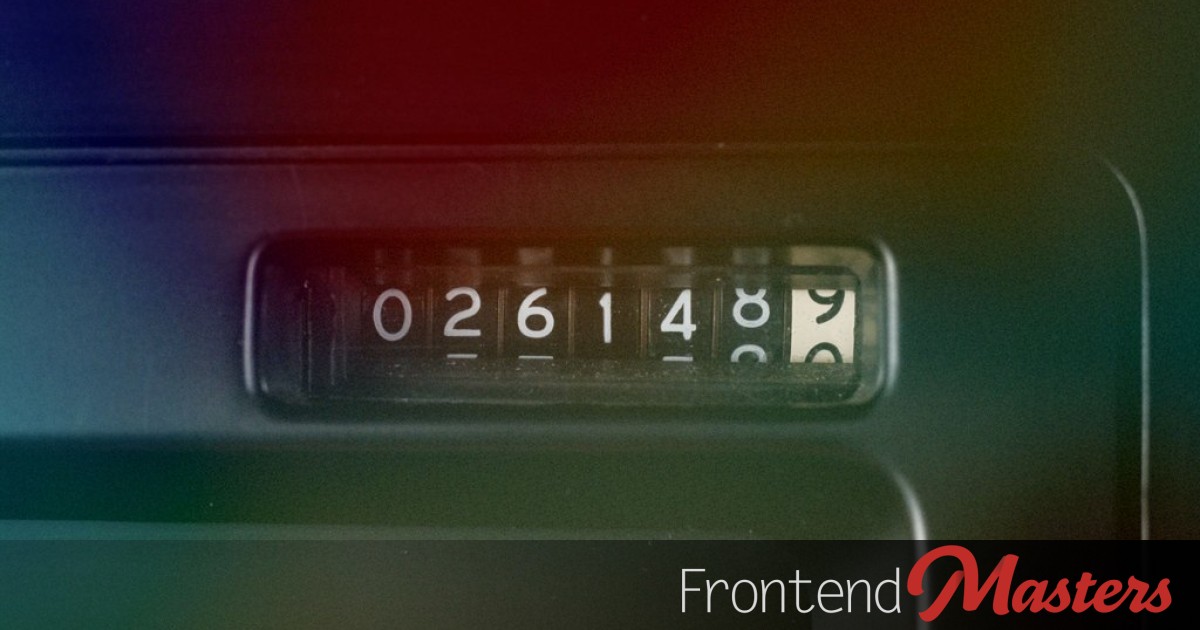

With CSS, we can now insert numbers into HTML elements using the `attr()` function combined with some clever techniques. This enables design effects to be applied to numbers. Let’s explore an odometer effect, where numbers spin vertically, similar to a vehicle’s mileage counter. This effect is beneficial for dynamically displaying numeric values, drawing attention when they change, such as the number of online users, a tracked price, or a timer.
The example above demonstrates an amount reaching the millions’ place. More examples will follow.
The amount is within the `value` attribute of the `` element. You can use any suitable element and attribute combination, like `
#### Autofill Numbers
Let’s first extract the number from the HTML attribute into a CSS variable using the `attr( )` function.
“`css
#amount {
–amt: attr(value number);
}
“`
We need each `.digit`’s position, which we achieve using `sibling-index()`.
“`css
#amount {
–amt: attr(value number);
.digit {
–si: sibling-index();
}
}
“`
Next, we fill each `.digit`’s pseudo-elements with numbers extracted using the `mod()` function.
“`css
.amt {
–amt: attr(value number);
.digit {
–si: sibling-index();
&::after {
counter-set: n mod(round(down,var(–amt)/(10000/pow(10,var(–si)-1))),10);
content: counter(n);
}
}
}
“`
Here’s a demonstration for a three-digit number autofilling:
gms
“`css
#weight {
–wgt: attr(value number);
.digit {
–si: sibling-index();
&::after {
counter-set: n mod(round(down,var(–wgt)/(100/pow(10,var(–si)-1))),10);
content: counter(n);
}
}
}
“`
Here’s how the math works:
“`
sibling-index() = 1
mod(round(down, 420/(100/pow(10,1-1))), 10)
mod(round(down, 420/(100/pow(10, 0))), 10)
mod(round(down, 420/(100/1)), 10)
mod(round(down, 420/100), 10)
mod(round(down, 4.2), 10)
mod(4, 10)
= 4
sibling-index() = 2
mod(round(down, 420/(100/pow(10,2-1))), 10)
mod(round(down, 420/(100/pow(10, 1))), 10)
mod(round(down, 420/(100/10)), 10)
mod(round(down, 420/10), 10)
mod(round(down, 42), 10)
mod(42, 10)
= 2
sibling-index() = 3
mod(round(down, 420/(100/pow(10,3-1))), 10)
mod(round(down, 420/(100/pow(10, 2))), 10)
mod(round(down, 420/(100/100)), 10)
mod(round(down, 420/1), 10)
mod(round(down, 420), 10)
mod(420, 10)
= 0
“`
#### Adding Separators
When adding a separator character, the `sibling-index()` alone won’t correctly position the post-separator digits. We must exclude separators from the equation. Here’s an example:
“`html
,
,
<span