

### From iPhone-Exclusive to Every Apple Device: The Journey of Apple’s Journal App
In December 2023, Apple launched the Journal app alongside iOS 17.2, designed to assist users in reflecting on their daily life. Yet, the initial response indicated limitations, most notably its exclusivity to the iPhone and its basic functionalities. Six months later, although iOS 18 introduced improvements, the app was still limited to iPhone users. It wasn’t until a year later that Apple revealed the Journal app’s availability on iPadOS 26 and macOS 26 Tahoe, indicating a substantial shift in its accessibility and features.
### A Change in Journaling Practices
Previously, numerous users, myself included, depended on third-party journaling applications like Day One, which offered support across multiple devices along with a comprehensive feature set. However, the subscription model frequently discouraged ongoing use. My path altered when I switched to a handwritten journal utilizing the Apple Pencil Pro and Notes app on my M4 iPad Pro. While I valued the tactile feel and the advantages of digital backup, the restriction of using a sole device rendered journaling more deliberate and less impulsive.
### The Mac Experience
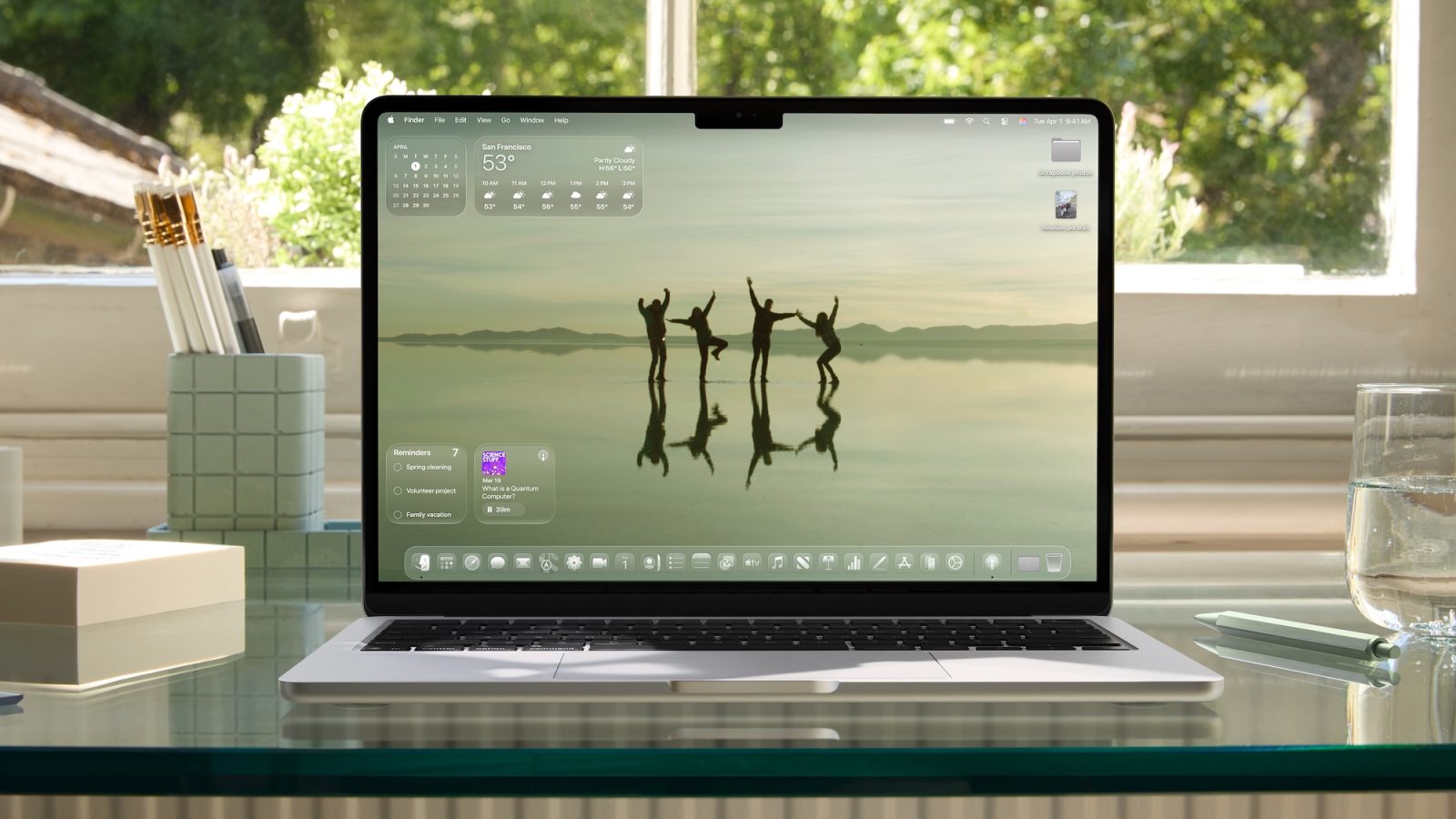
Since the Journal app’s debut on the Mac in July 2025, my journaling habits have shifted significantly. The incorporation of the Journal app into my regular workflow on the Mac has allowed it to seamlessly blend into my recording of thoughts and reflections. In recent months, I’ve documented over 86,000 words in 166 days, leveraging the Mac’s features to streamline my journaling process.
The phrase “calm in the brainstorm” deeply resonates with my experience. The Journal app offers a private space for me to swiftly record ideas and reflections throughout the day, boosting my productivity and creativity. Initially, I doubted whether a Mac app could emulate the focused experience of a handwritten journal, but the Journal app has surpassed my expectations, enabling quick entries and effortless synchronization between devices.
### Benefits of the iPhone Version
Even with the perks of using the Journal app on the Mac, the iPhone version stands out as the most feature-rich. It possesses distinctive functionalities like photo suggestions and recent workout data, which are unavailable on the Mac. To address this divide, I frequently refine my entries on the iPhone before syncing them back to the Mac. However, synchronization can be unpredictable, with updates occasionally delayed between devices.
The iPhone app also facilitates customizable options, including entry notifications, the addition of location data, and photo attachments, reminiscent of Apple’s prior iWeb and Photo Journals experiences. The app guarantees confidentiality and security, demanding Touch ID or Face ID for access, and allows users to modify the auto-lock settings for added ease.
### Conclusion
The rollout of the Journal app on the Mac has reinvigorated my journaling approach, making it more integrated into my everyday life. As I anticipate upcoming updates, like those expected in macOS 27, I am eager for the potential improvements that could further enhance the journaling journey across all Apple devices. The transition of the Journal app from a single-device solution to a multi-device experience showcases Apple’s dedication to enriching user engagement and reflection through technology.