
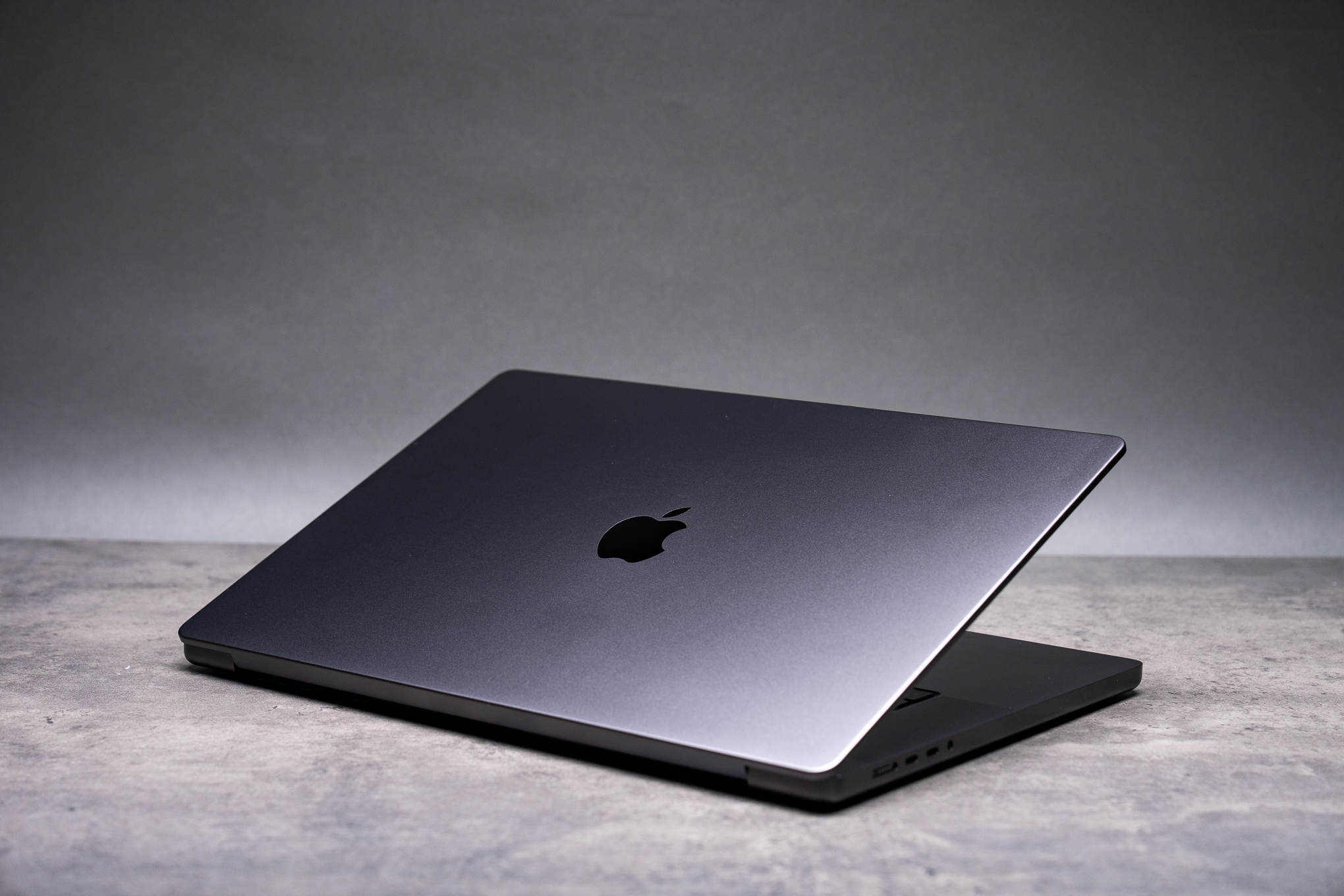

We re-evaluated the M1 Pro and M1 Max models to assess the advancements made with the M5 Max.
The 16-inch MacBook Pro, Apple’s leading creator-focused laptop, has dominated since the 2021 M-series processor upgrade. The design has largely remained consistent with annual chip updates and minor enhancements. Because if it works, why change it?
For detailed information on this series, refer to our previous M4 Pro / M4 Max review as it largely applies to the M5 models. The main question now is whether current M1 Pro or M1 Max users should consider upgrading to the new MacBook Pro.
For 2021 MacBook owners questioning the right time to upgrade, we’ve compared some older MacBooks with the latest models. It’s worth upgrading for certain users due to significant improvements.
By 2026, the 16-inch MacBook Pro features faster chips, Wi-Fi 7, and doubled storage speed, now starting at larger capacities. Priced at $2,699, the M5 Pro includes an 18-core CPU, 20-core GPU, 24GB RAM, and 1TB storage, while the $3,899 M5 Max boasts an 18-core CPU, 32-core GPU, 36GB RAM, and 2TB storage. Our tested M5 Max model, priced at $6,149, comes with a 40-core GPU, 128GB RAM, and 4TB storage.
Older M1 Pro and M1 Max models aren’t quite as powerful. The M1 Pro features a 10-core CPU, 16-core GPU, 16GB RAM, and 1TB storage, costing $2,699 in 2021; the $3,499 M1 Max has a 10-core CPU, 32-core GPU, 32GB RAM, and 1TB storage, with a focus on GPU-intensive tasks.
Testing these laptops shows the M5 Max has progressed significantly. Its single-threaded performance in Geekbench 6 and Cinebench 2026 is 65 to 76% higher than the M1 Max, and its multi-threaded results are 124 to 161% better. The M5 Max’s 40 GPU cores nearly double the M1 Max’s scores in both Metal and OpenCL.
The M5 Max’s superiority over the M1 Pro is even more pronounced, scoring 76 to 85% higher in CPU tests and tripling the M1 Pro’s GPU scores. Adobe app tests reveal the M5 Max is nearly twice as efficient in Photoshop and significantly better in Premiere Pro. Its SSD speed is more than twice as fast, enhancing already speedy storage.
The M1 Pro and M1 Max units borrowed belonged to professionals satisfied with their performance. One such user, our colleague Kevin McShane, finds his M1 Max perfect for his video and animation work. He’d only upgrade for 4K or more demanding tasks.
Testing confirms that while the M5 Max marks a significant upgrade, it may not be necessary for everyone. However, M5 models offer tangible improvements in chip, memory, and storage performance. Switching from M1 to M5 also means Thunderbolt 5, Wi-Fi 7, Bluetooth 6, a better webcam, and an optional $150 anti-glare screen.
Some M1 MacBook Pro users might also consider “downgrading” to the M5 Air for a more modest machine. The M5 Air lacks the MacBook Pro’s superior screen and port selection and throttles performance under prolonged use, but its performance is comparable to an M1 Pro, offering a lighter, more affordable option. The 14-inch MacBook Pro with the standard M5 chip provides an upgrade from an M1 Pro without compromising on “Pro” features.
The M5 Max caters to power users ready for an upgrade. However, rumors of a touchscreen MacBook Pro could make waiting for future designs worthwhile. But for those seeking immediate power, the M5 MacBook Pros are a substantial advancement.