
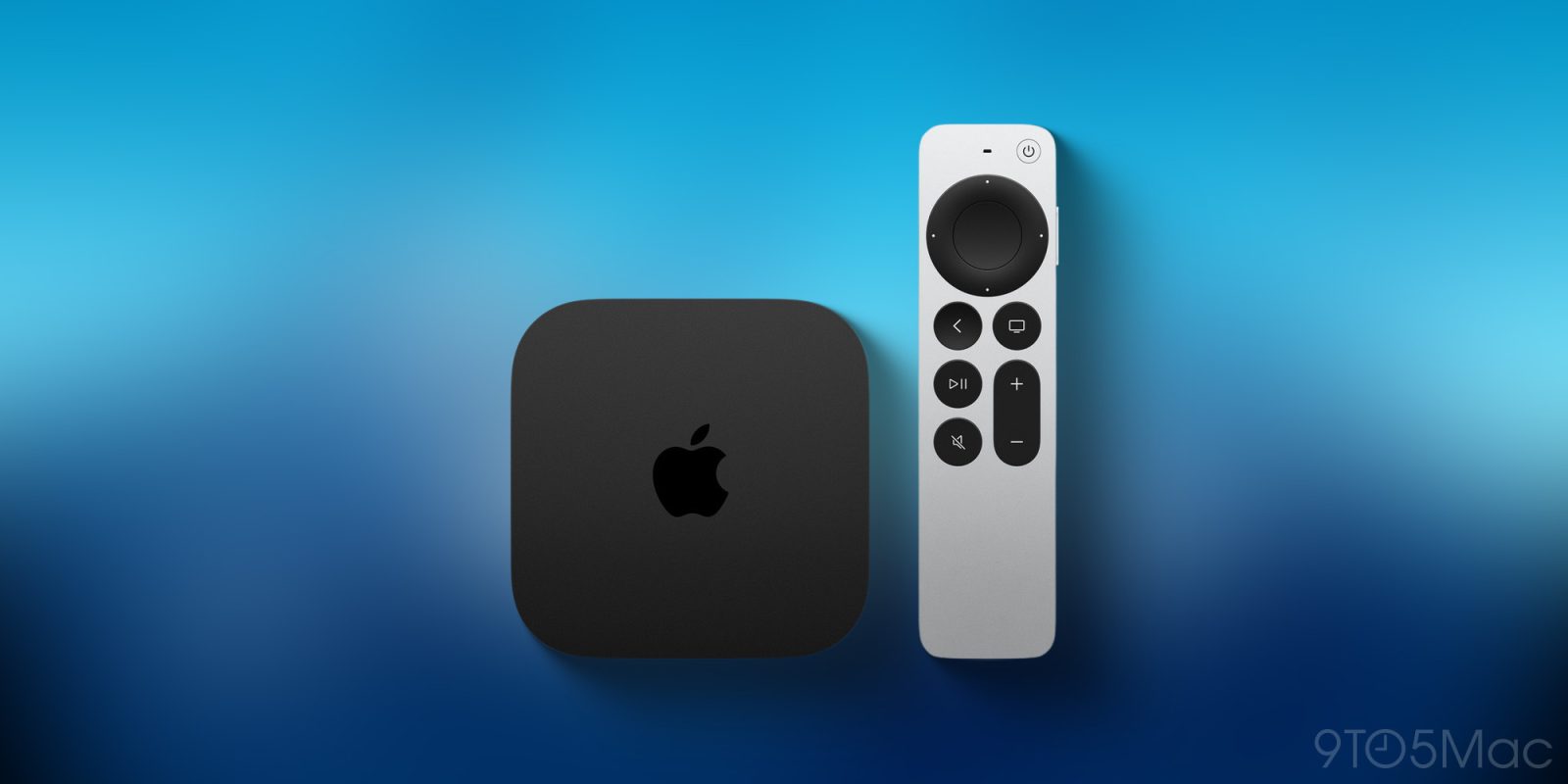

**tvOS 26.4 Now Released for Apple TV 4K: Main Features and Audio Enhancements**
tvOS 26.4 is now available for Apple TV 4K and Apple TV HD, introducing a variety of new features along with a major fix for audio playback problems. Users can obtain the update by going to Settings ⇾ System ⇾ Software Updates.
### Main Features of tvOS 26.4
A key addition in this update is the ‘Genius Browse’ function within the Apple TV app. This feature aims to assist users in finding new movies and TV series that match their tastes, improving the overall viewing experience.
### Audio Enhancements
A significant enhancement in tvOS 26.4 resolves an audio issue that many users have faced. The update corrects glitches that happen when audio switches between various formats, like Dolby Atmos and stereo. As per Apple’s official release notes, this fix intends to eliminate these frustrating interruptions during playback.
For users still facing audio troubles, tvOS 26.4 offers an optional ‘Continuous Audio Connection’ setting. This can be activated by navigating to Settings ⇾ Video and Audio ⇾ Audio Format ⇾ HDMI Output. Users are encouraged to try this setting if audio problems persist.
### Conclusion
With the launch of tvOS 26.4, Apple seeks to enhance the user experience on Apple TV 4K and HD, especially concerning audio playback and content exploration. Users are encouraged to share their feedback on the update, particularly about audio performance.